 Image 1 of 14
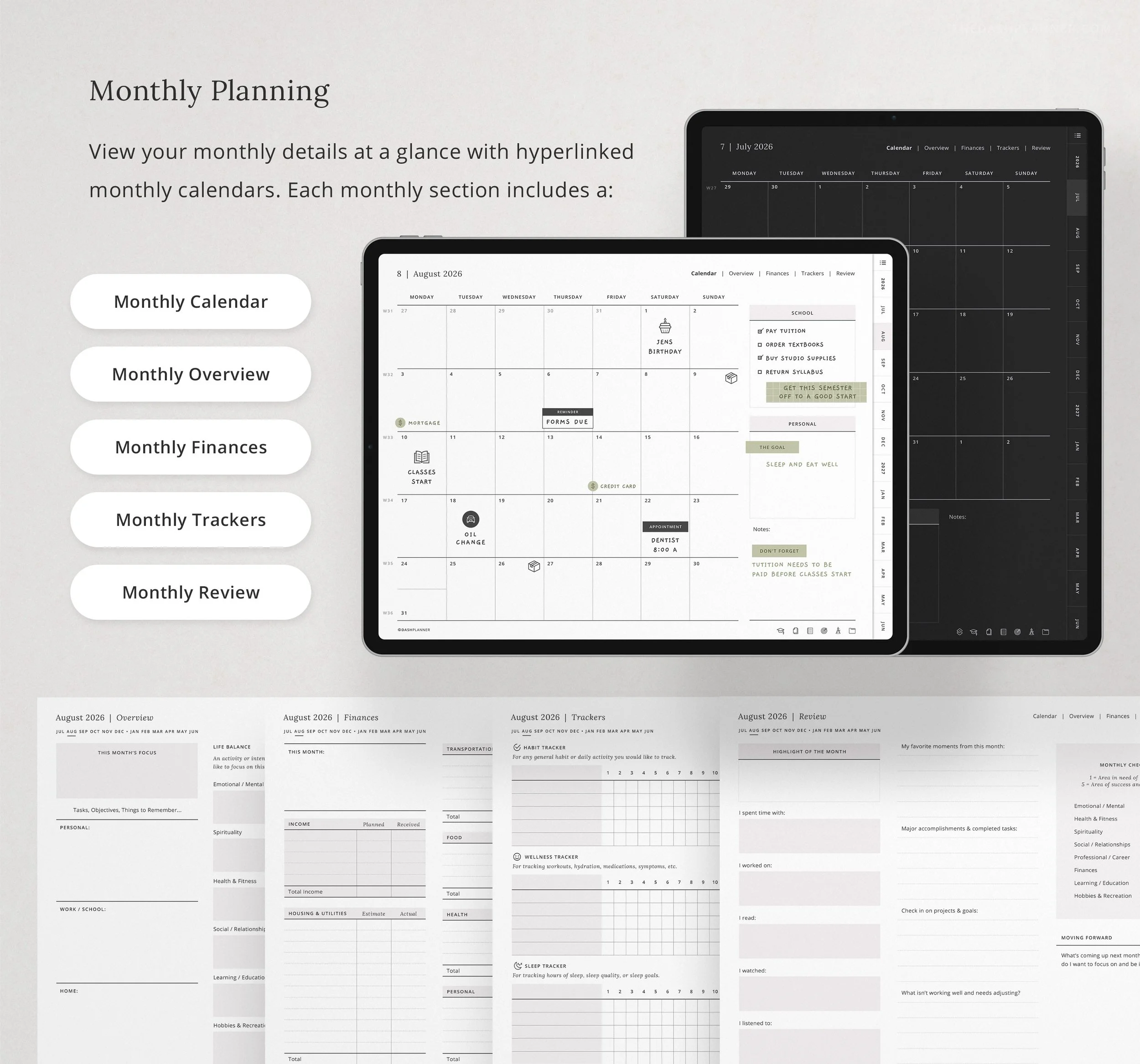 Image 2 of 14
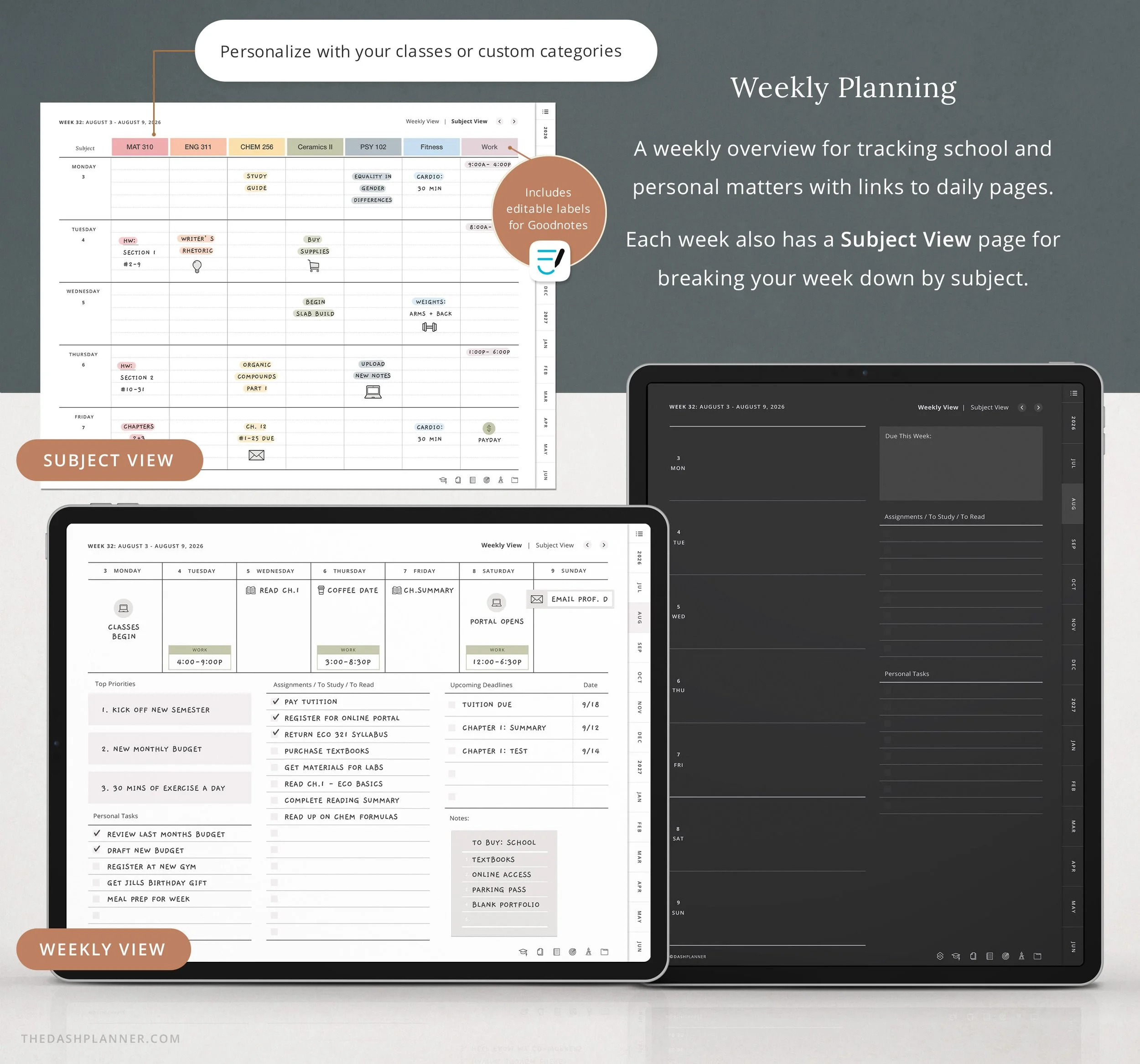 Image 3 of 14
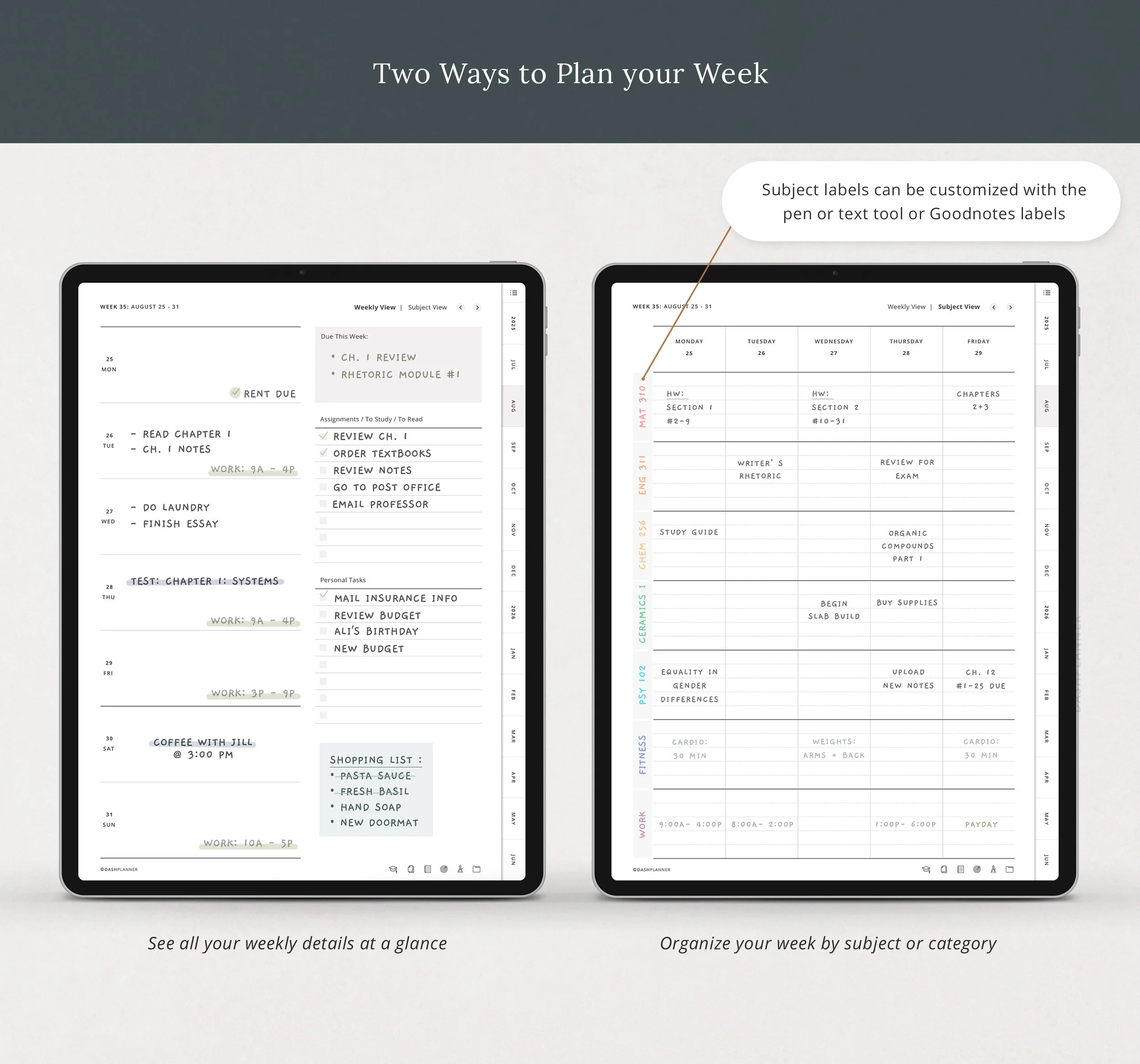 Image 4 of 14
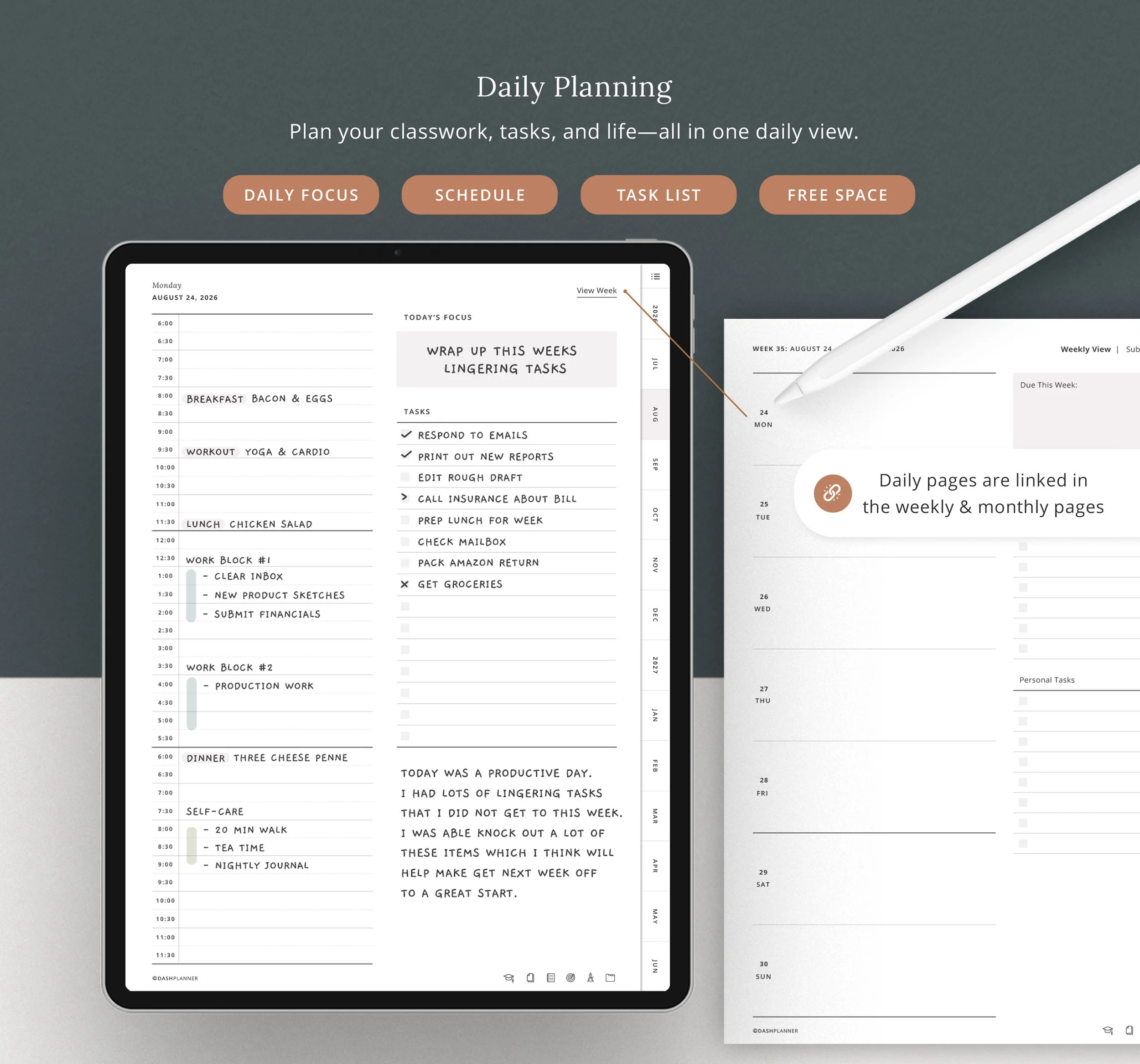 Image 5 of 14
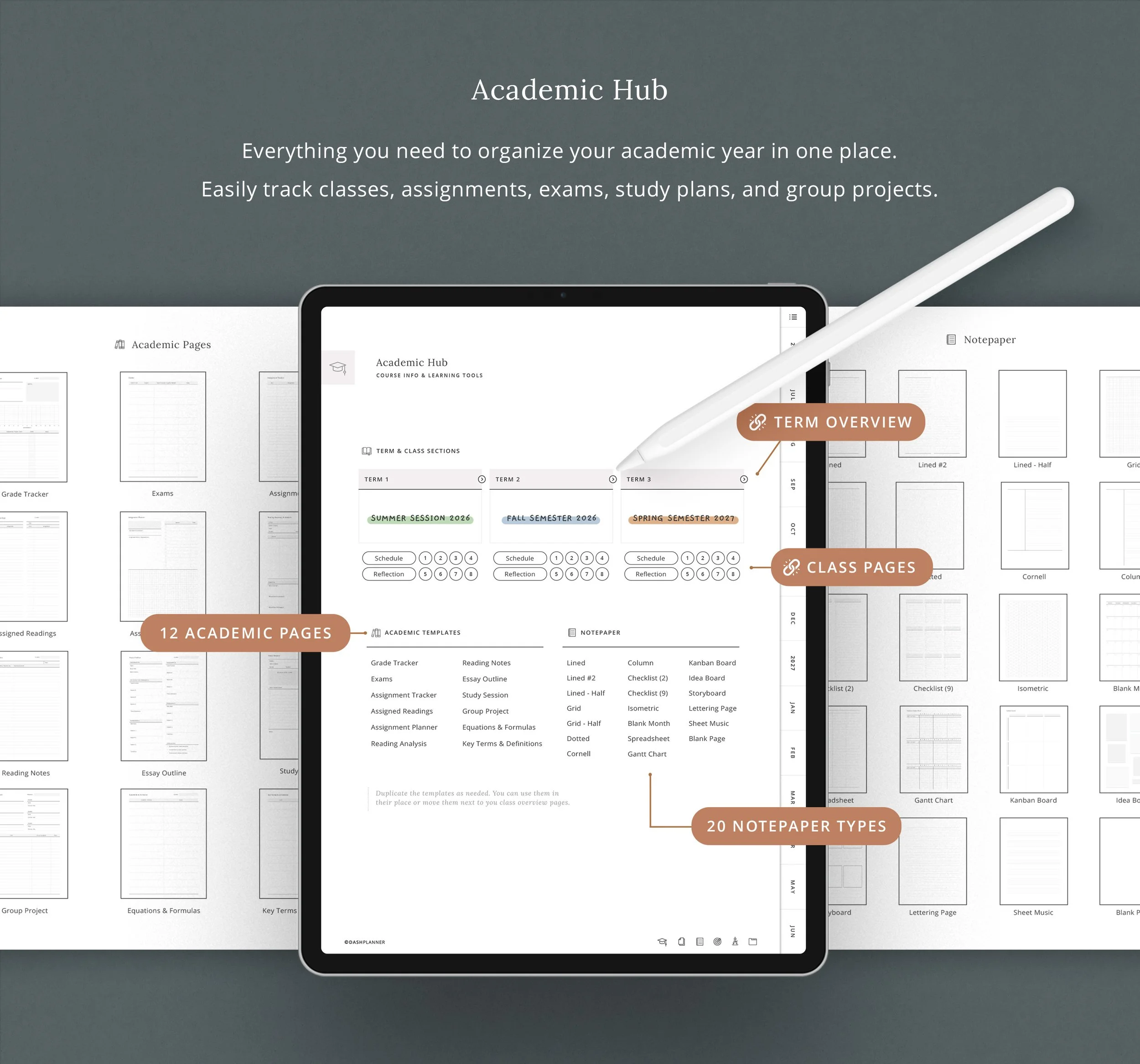 Image 6 of 14
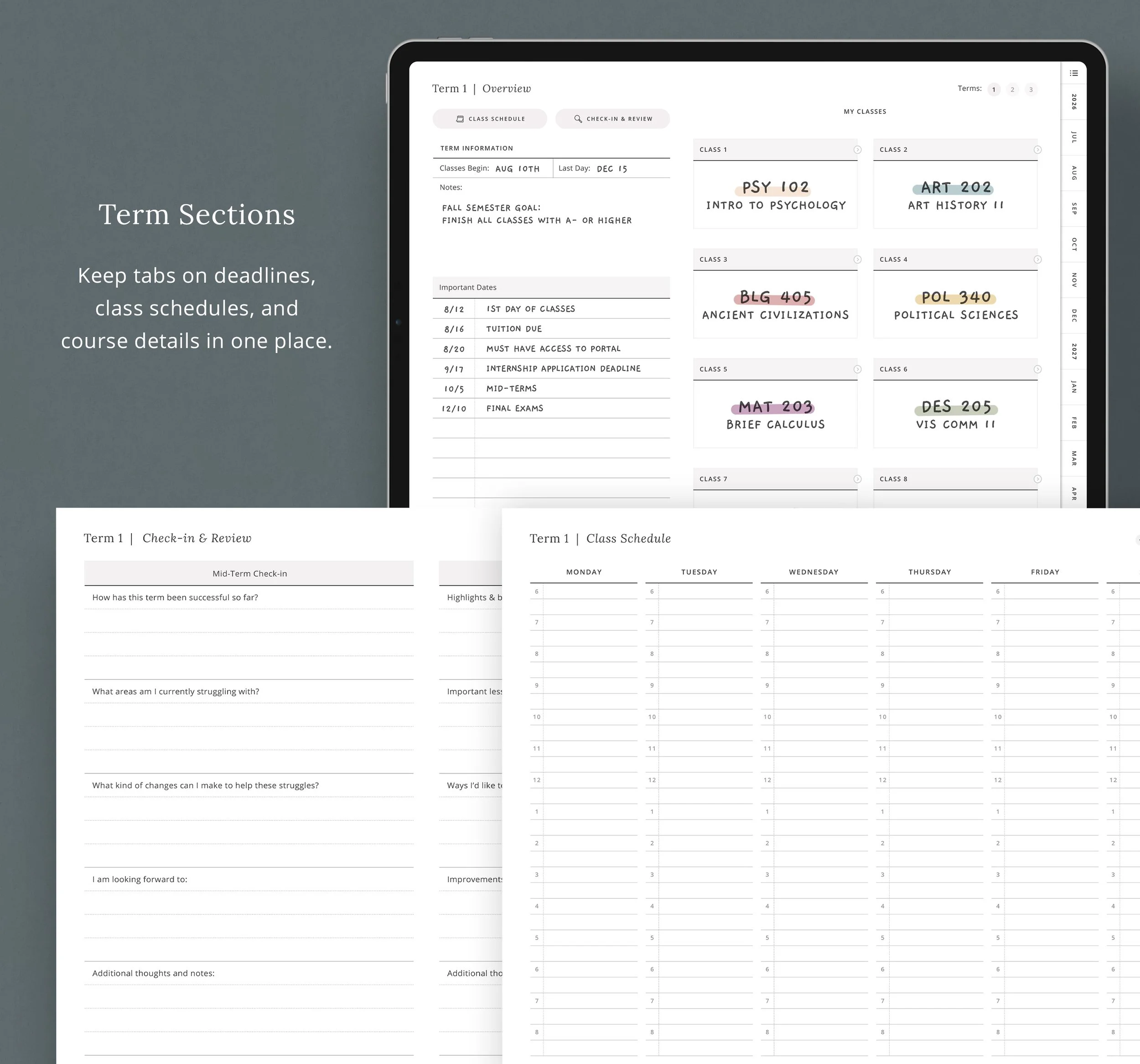 Image 7 of 14
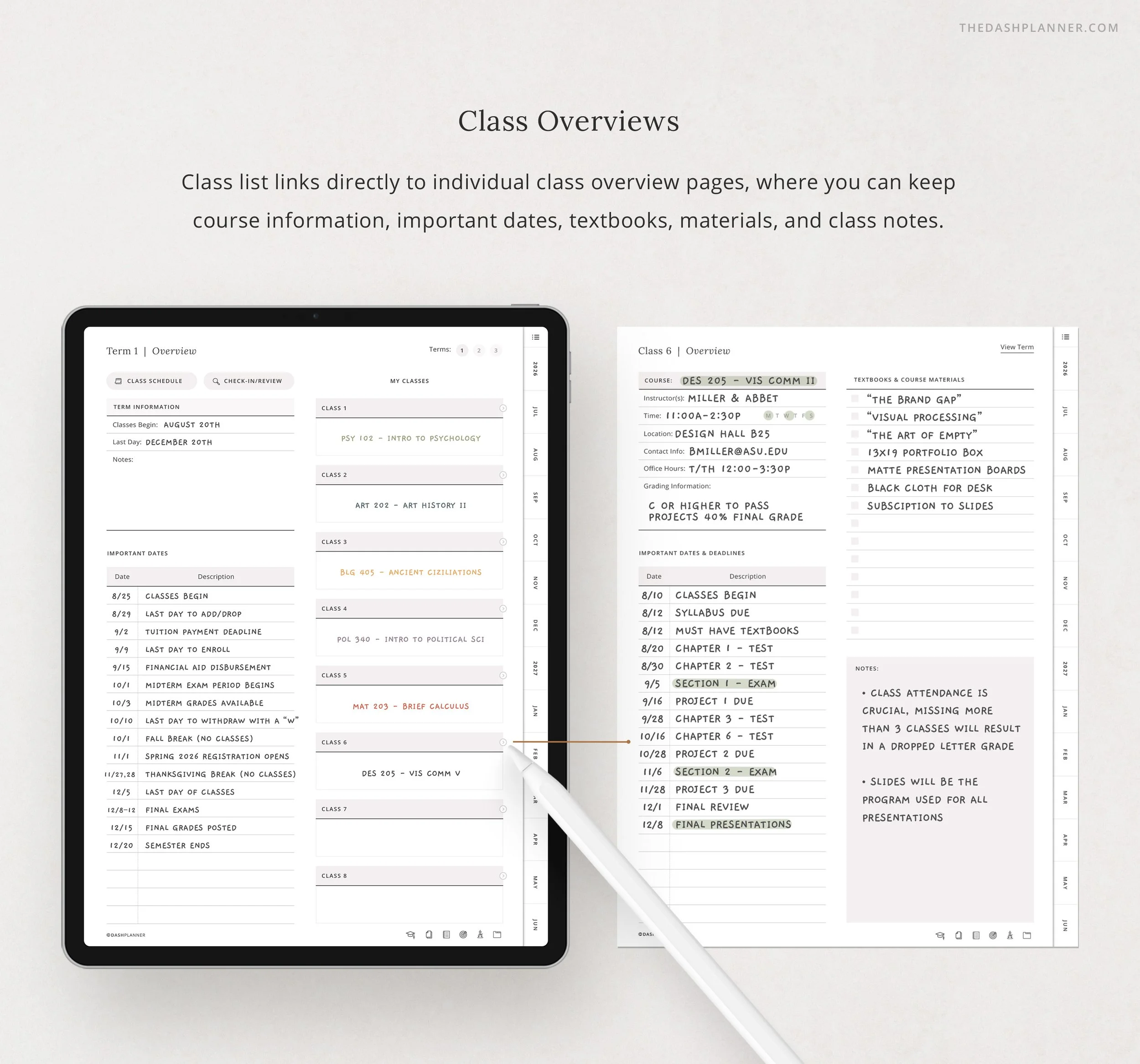 Image 8 of 14
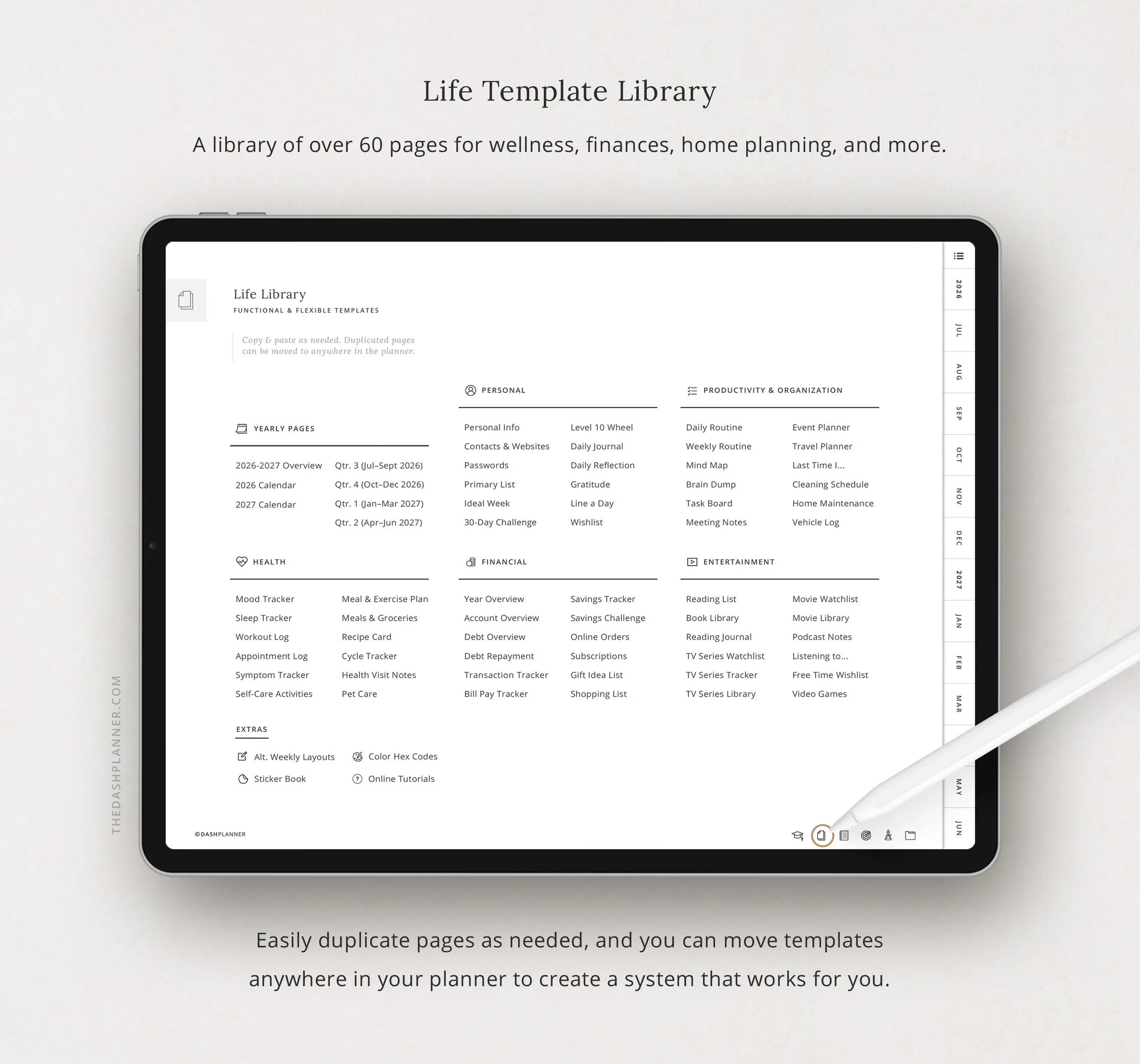 Image 9 of 14
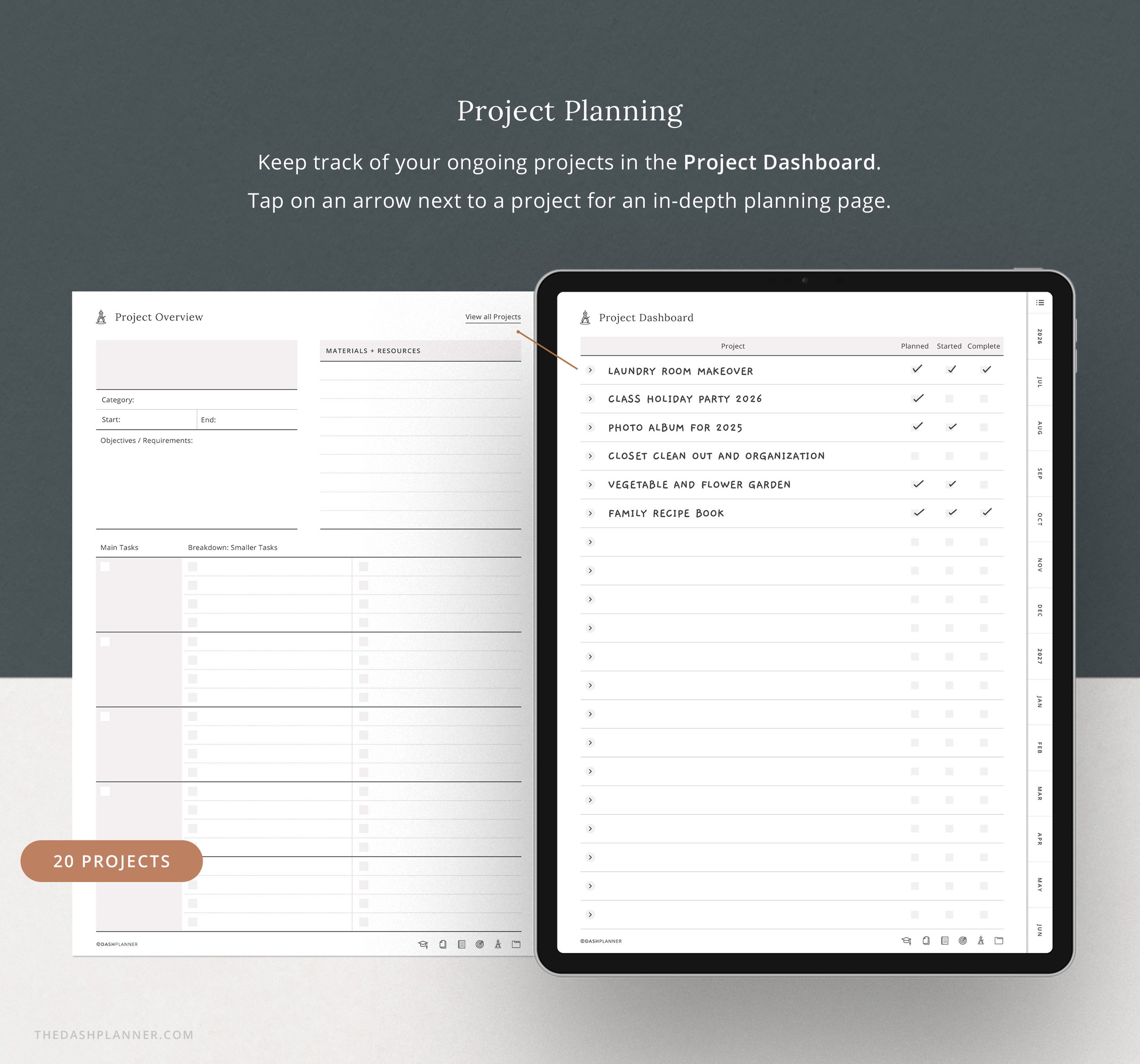 Image 10 of 14
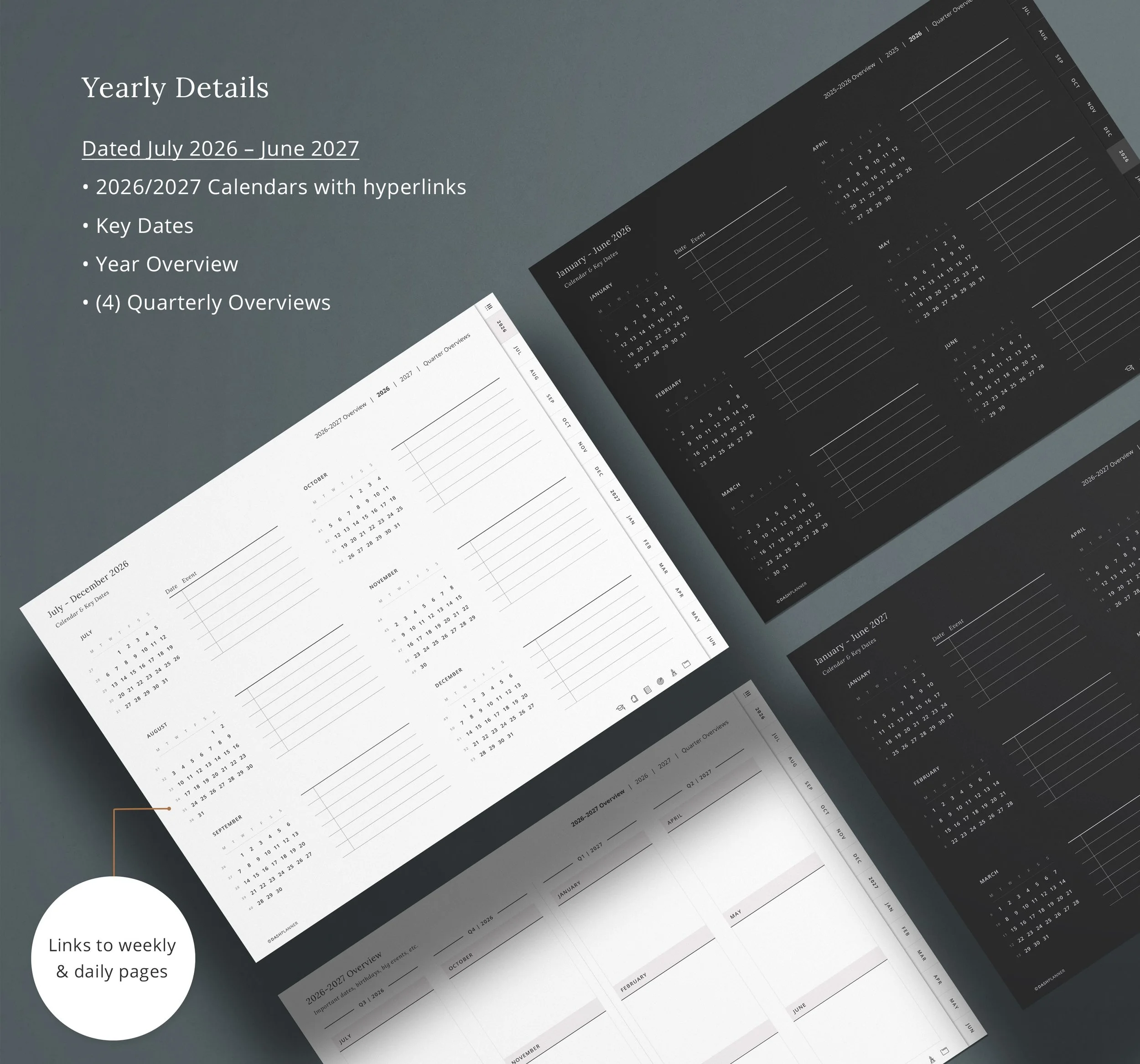 Image 11 of 14
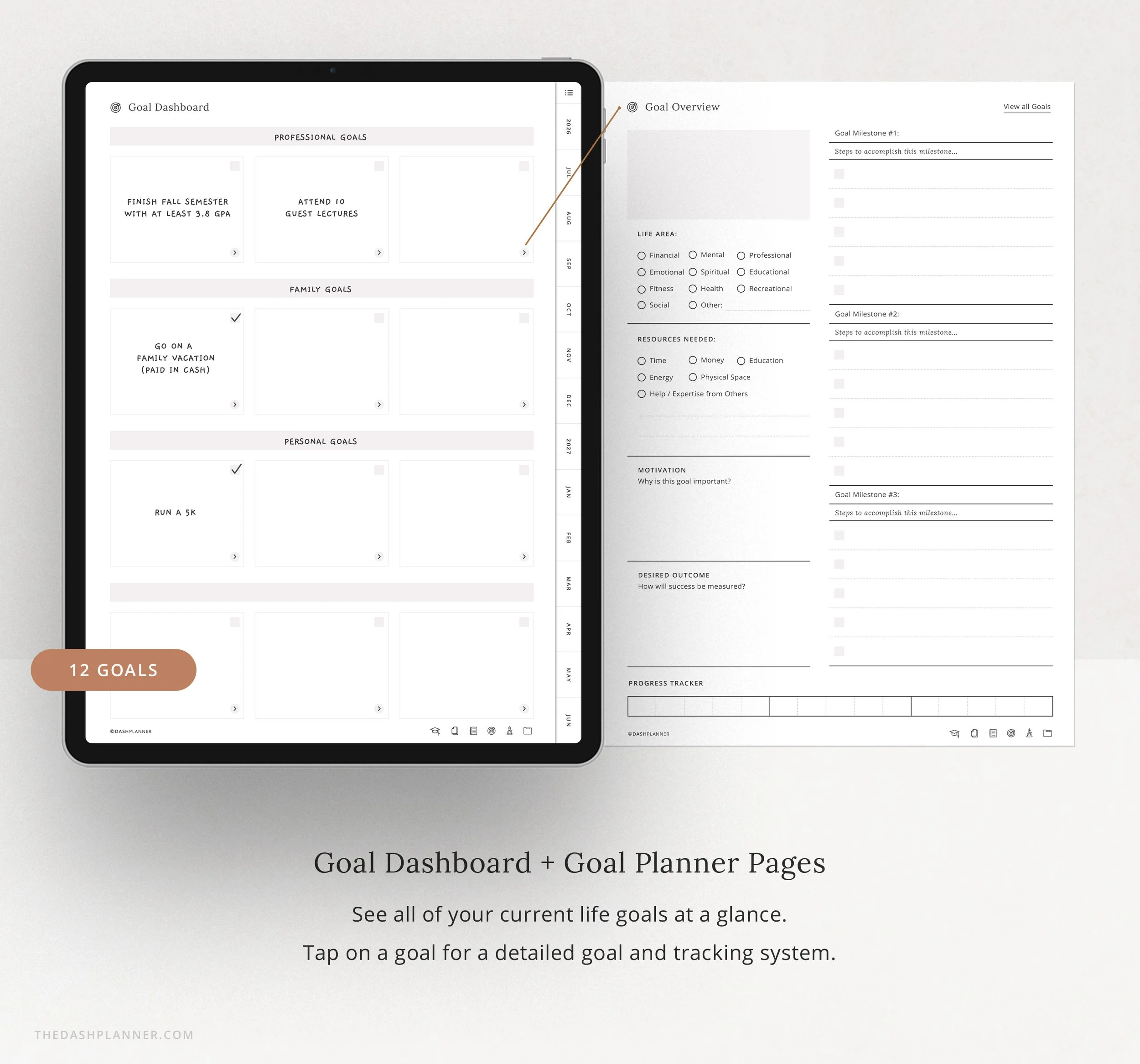 Image 12 of 14
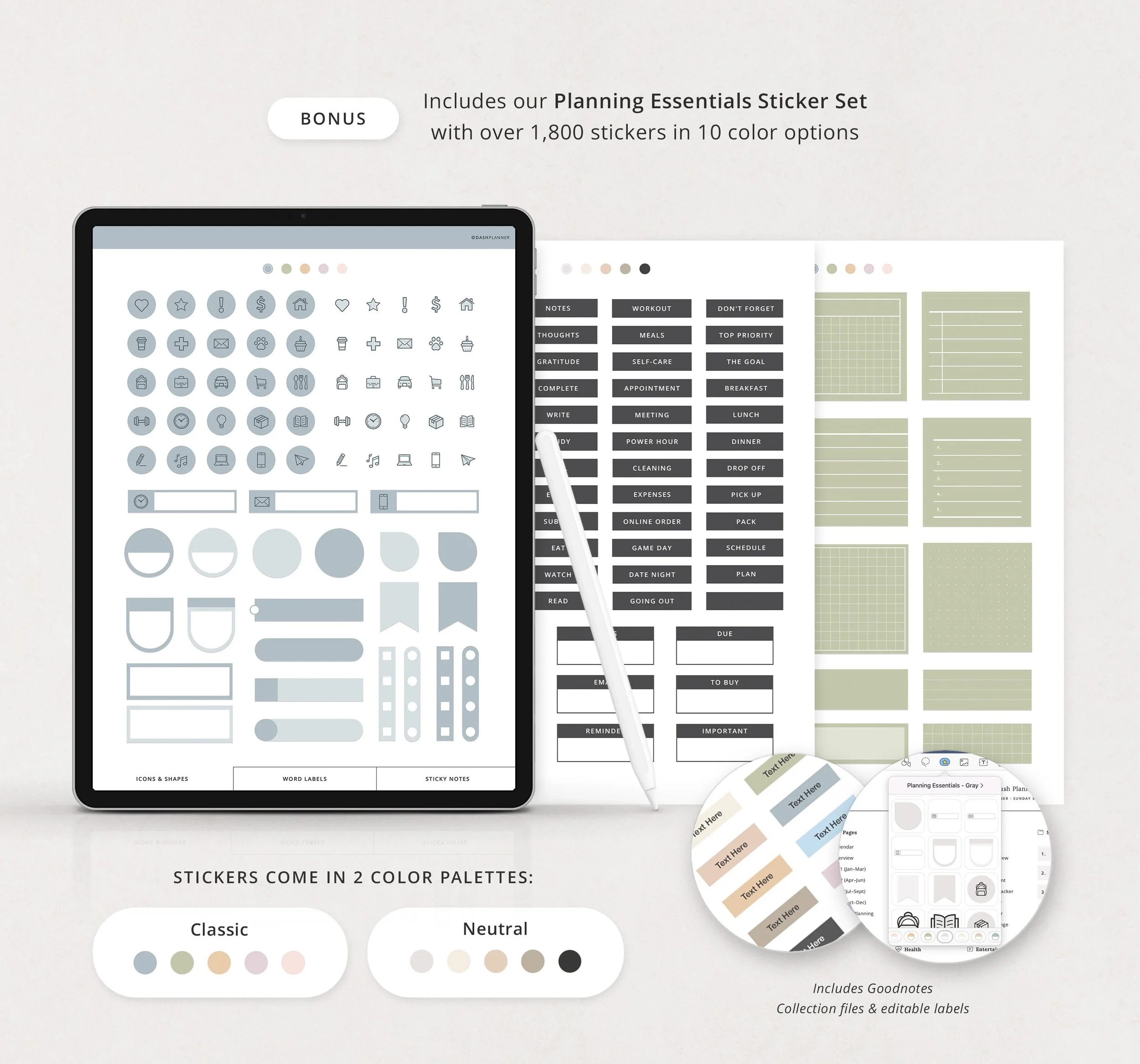 Image 13 of 14
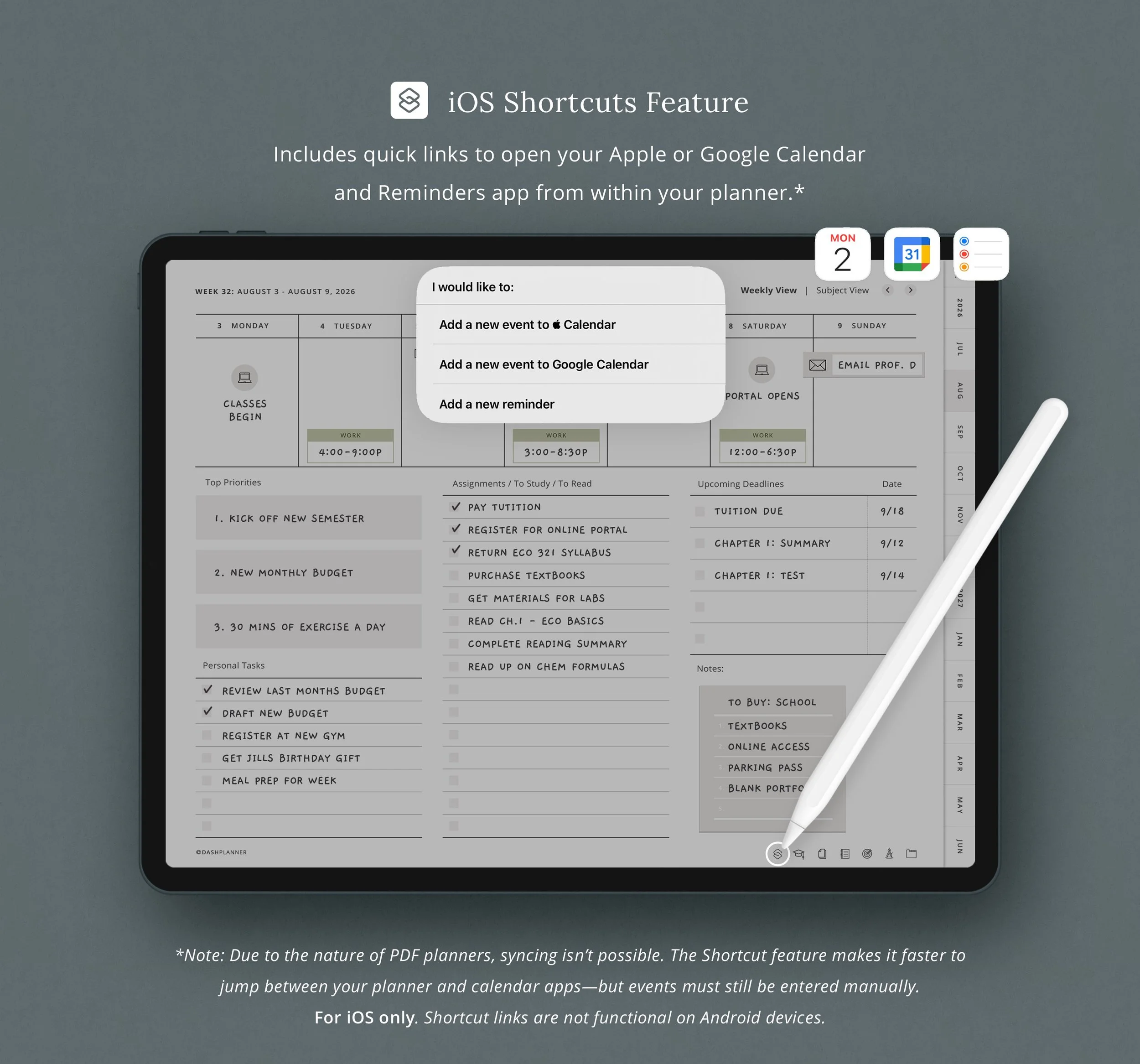 Image 14 of 14
What you Get
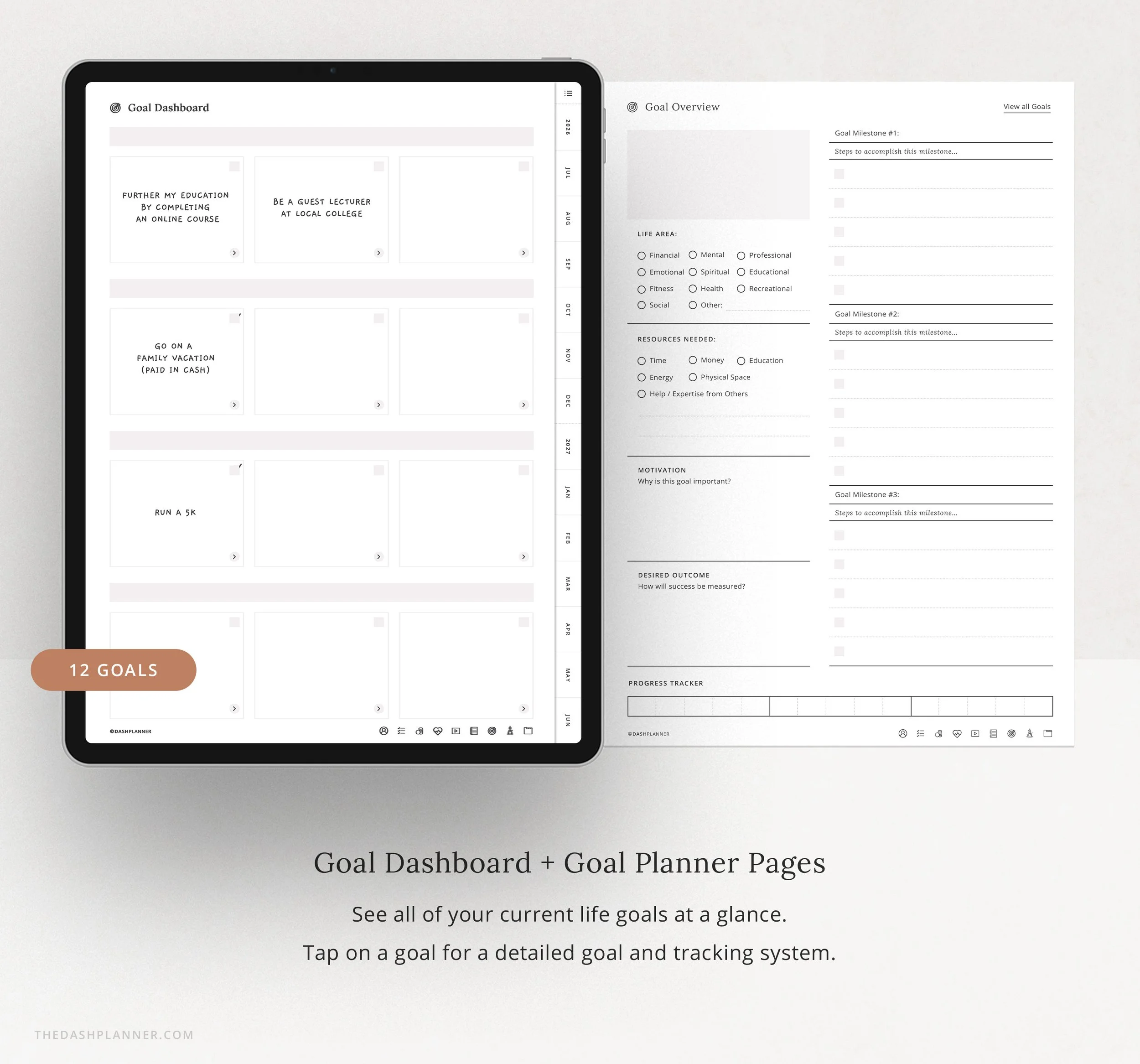
📚 Academic Planning System
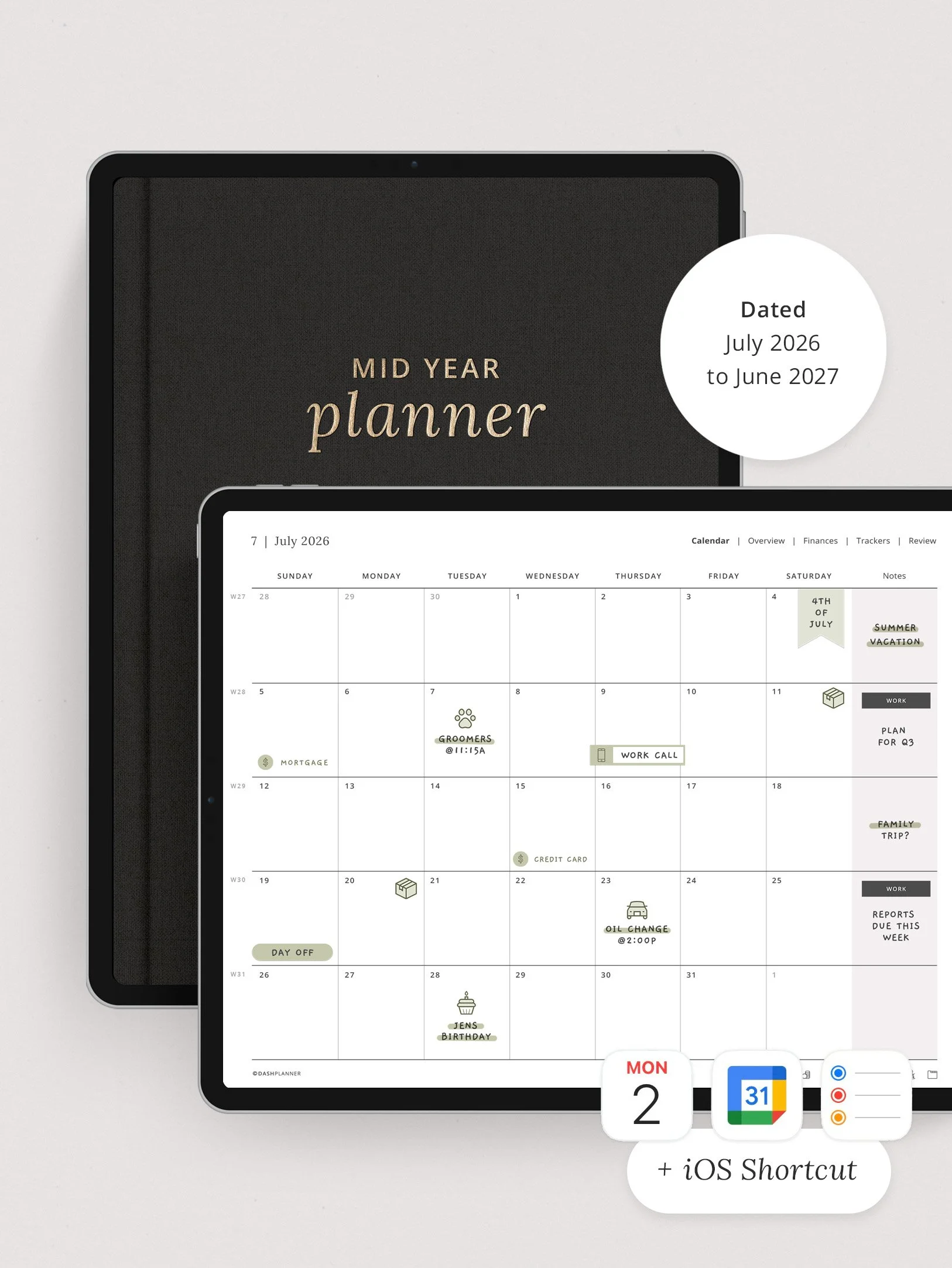
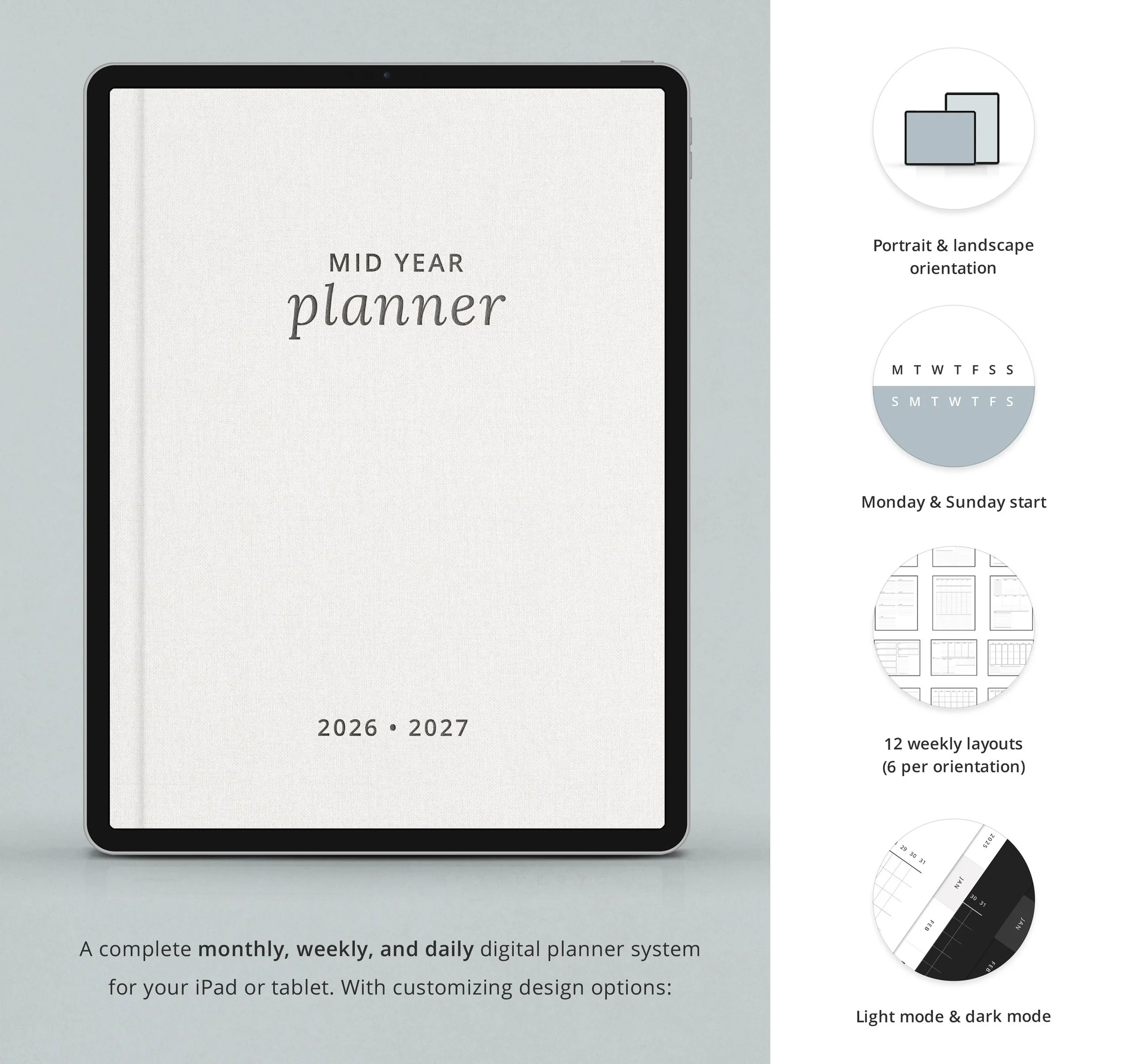
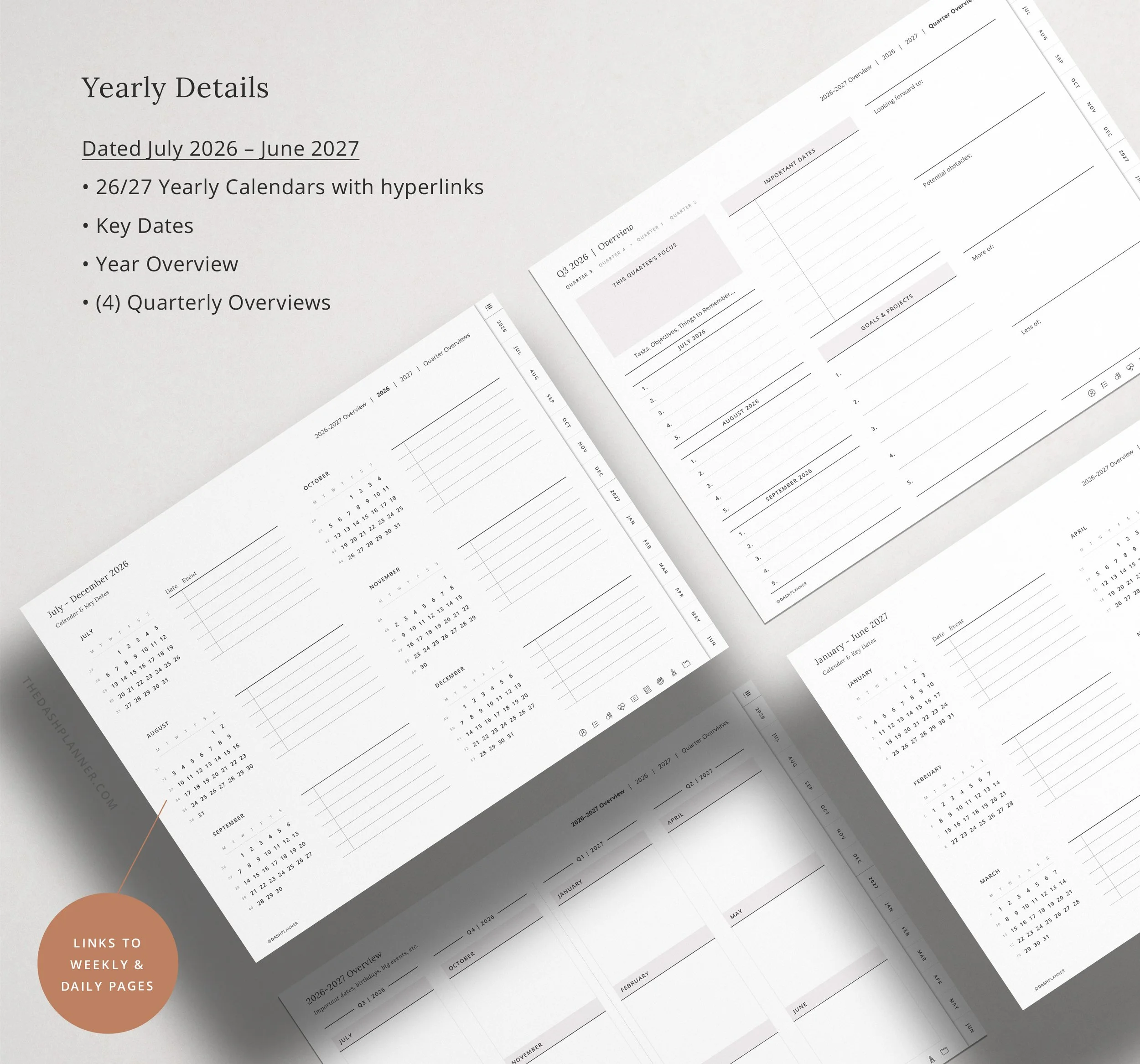
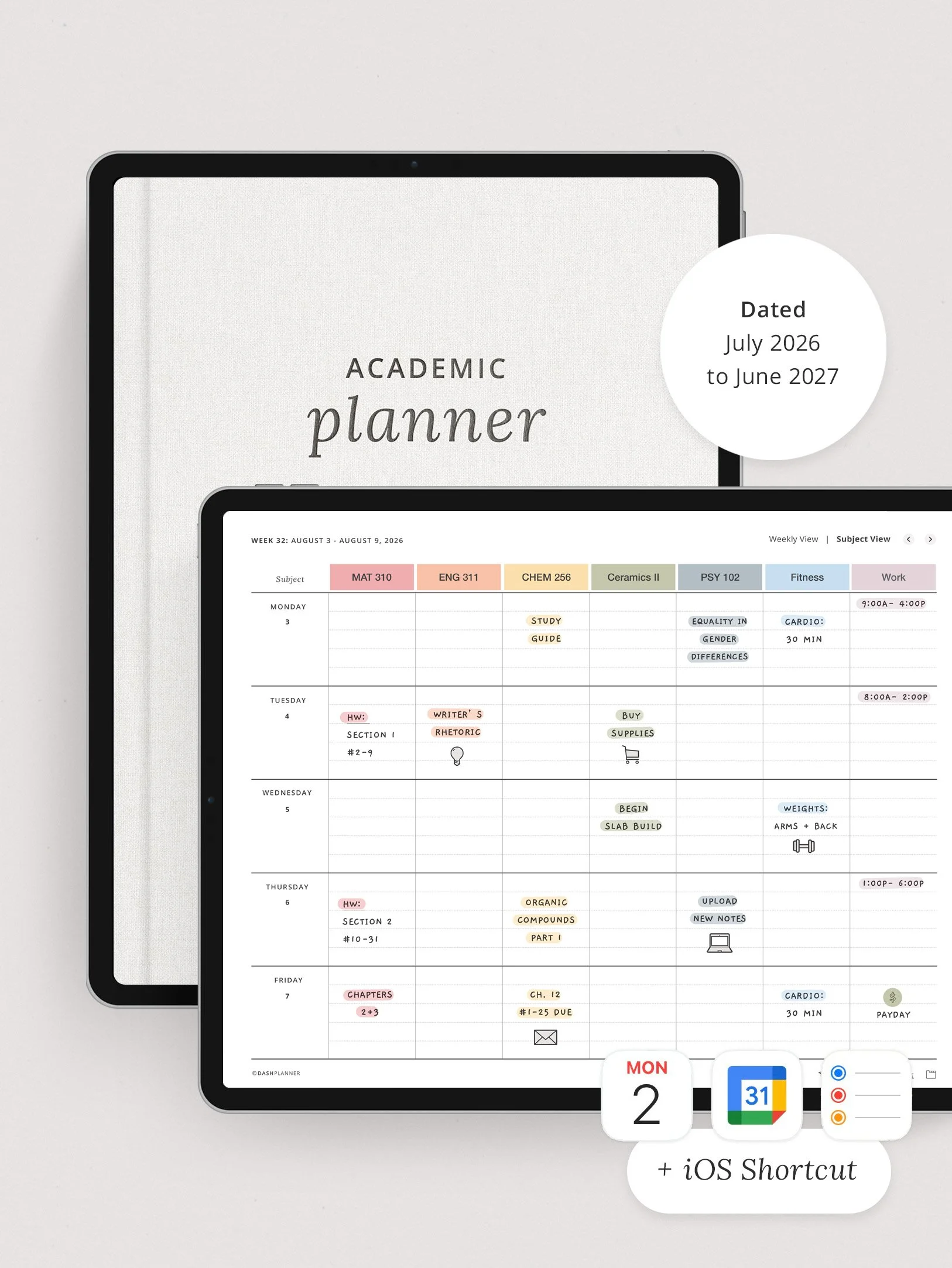
Dated pages: July 2026–June 2027 (covers fall and spring semesters plus summer)
Semester & class trackers: Map out your full course load with space for syllabi notes, professor info, and office hours
Assignment tracker: Keep track of papers, projects, and problem sets across all your classes
Exam planner: Schedule study sessions and track test dates so nothing sneaks up on you
Study schedule builder: Block out library time, study groups, and cramming sessions
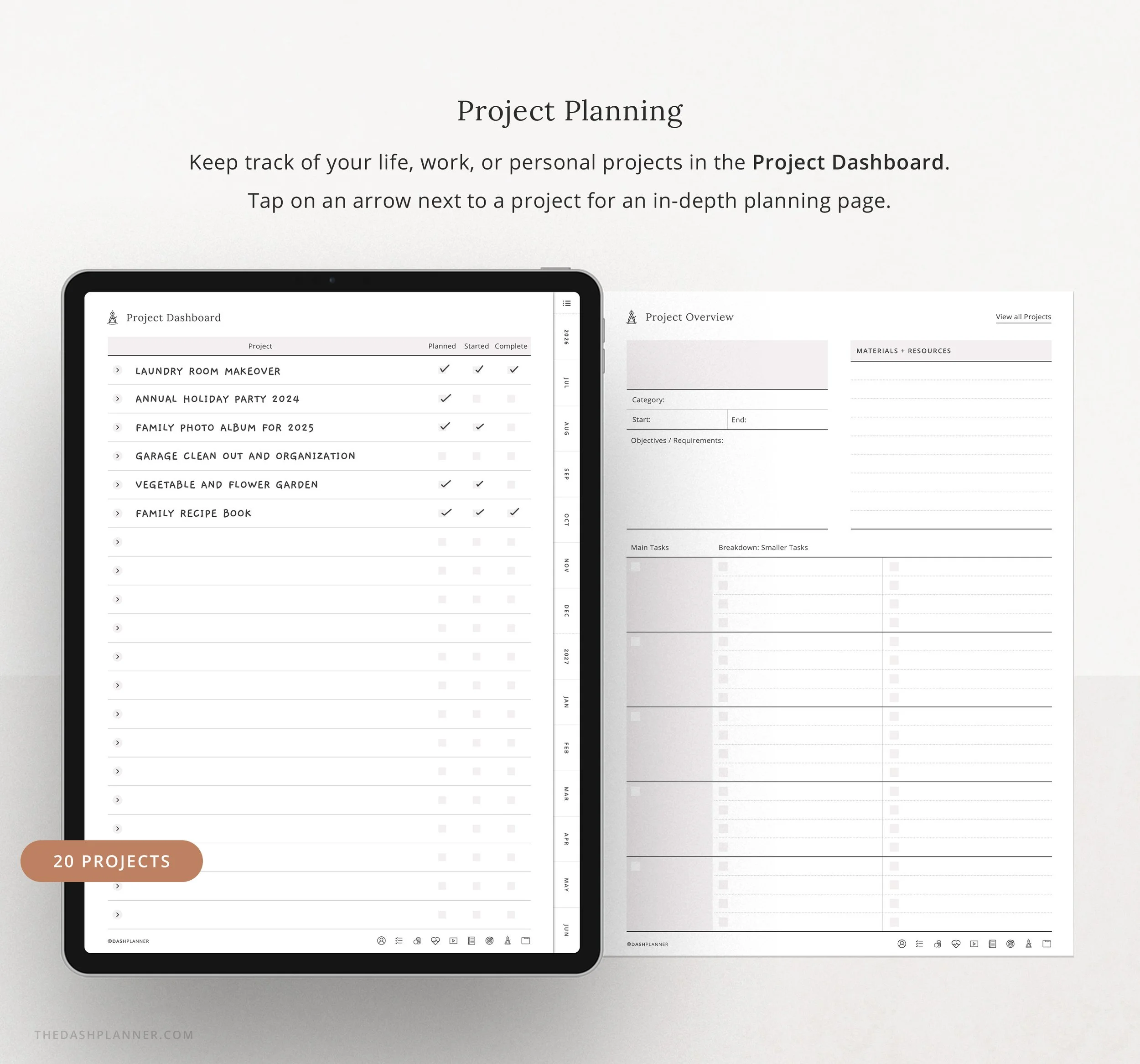
Group project organizer: Coordinate with teammates, track deliverables, and manage deadlines
Reading & research templates: Plan essay outlines, track sources, and manage required readings
📅 Three Planning Views (All Hyperlinked)
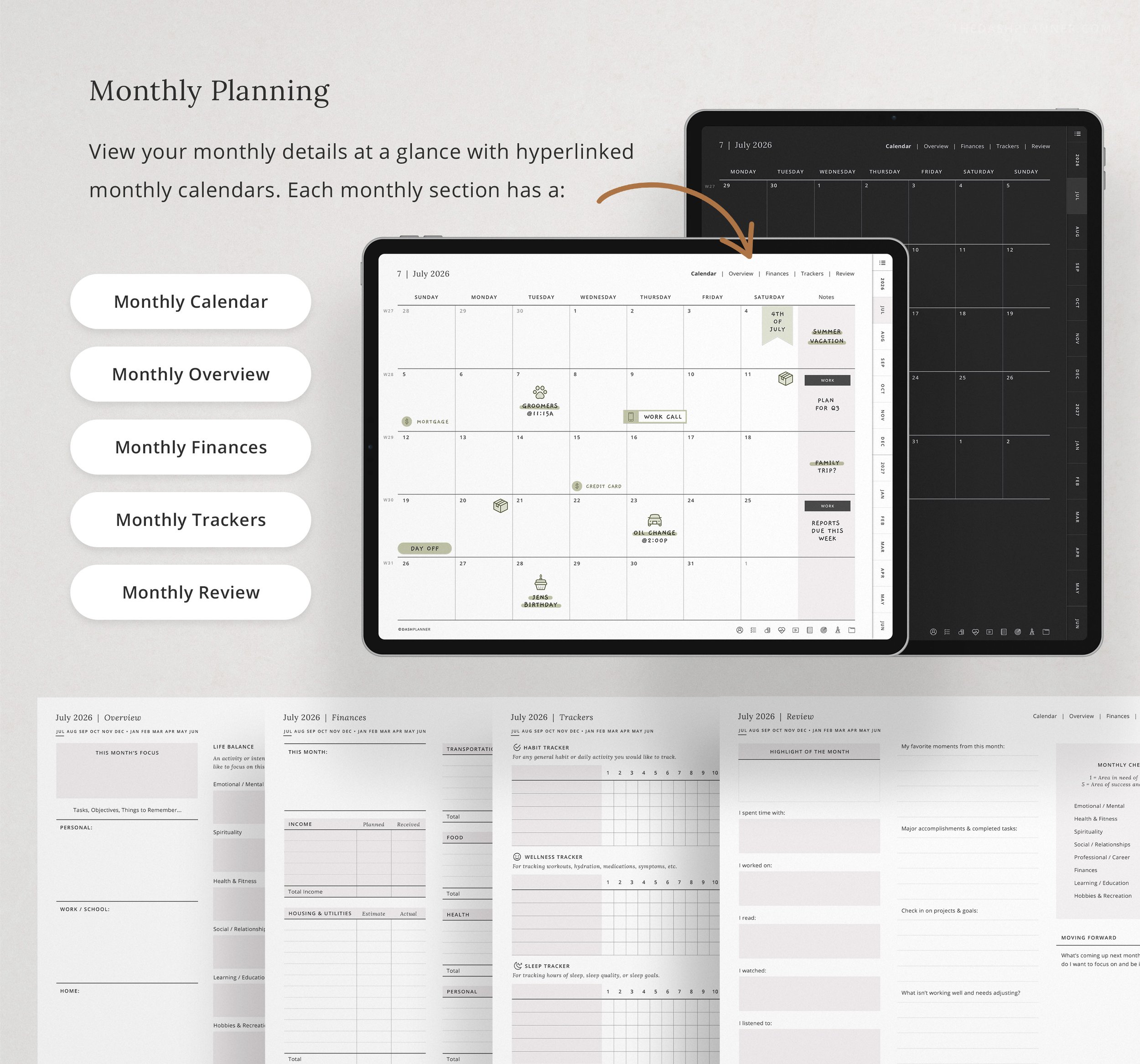
Monthly spreads: See your whole semester—mark exam weeks, breaks, and big deadlines
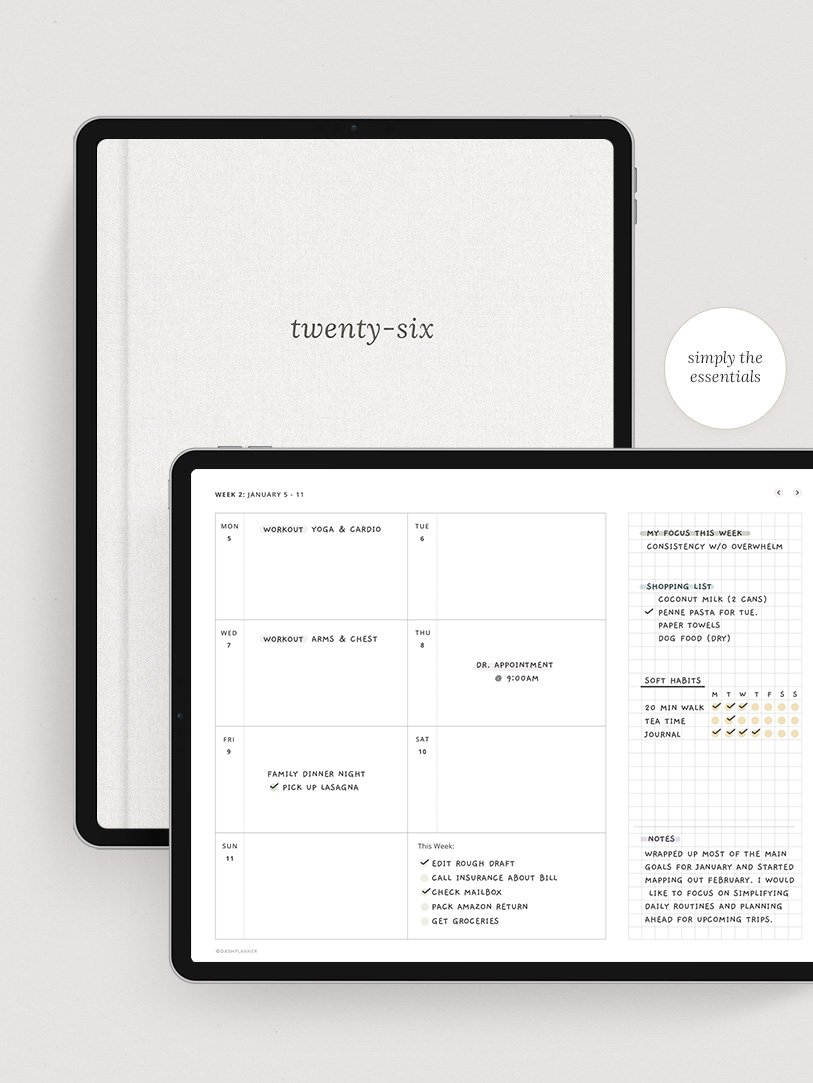
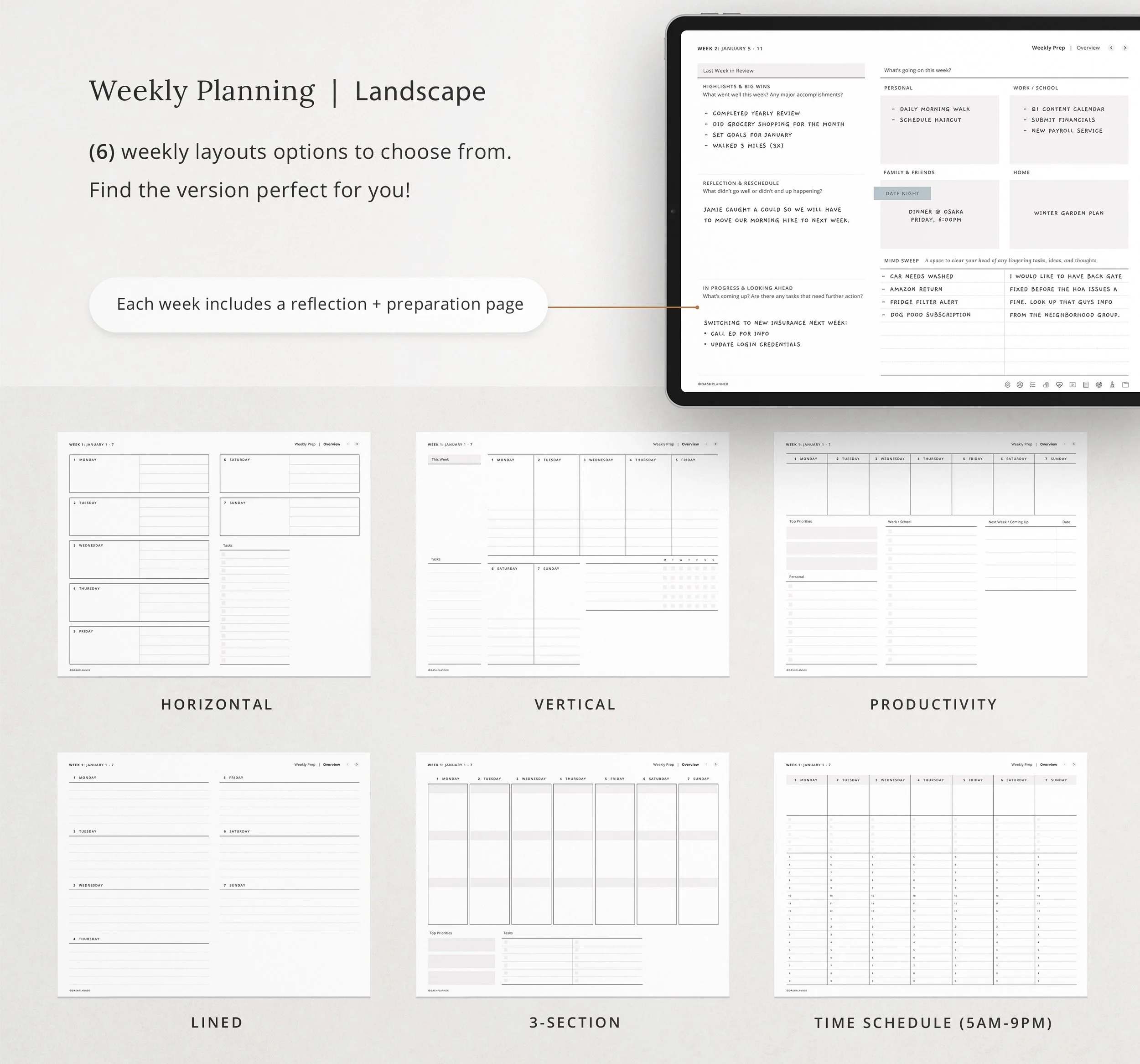
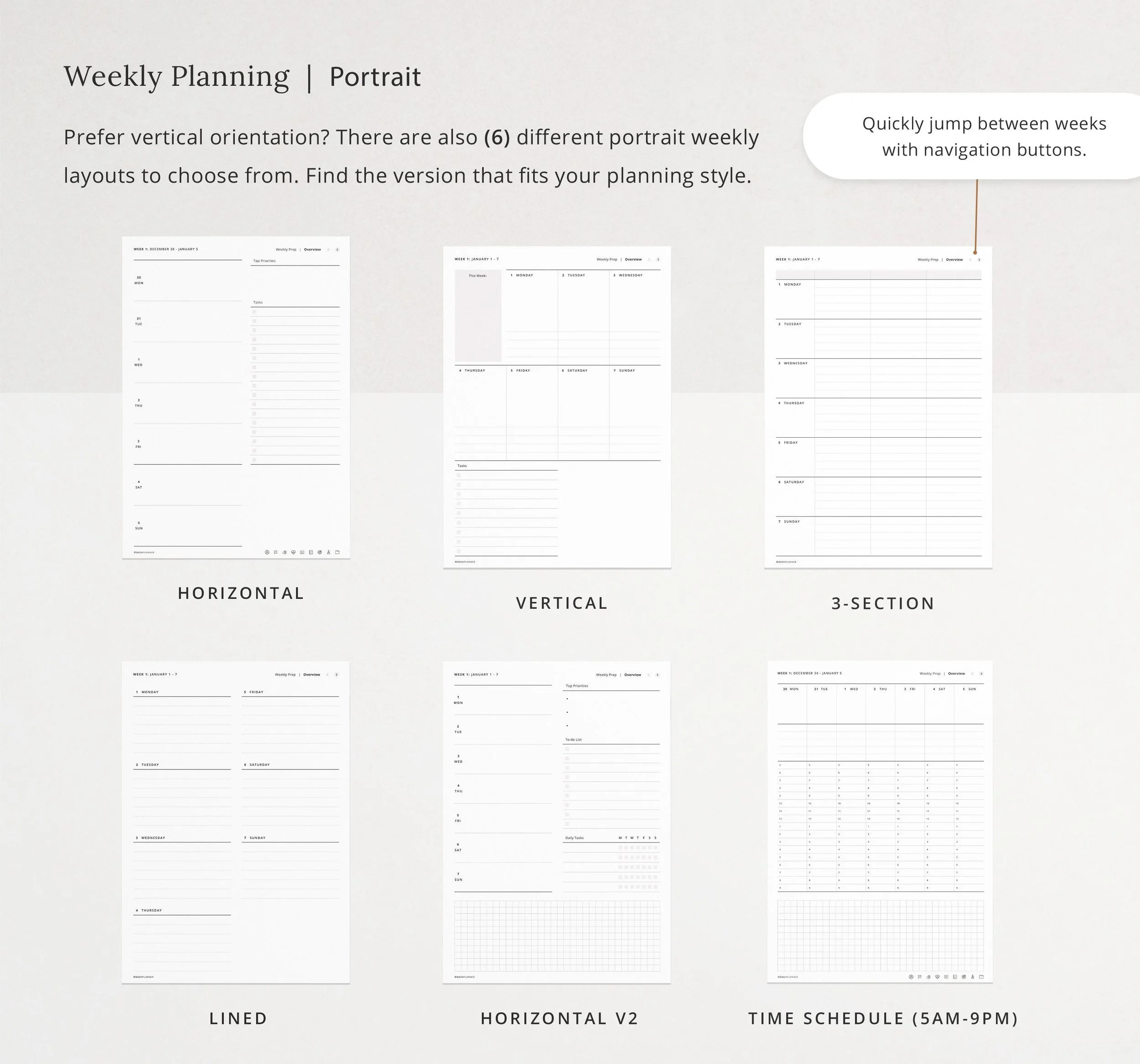
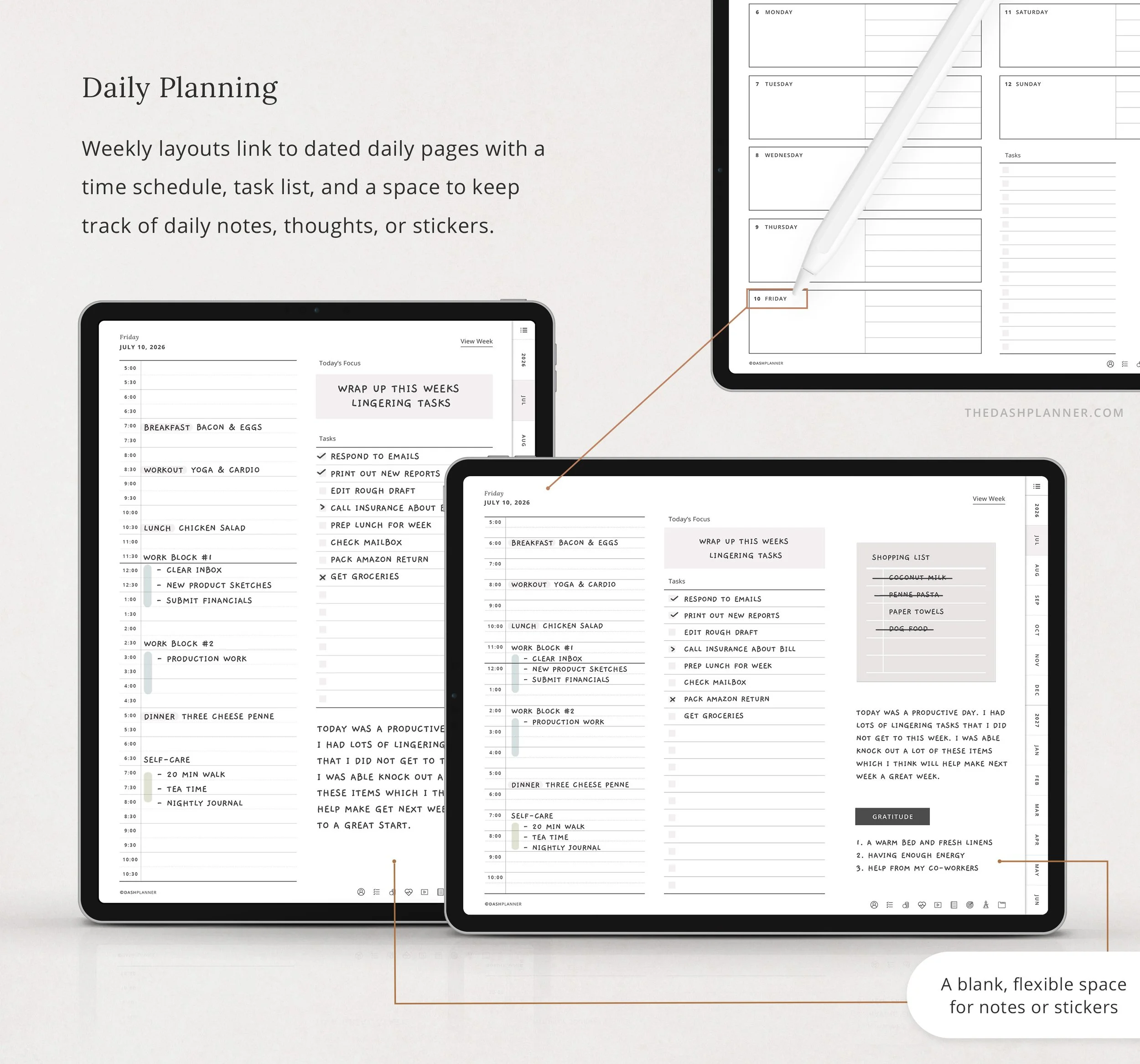
Weekly layouts: Map out classes, assignments, study time, and the rest of your life
Daily pages: Time-block your day when things get intense (finals week, we see you)
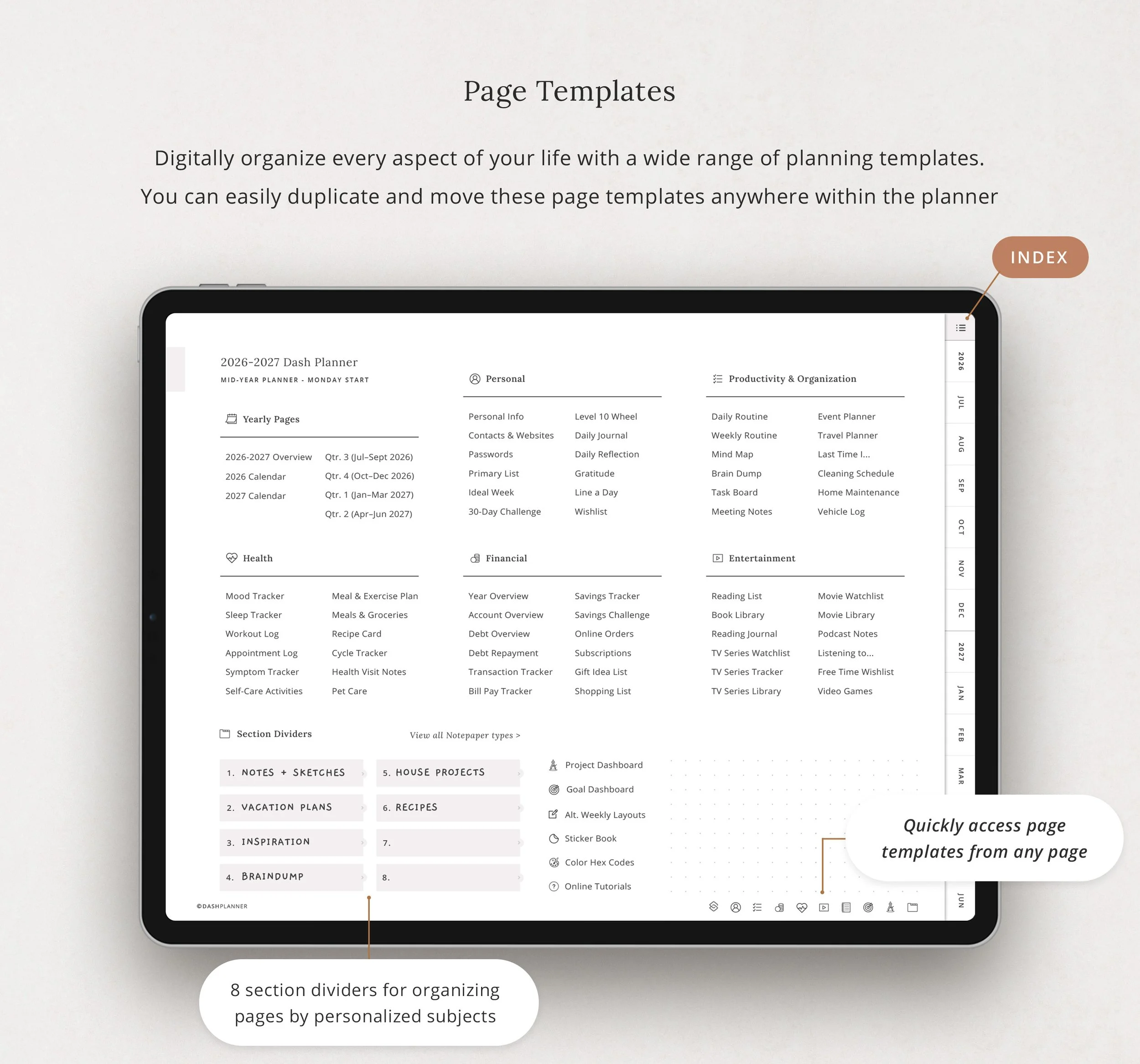
📝 Life Planning Templates (60+ Layouts) Because school isn't your whole life:
Budget trackers (textbooks are expensive)
Meal planning (beyond instant ramen)
Wellness check-ins
Habit trackers
Routine builders
And 55+ more reusable templates
📓 Built-In Digital Notebook
10 subject dividers (one for each class, or however you organize)
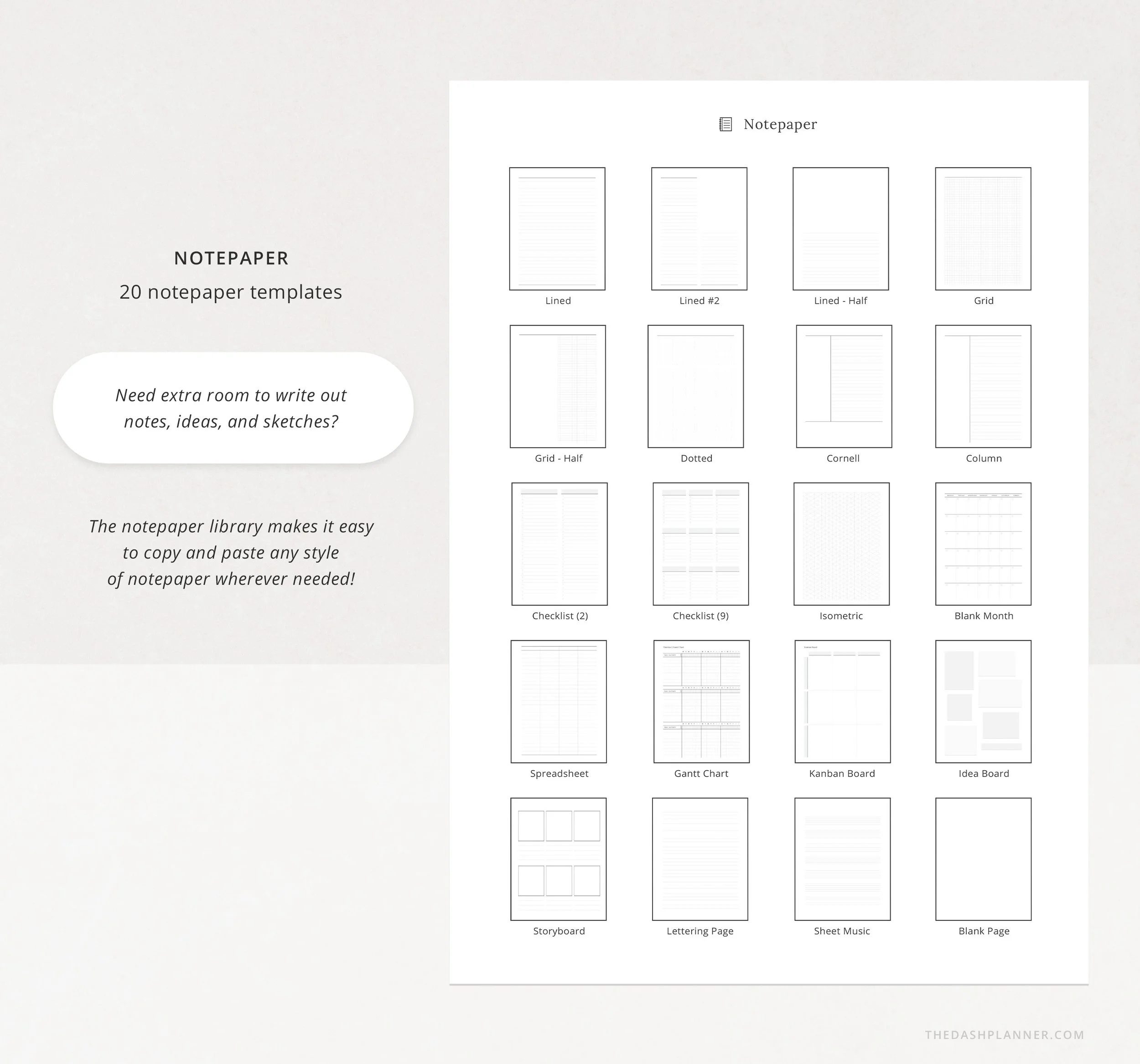
20 notepaper styles for lecture notes, brainstorming, and journaling
No need to switch between apps
🎨 Stickers & Design Options
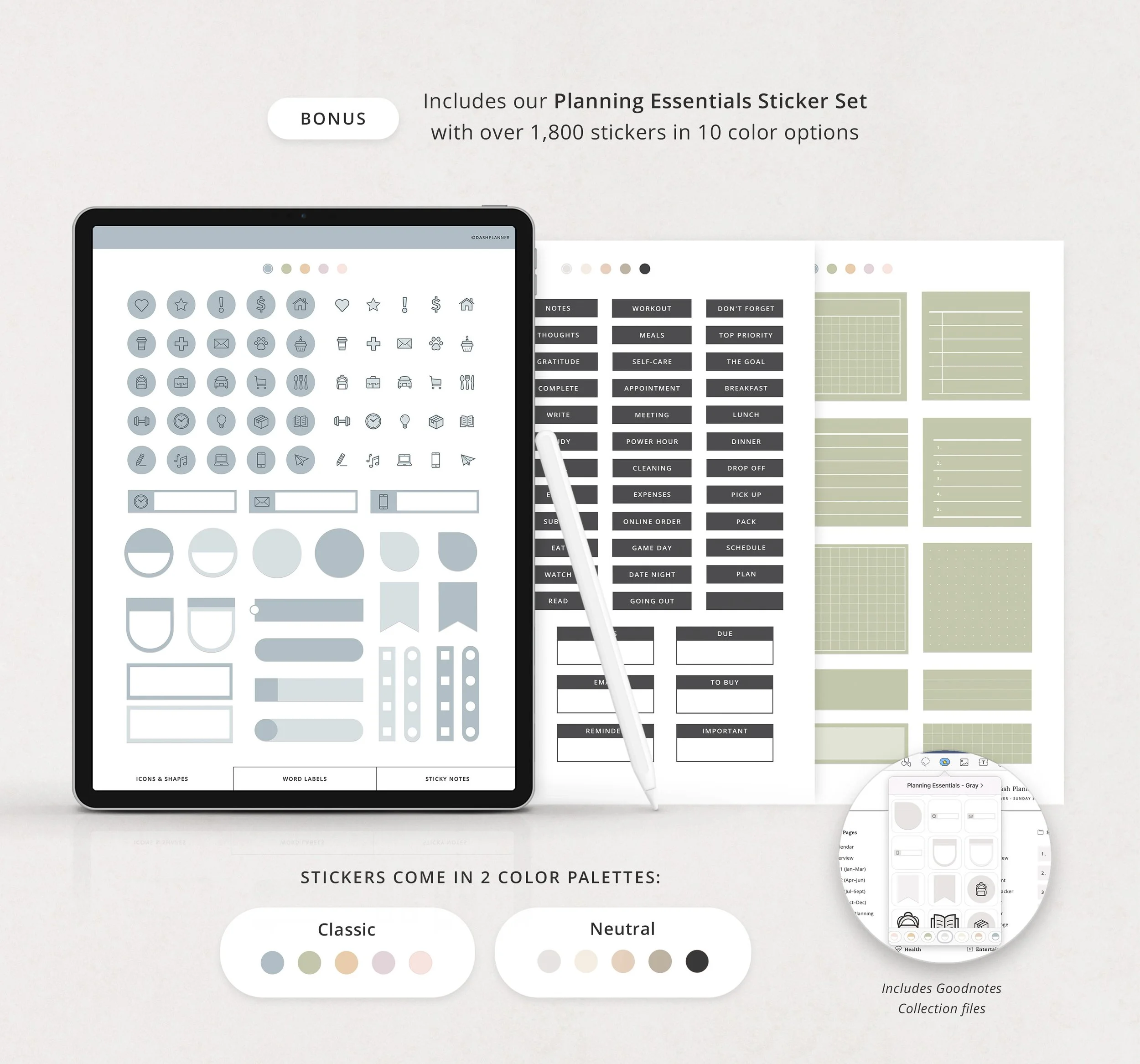
Planning Essentials sticker set included
5 sticker book pages for organizing your collection
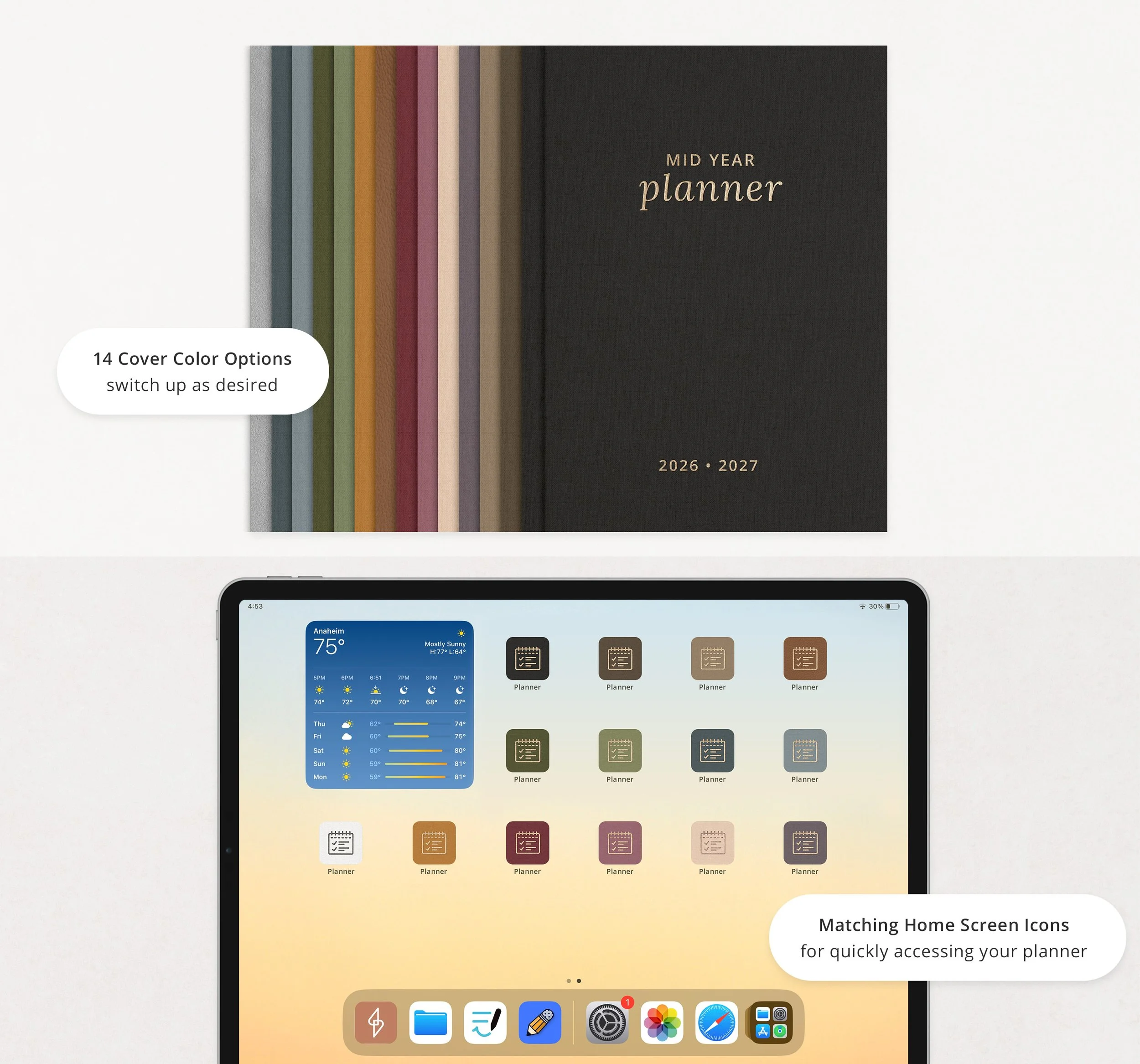
15 cover designs
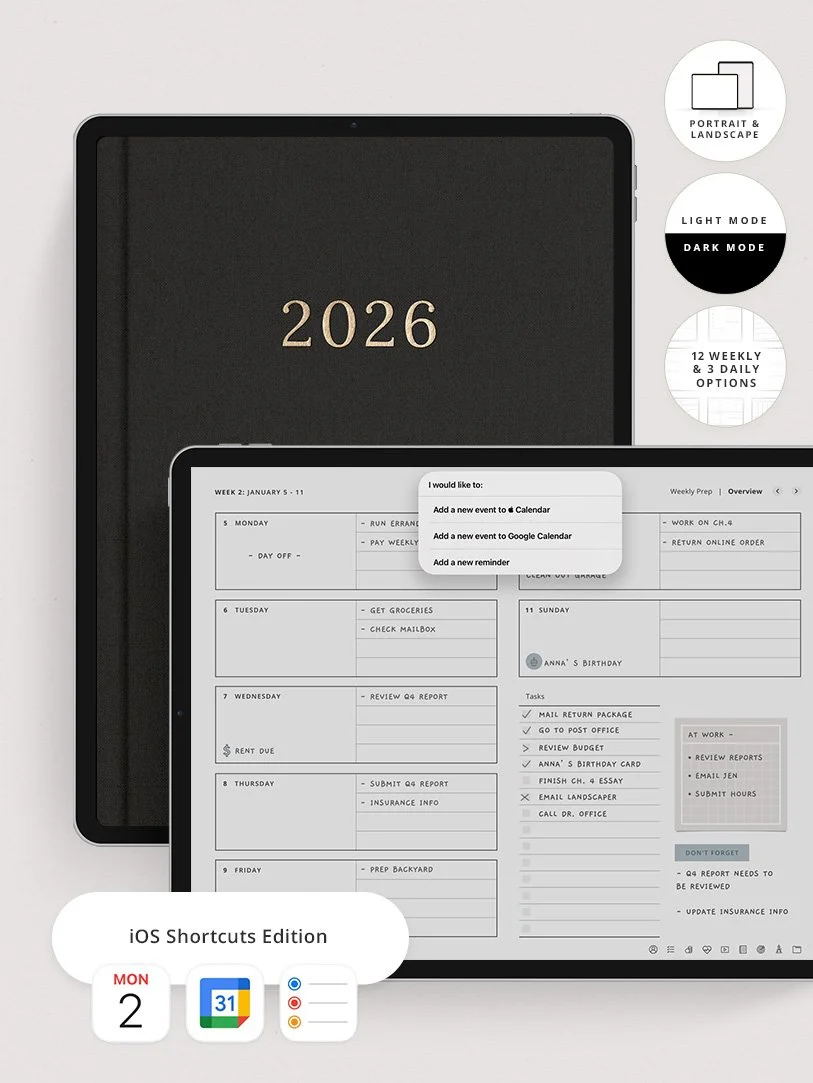
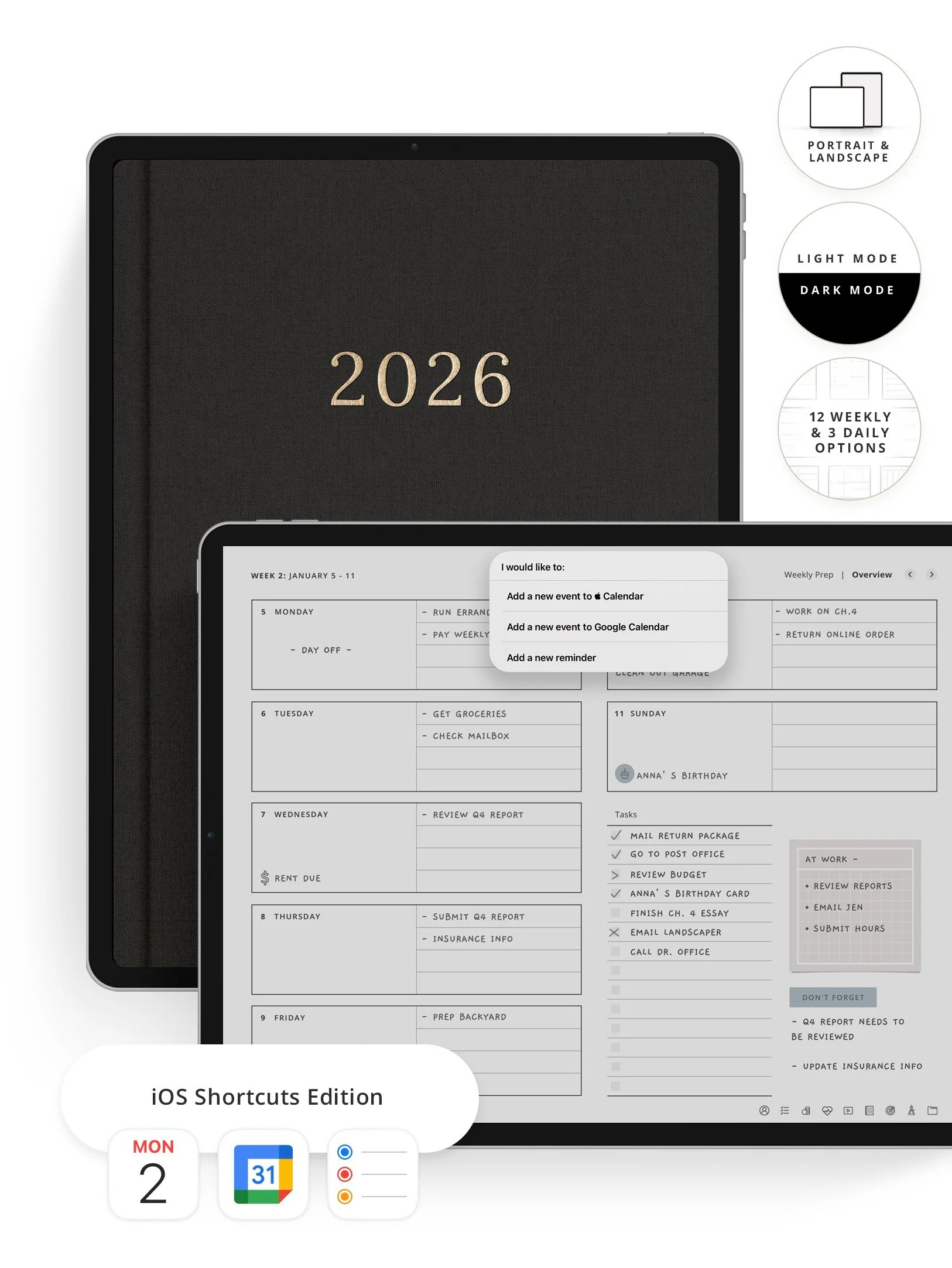
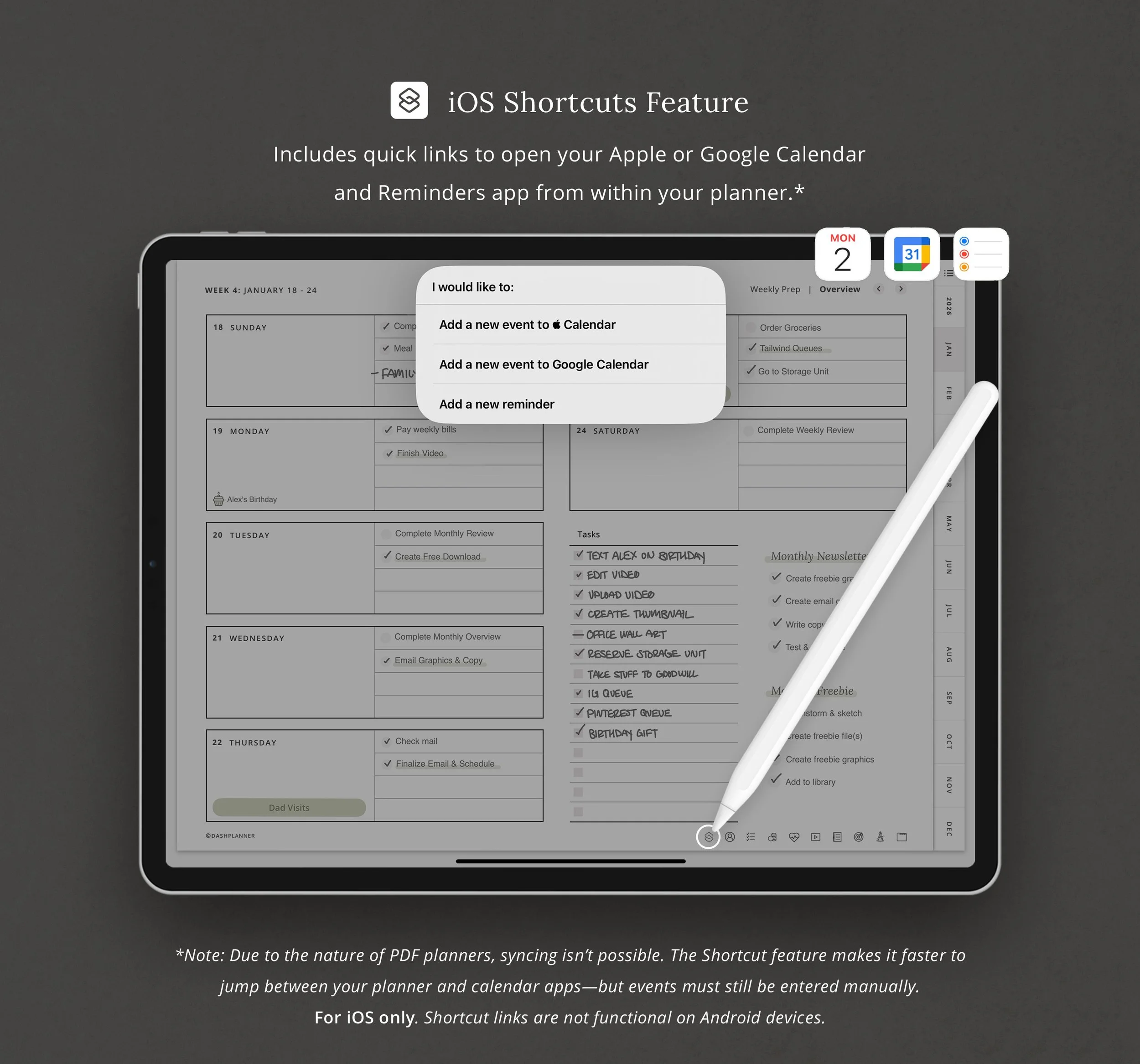
💡 Includes a built-in iOS Shortcut that lets you quickly open Apple/Google Calendar or Reminders with a tap. (Note: Events do not sync between other apps and the planner. Not functional on Android.)
Who This is For
✓ College students managing multiple classes, assignments, and trying to have a social life
✓ Graduate students balancing coursework, research, teaching, and thesis deadlines
✓ Online learners taking evening classes or self-paced courses while working
✓ Transfer students starting at a new school and needing a fresh organizational system
✓ Pre-med, pre-law, nursing students (anyone with a brutal course load)
✓ Community college students juggling school and work schedules
Basically: if you have syllabi to track and assignments due, this works.
How it Works
1. Buy & download. You'll get a dashboard PDF that links to all your planner files, stickers, and covers. Download what you need.
2. Import to your app. Open the planner PDF in GoodNotes, Notability, or your favorite PDF annotation app.
3. Start planning. Tap the hyperlinked tabs to jump between months, weeks, and days. Write with a stylus or type with your keyboard, it's your call.
4. Sync across devices. Most apps sync through iCloud, so your planner follows you from iPad to MacBook to iPhone.
iPad & Mac
This planner is designed to work best on the iPad and can be used on all versions and sizes. To use the planner on an iPad, you will also need an accompanying note app such as GoodNotes , Noteshelf, Notability, and Xodo.
The planner can also be used on an iMac or MacBook with the GoodNotes and Noteshelf apps' desktop version.
Android/PC
This planner can be used with most Android tablets. However, since there is such a large variety of tablets, we cannot guarantee that the planner will work on all Android devices. If your device supports the Noteshelf or Xodo app, you should be able to use the planner template as well.
Have a question about using the planner? Check out our Answer Vault where we answer our most frequently asked questions.
Return Policy
Please note that this is a digital product and no physical product will be shipped. Also, due to the irretrievable nature of digital files, all sales are final. Please review the listing thoroughly before purchase. Not sure if the product will work for you? Feel free to send any questions to hello@thedashplanner.com
All designs, photography, and content are the property of ©Dash Design, LLC.
For personal use only. These files may not be resold, recreated, redistributed, or reproduced.