 Image 1 of 10
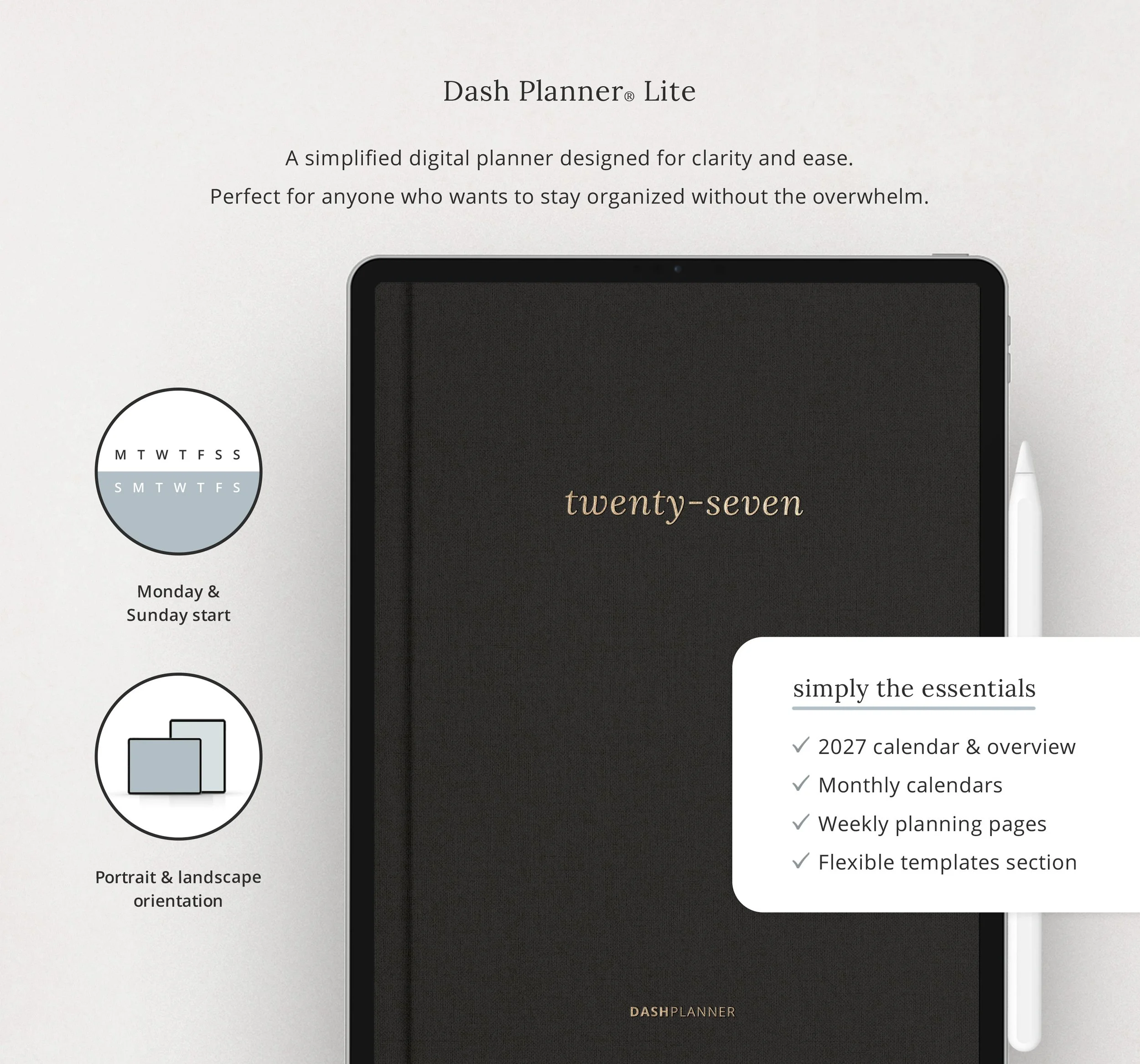 Image 2 of 10
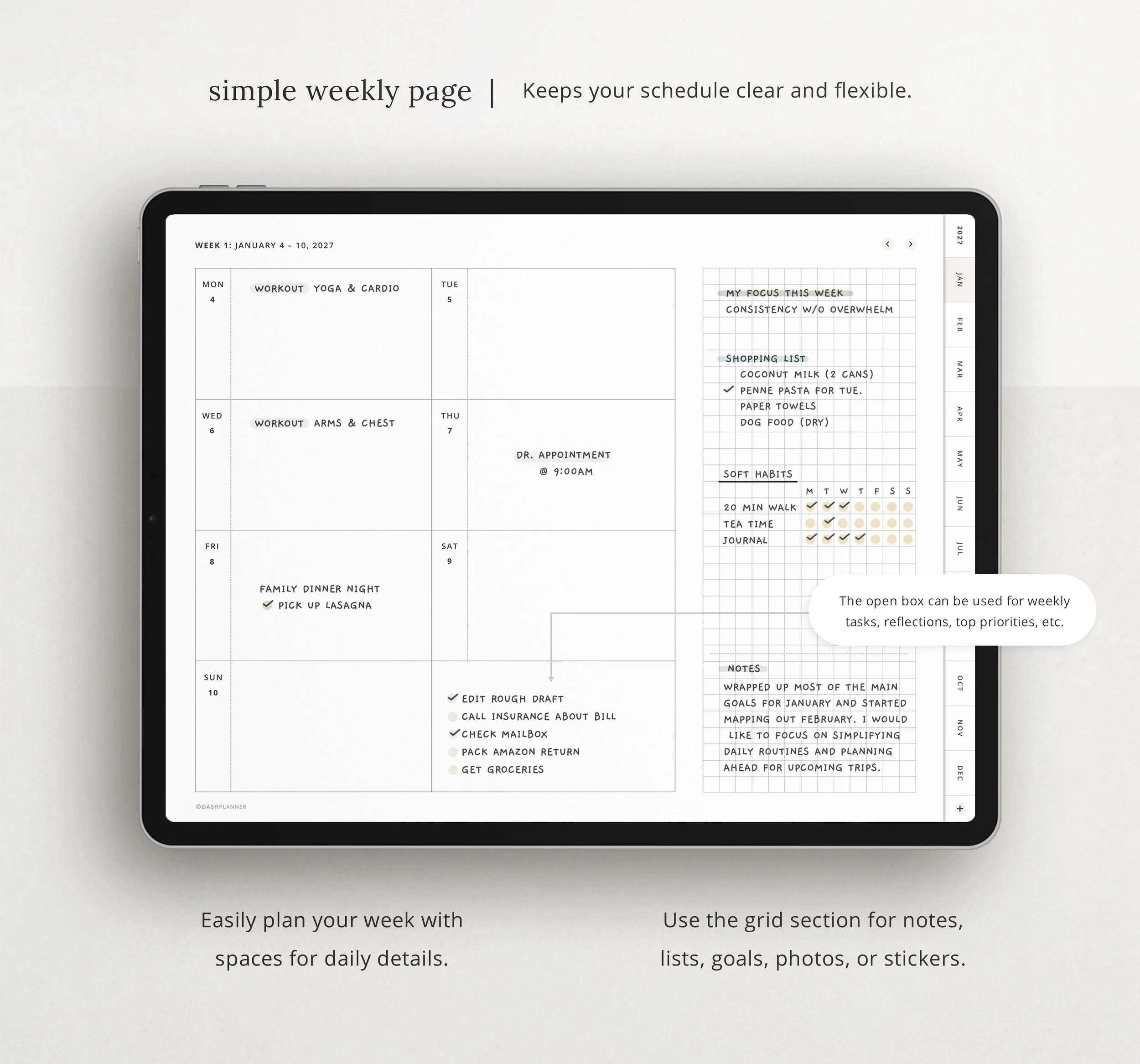 Image 3 of 10
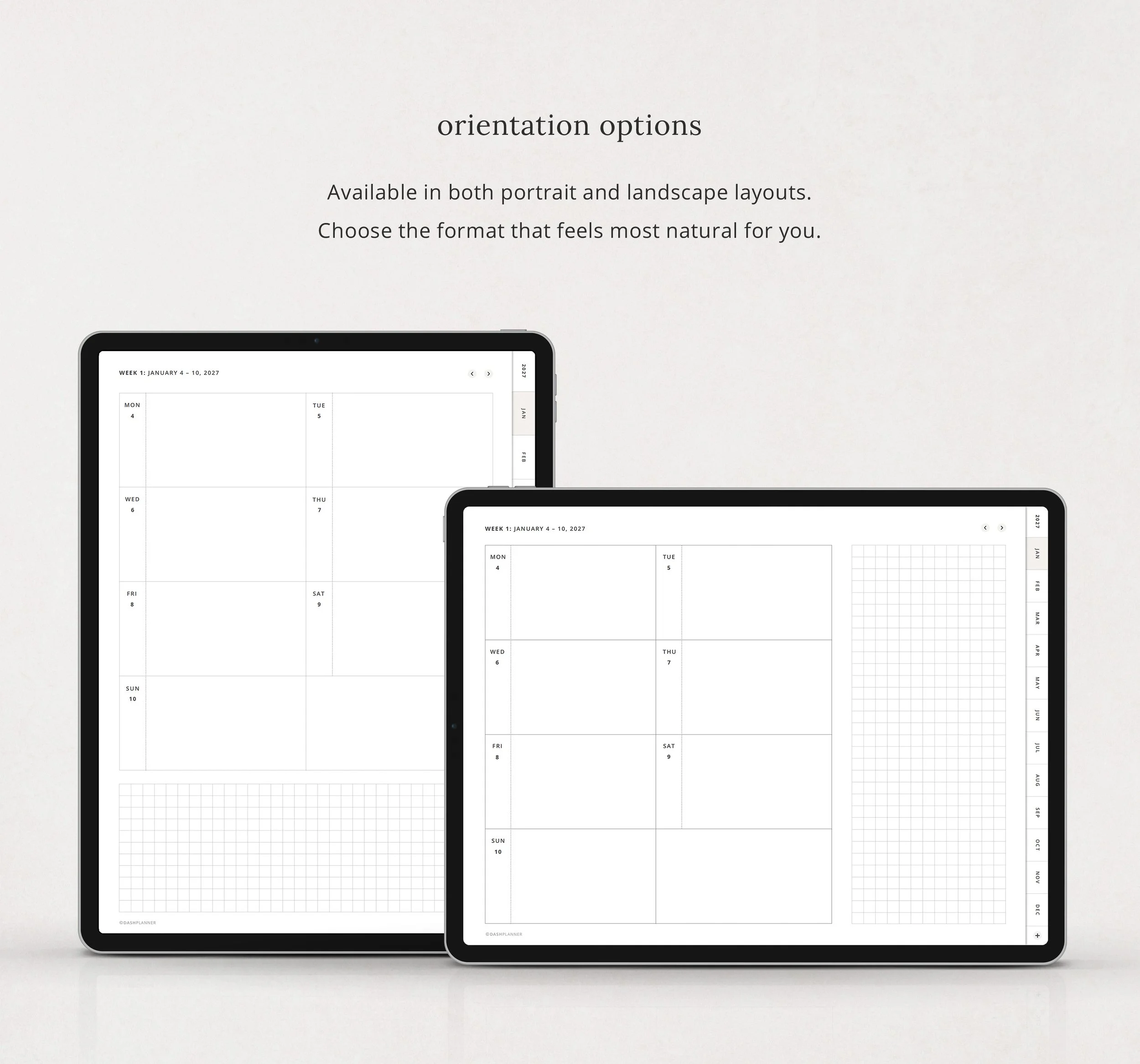 Image 4 of 10
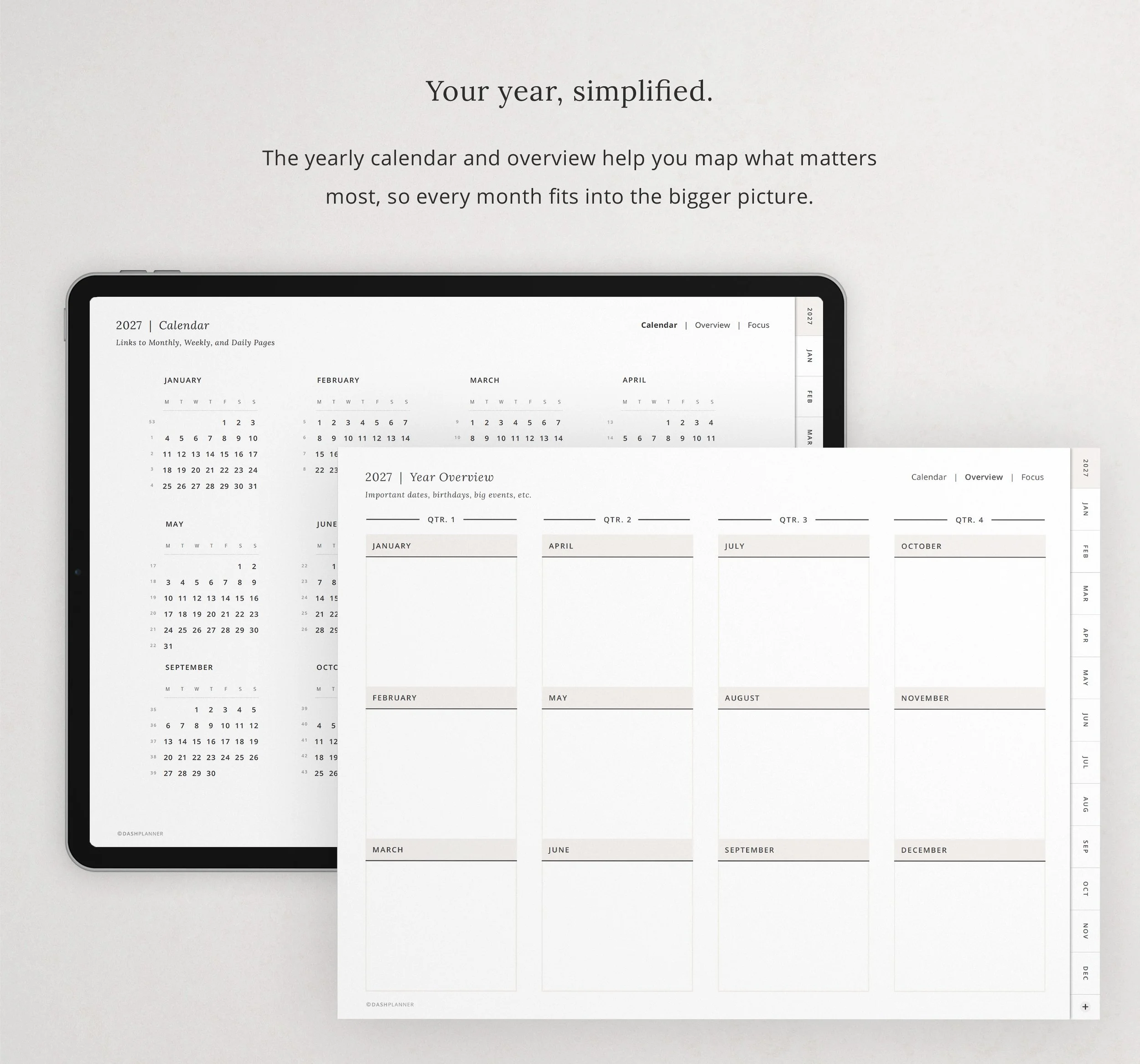 Image 5 of 10
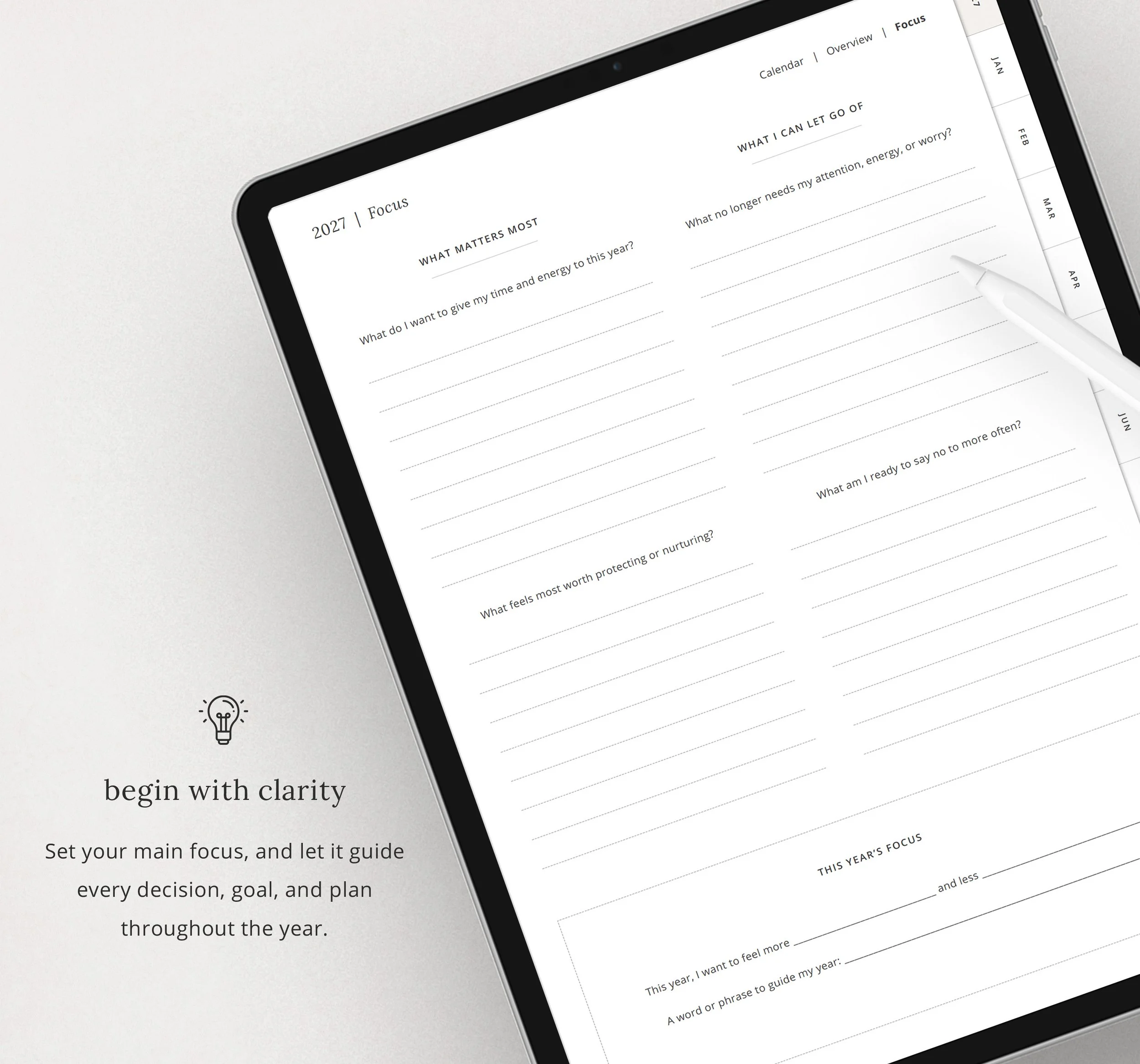 Image 6 of 10
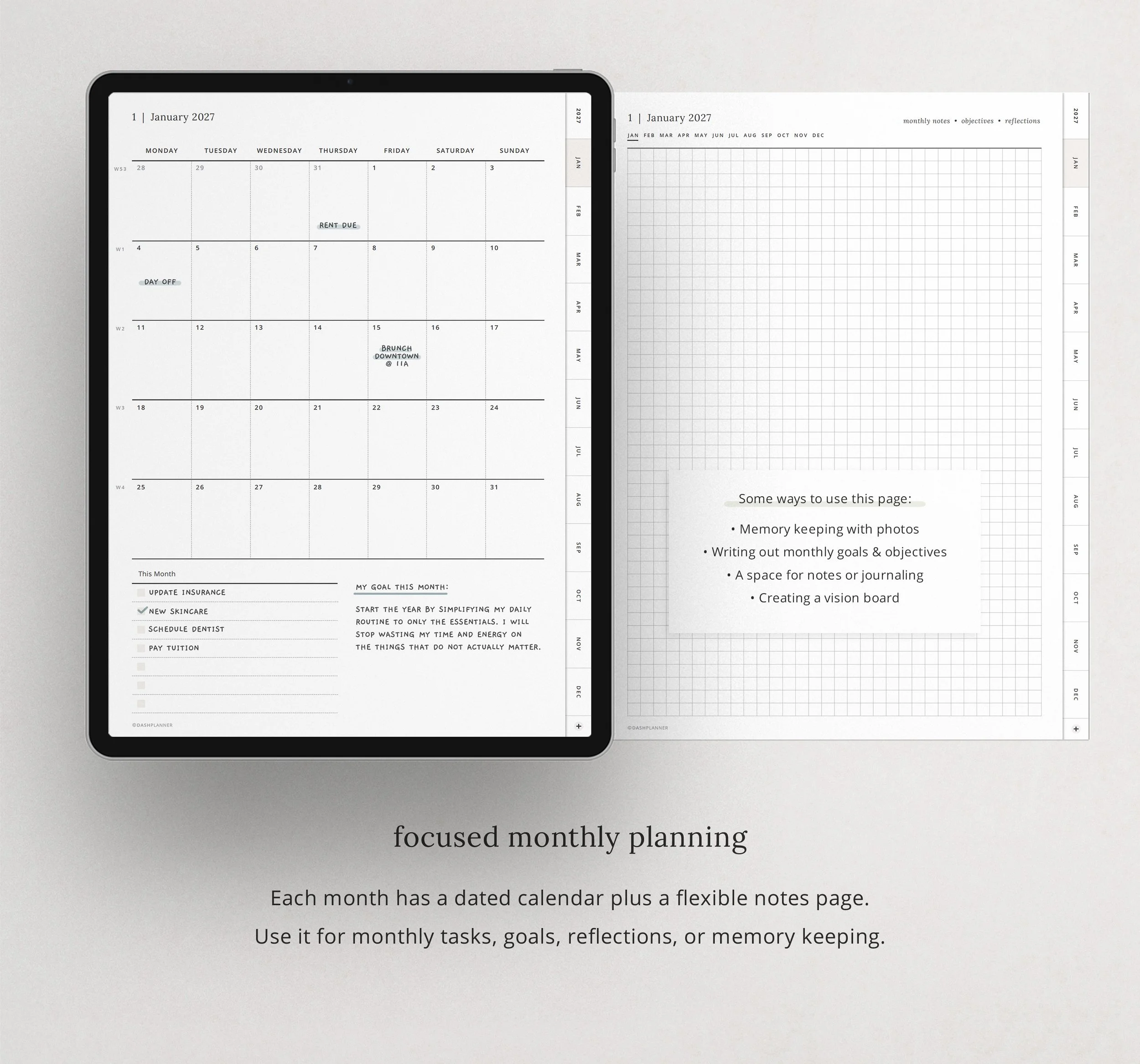 Image 7 of 10
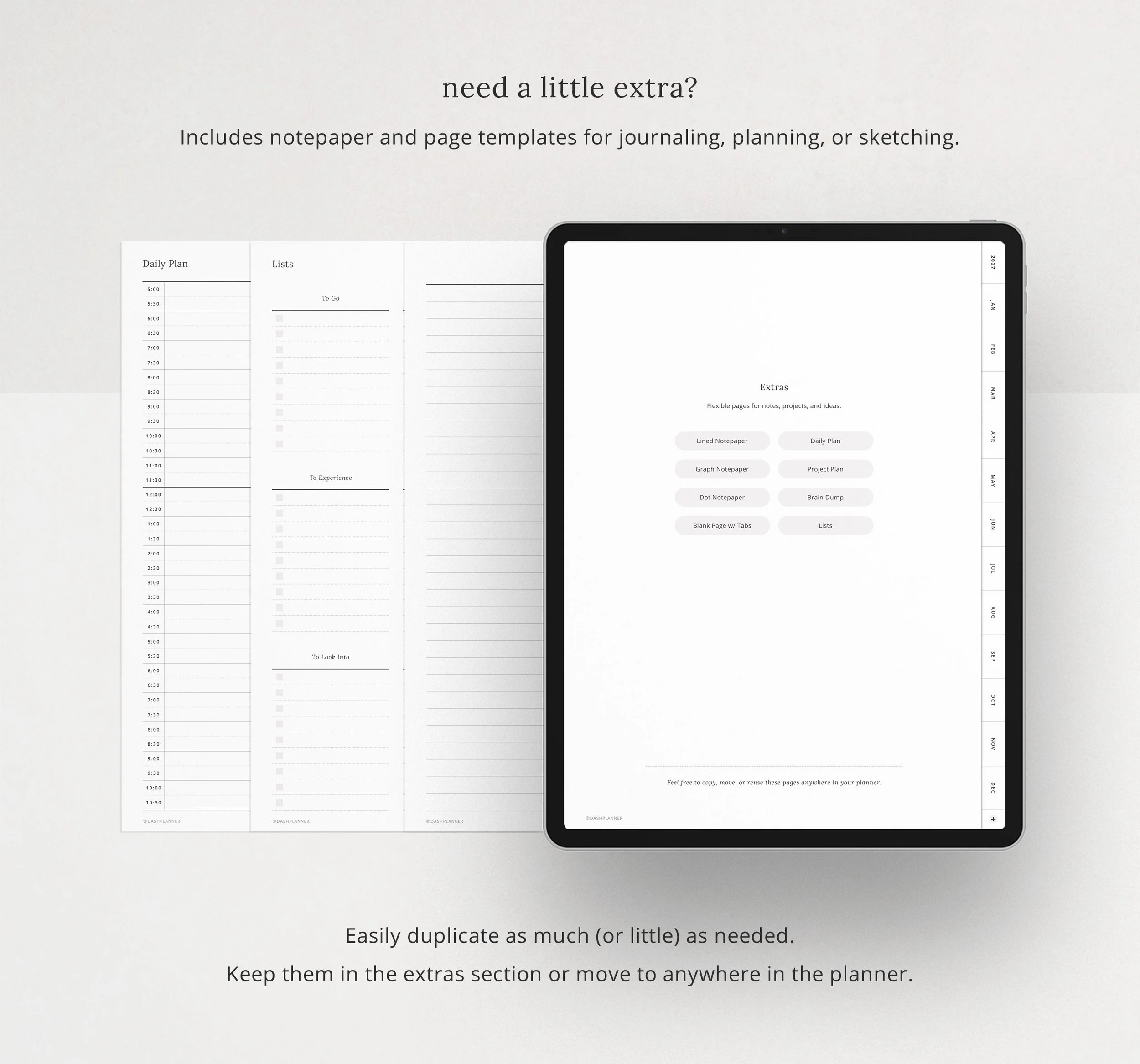 Image 8 of 10
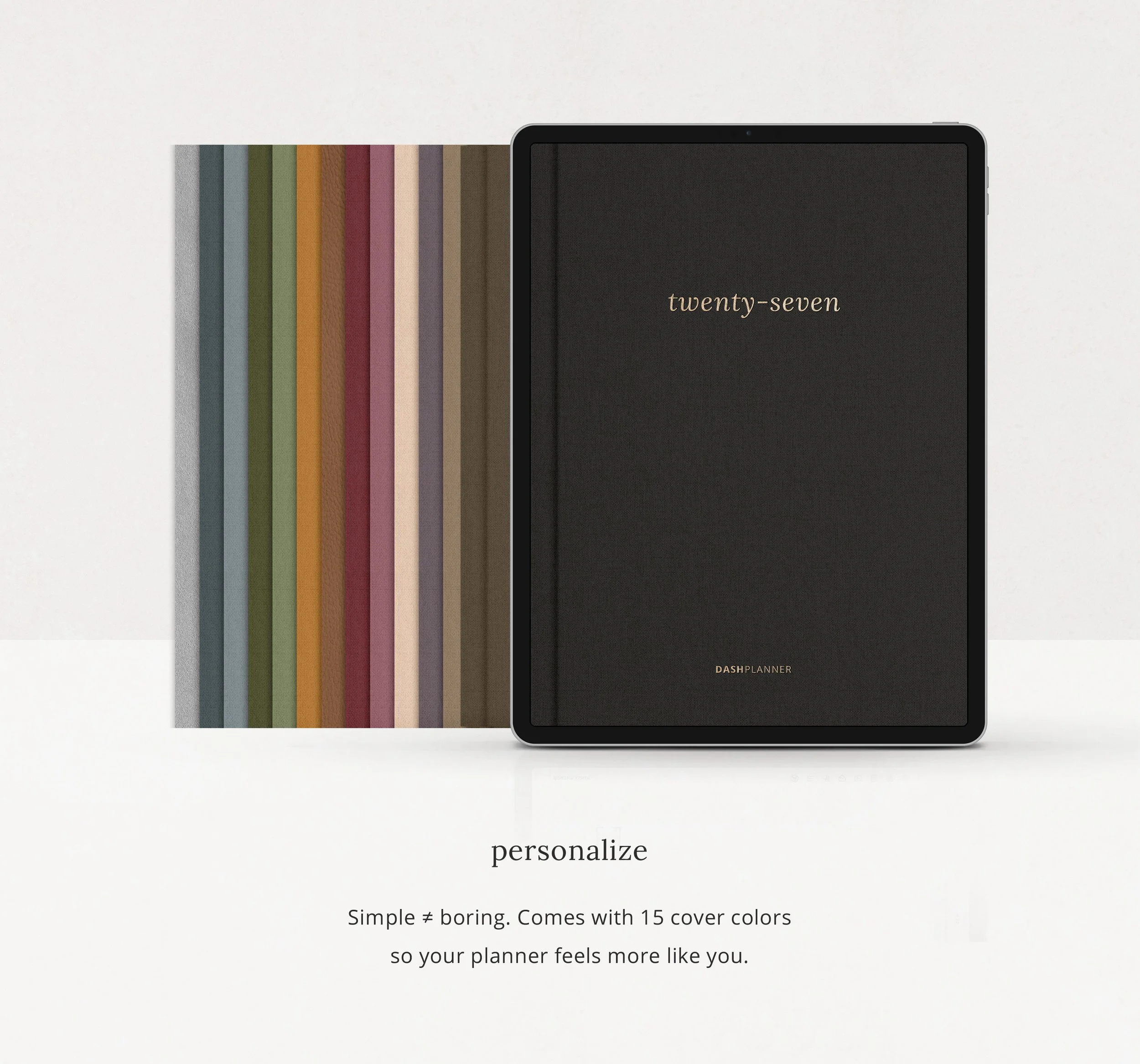 Image 9 of 10
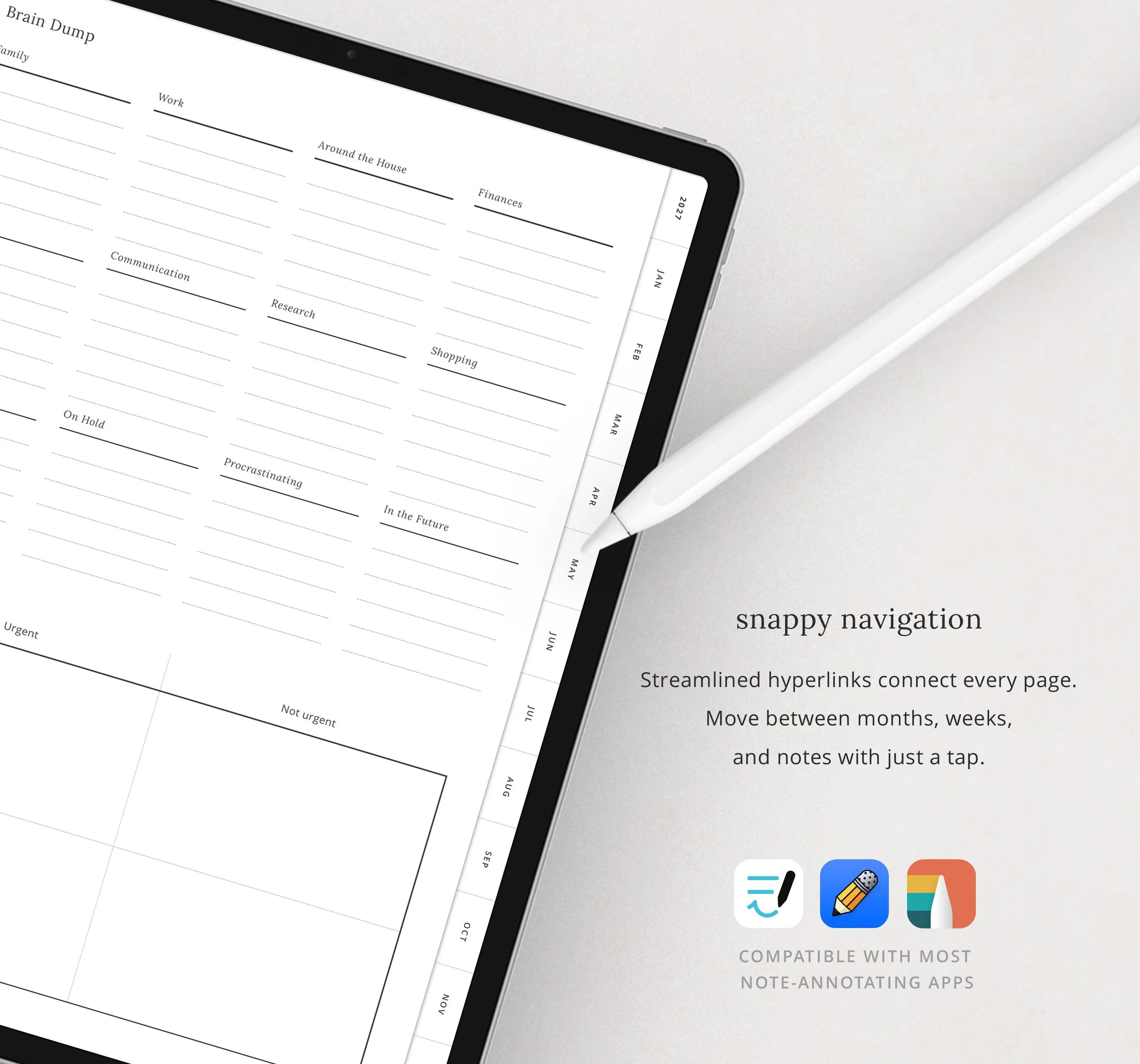 Image 10 of 10
Planner Contents
Yearly Section
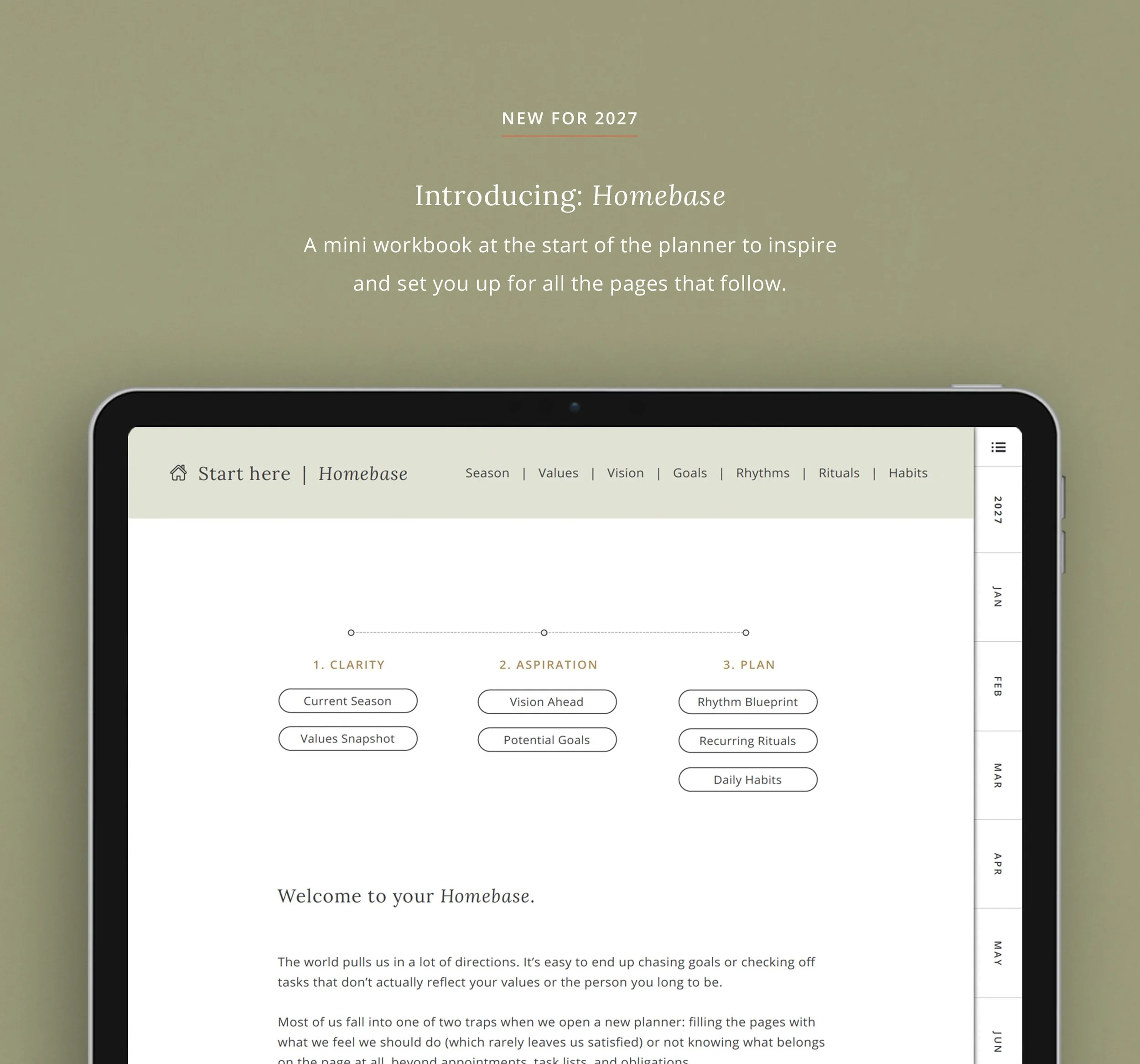
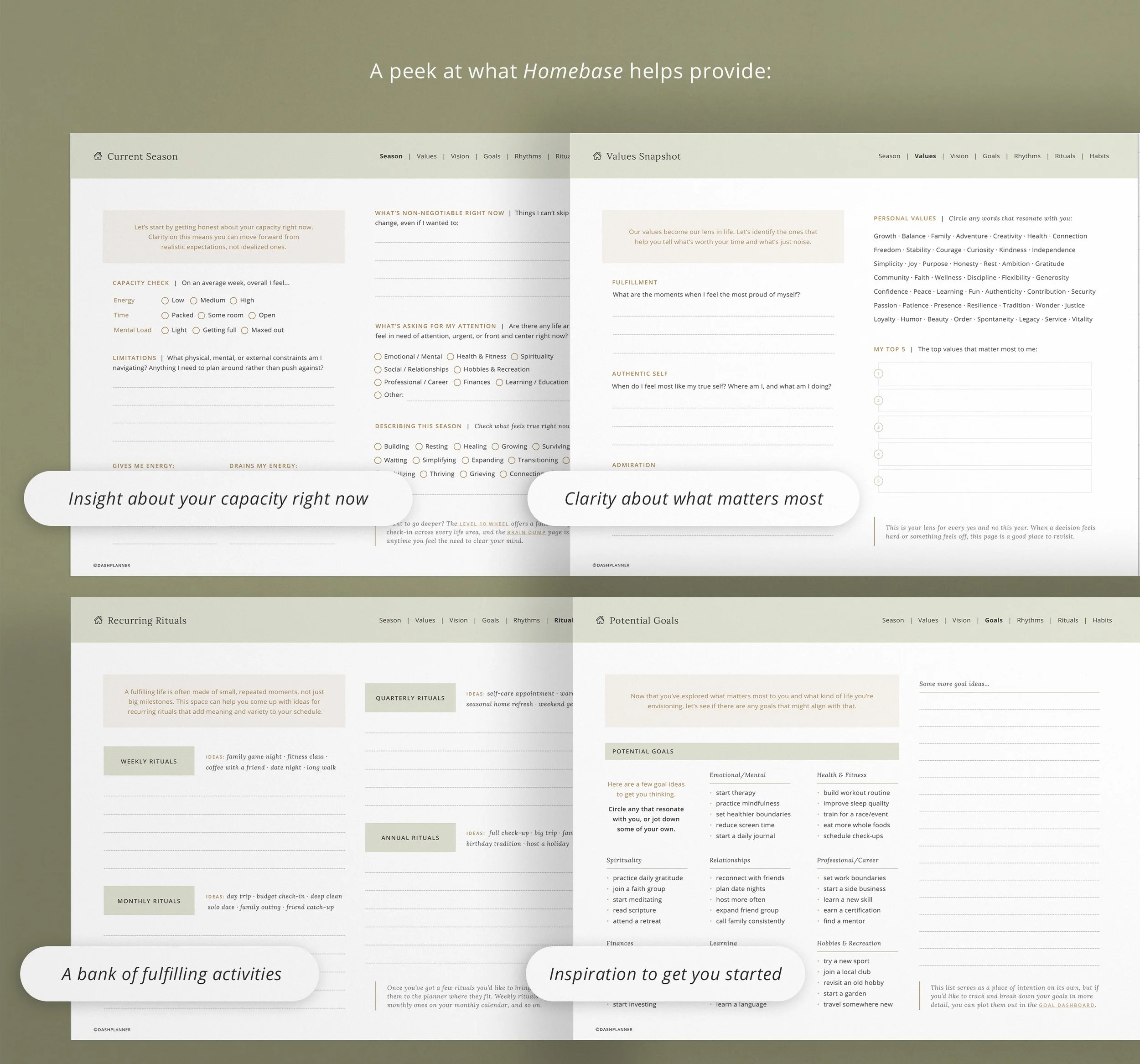
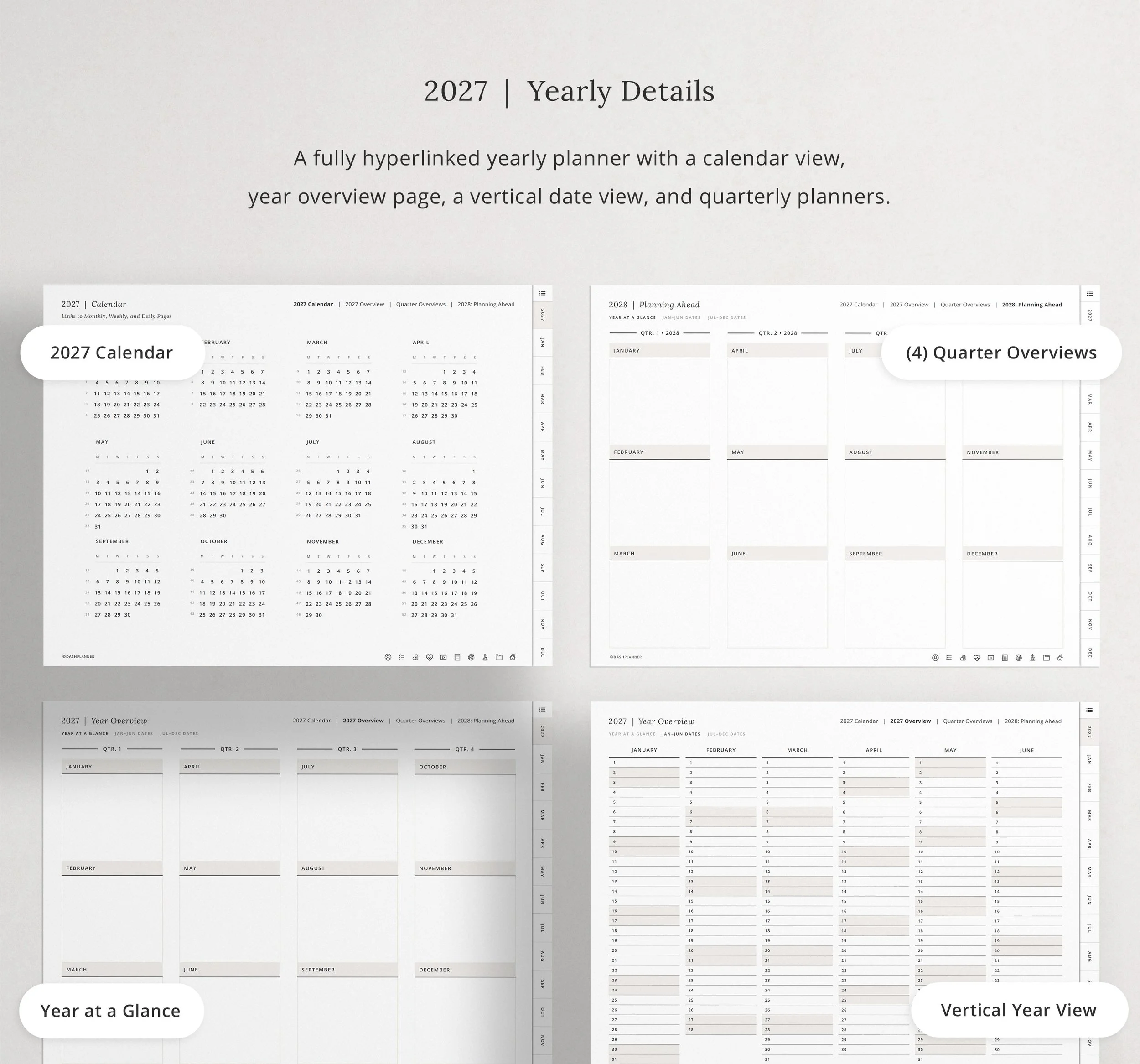
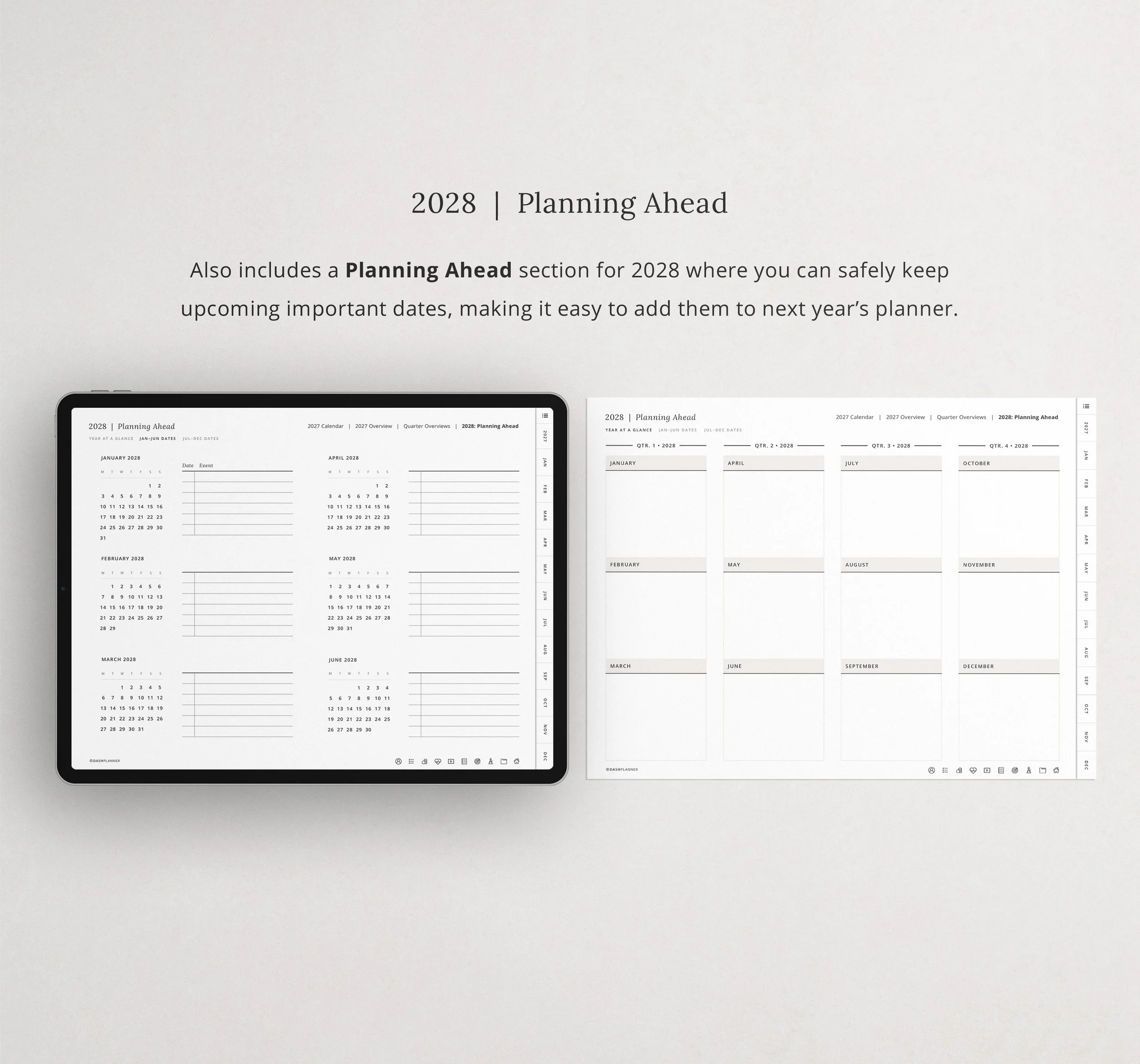
Start with your Yearly Calendar and Year Overview to see your whole year at a glance. Then use the Focus Questionnaire to set intentions and decide what matters most before the busy months begin.
Monthly Section
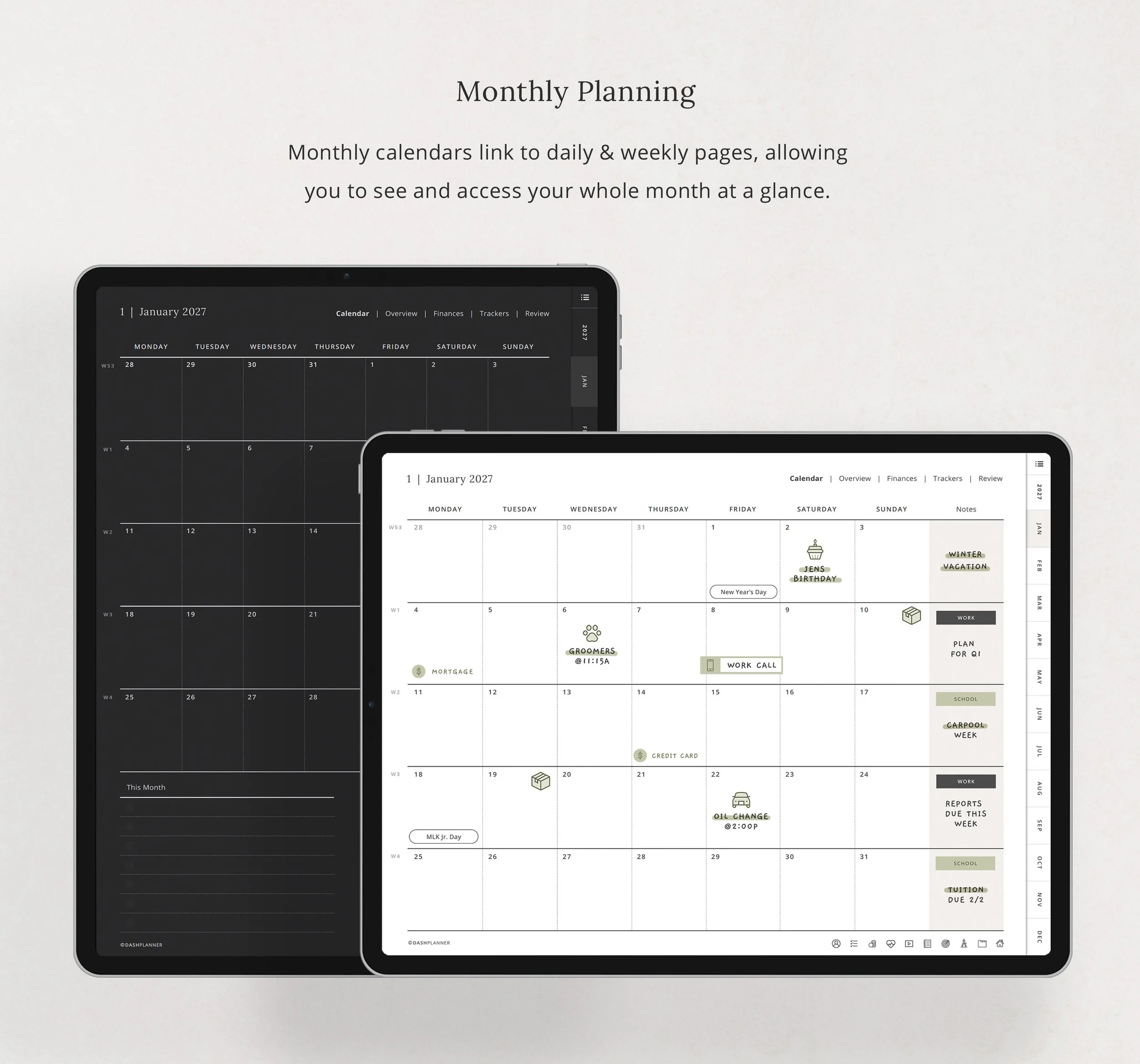
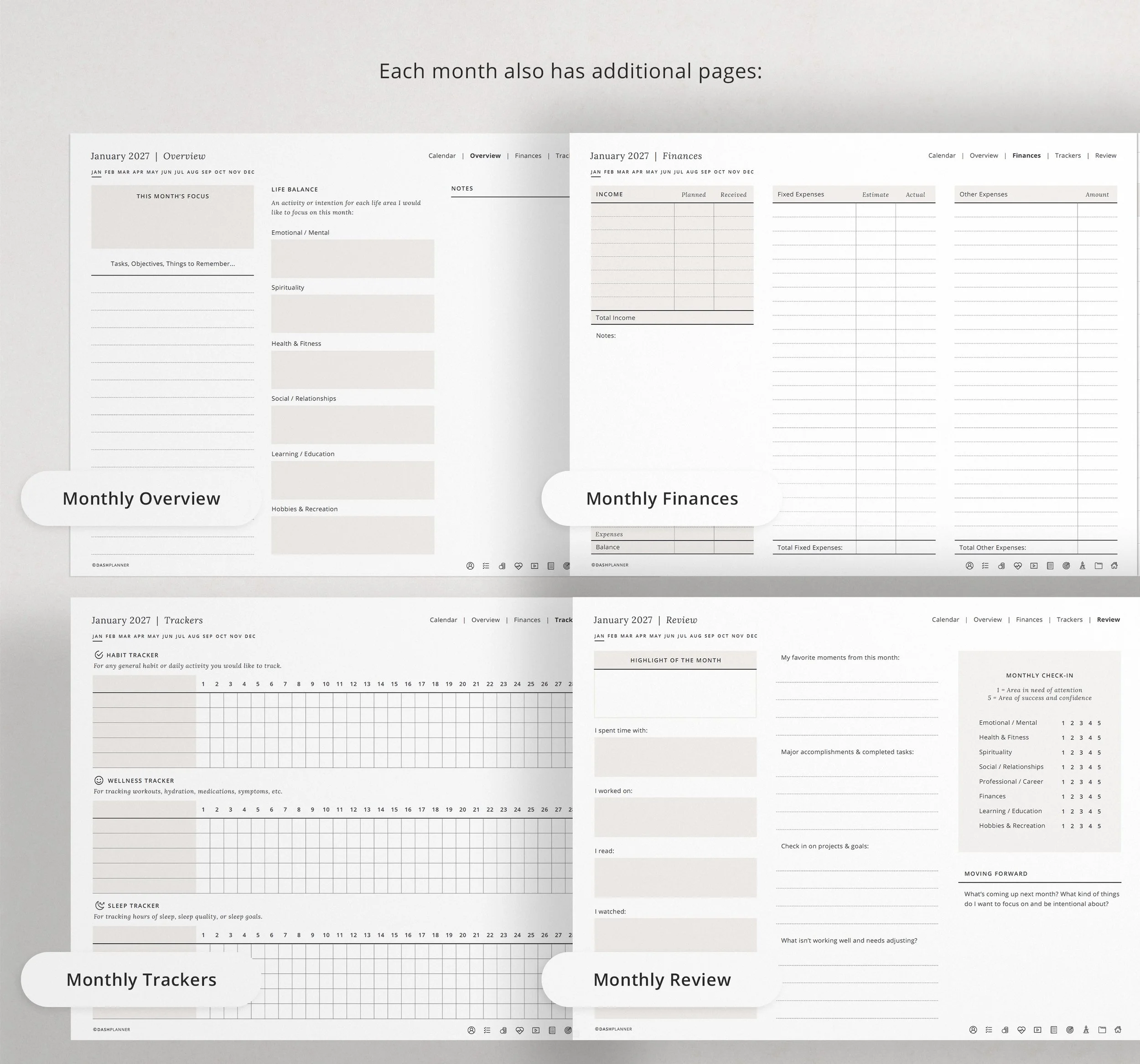
Each month includes a dated calendar spread for key events, deadlines, and memories, plus a graph-style page for notes, goals, or monthly reflections.
Weekly Section
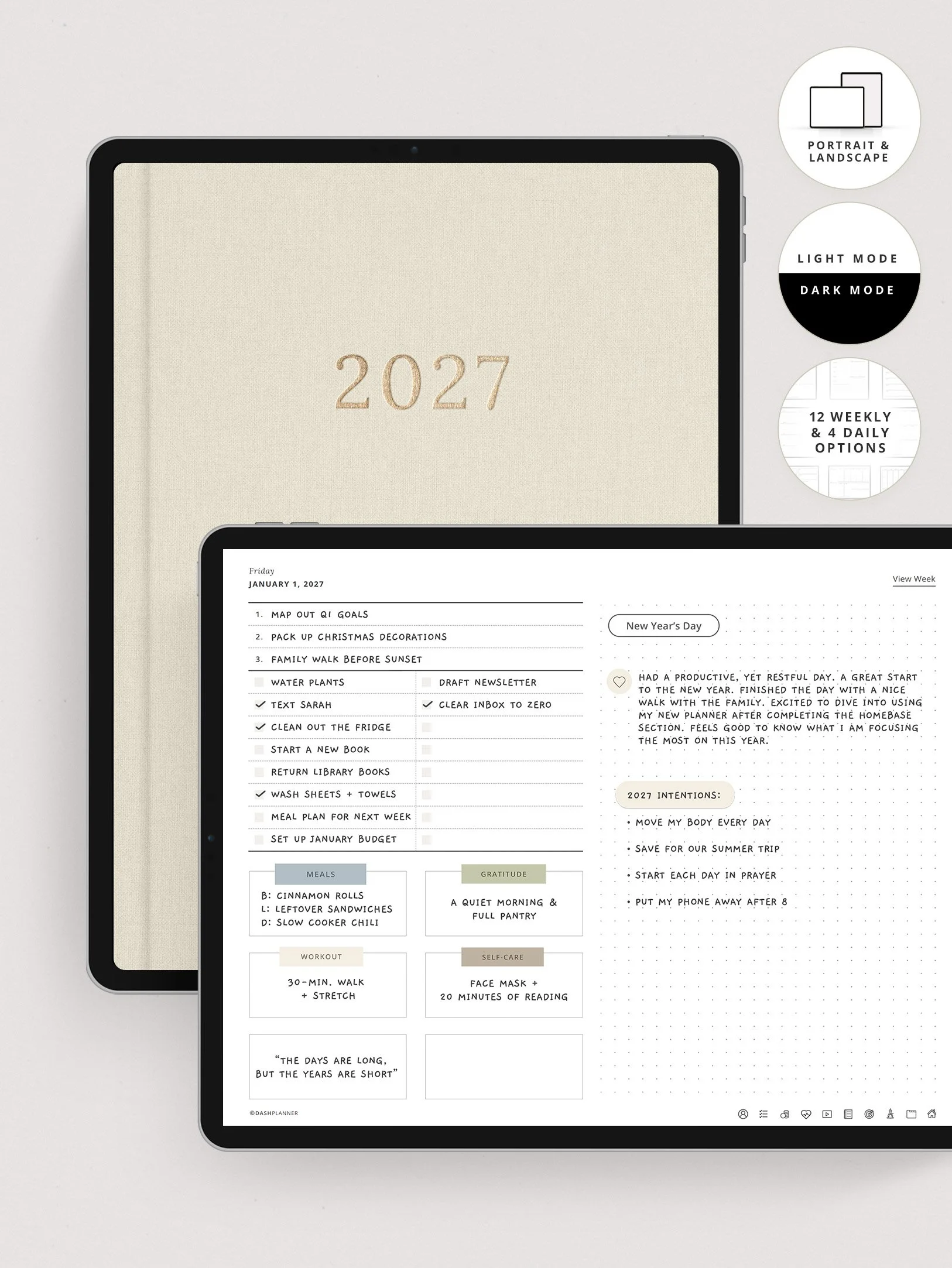
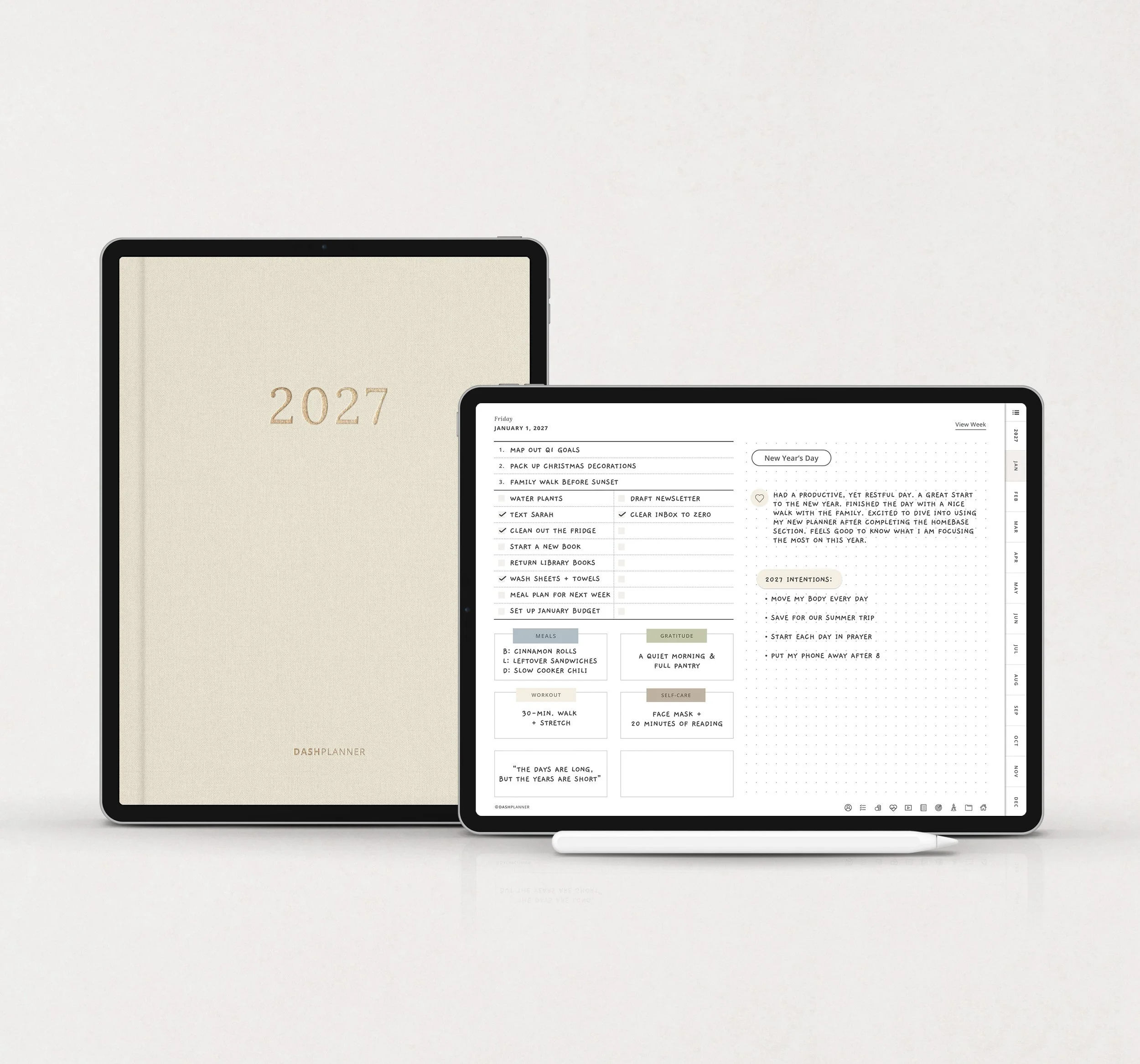
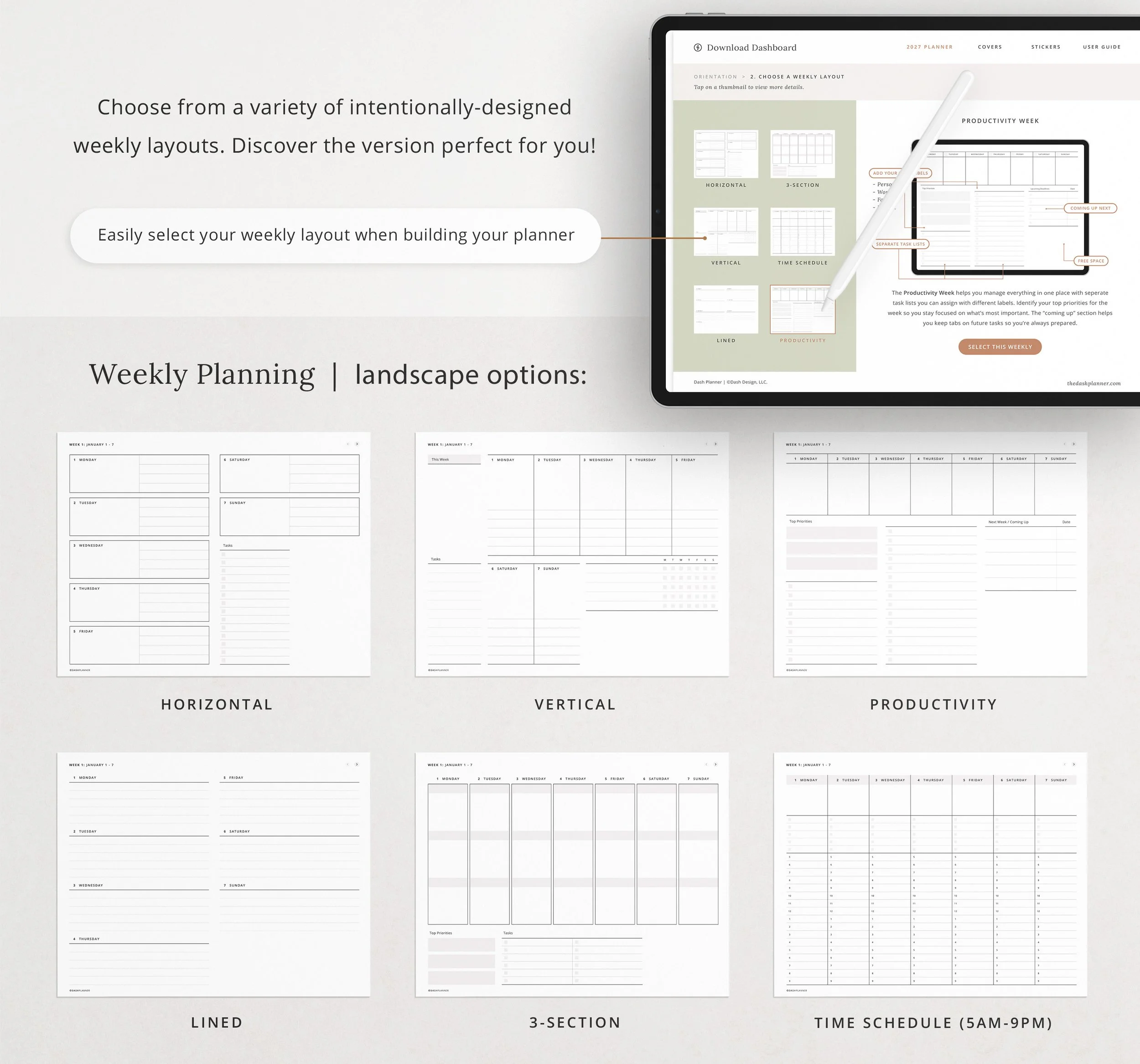
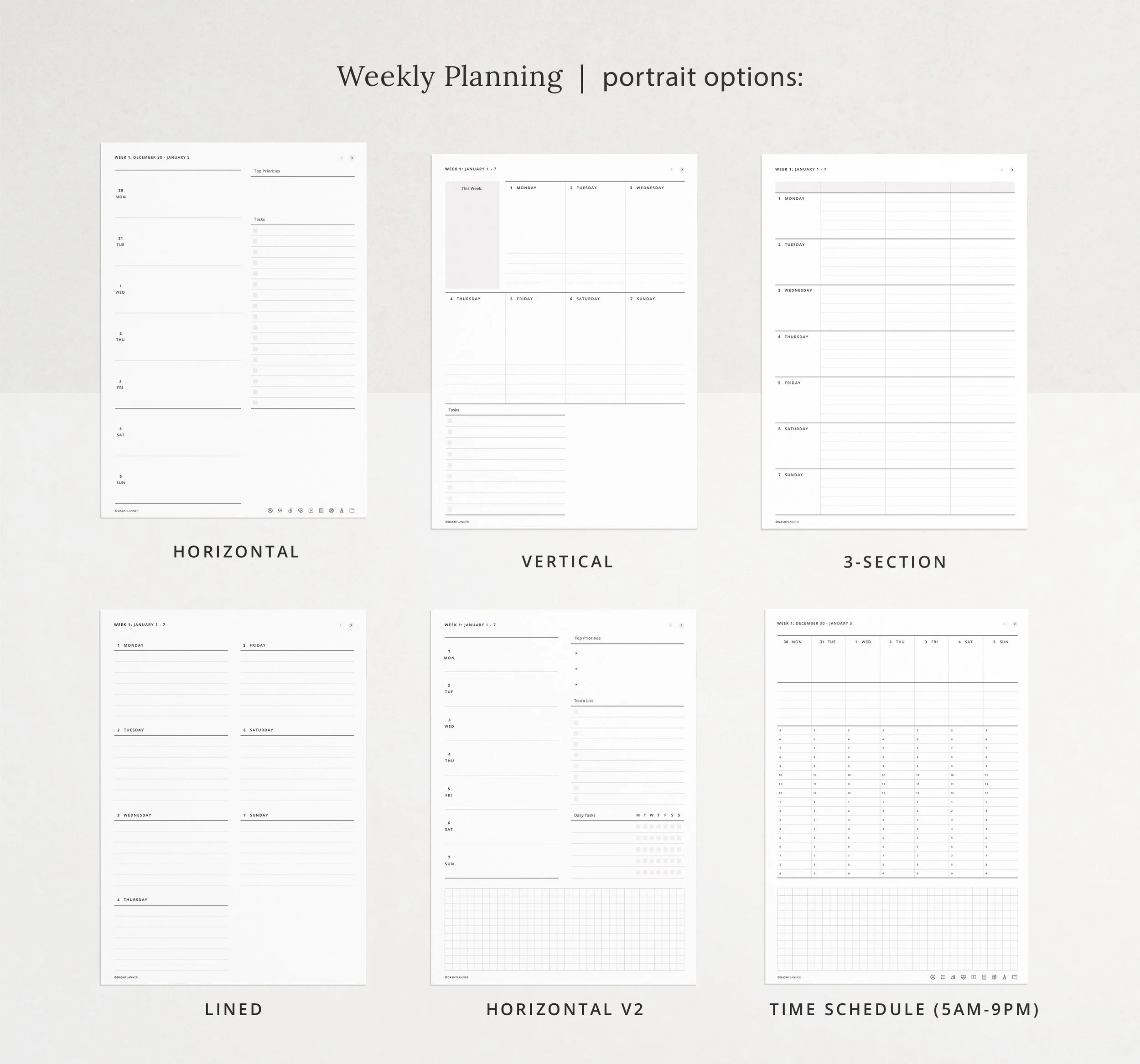
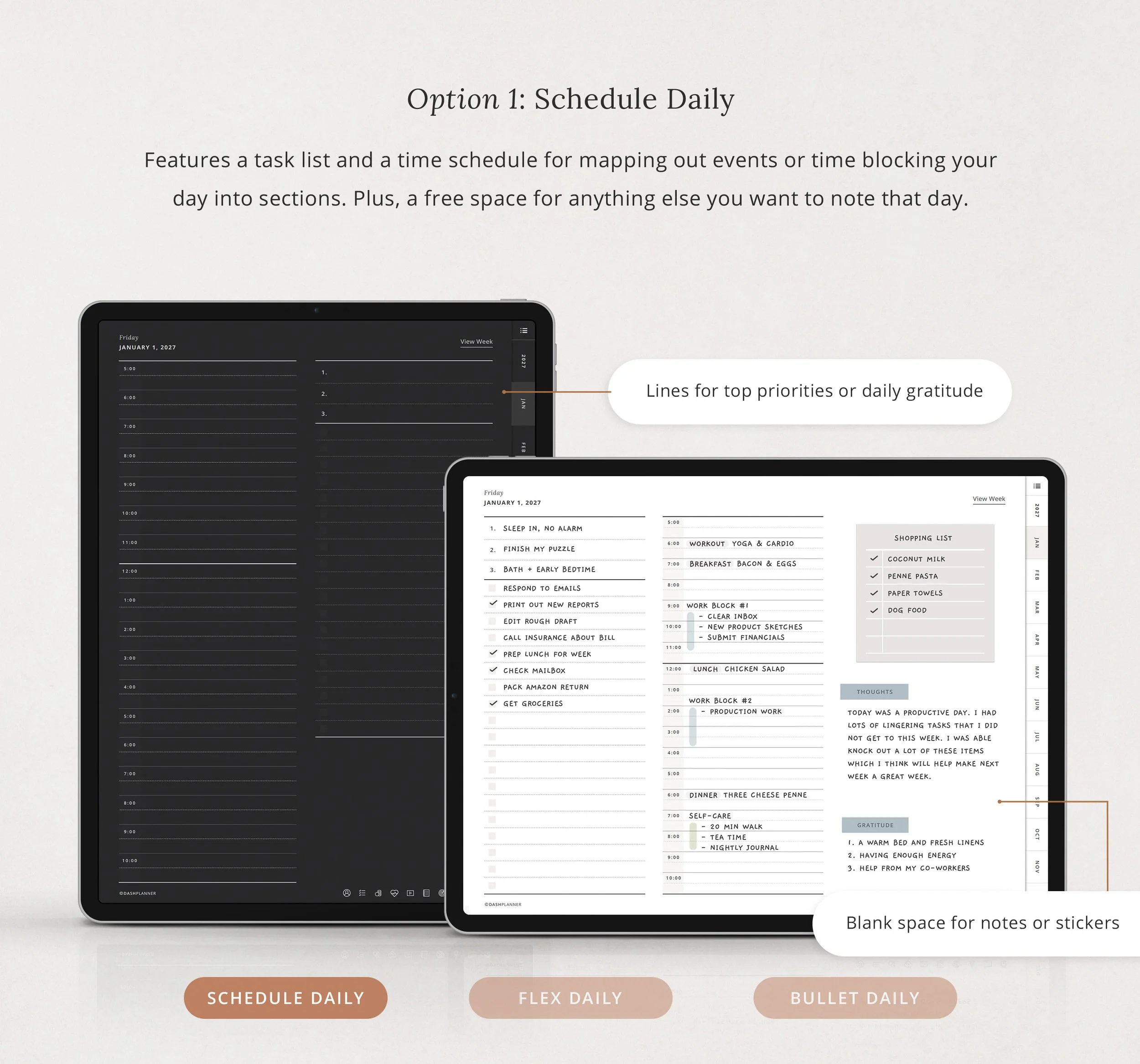
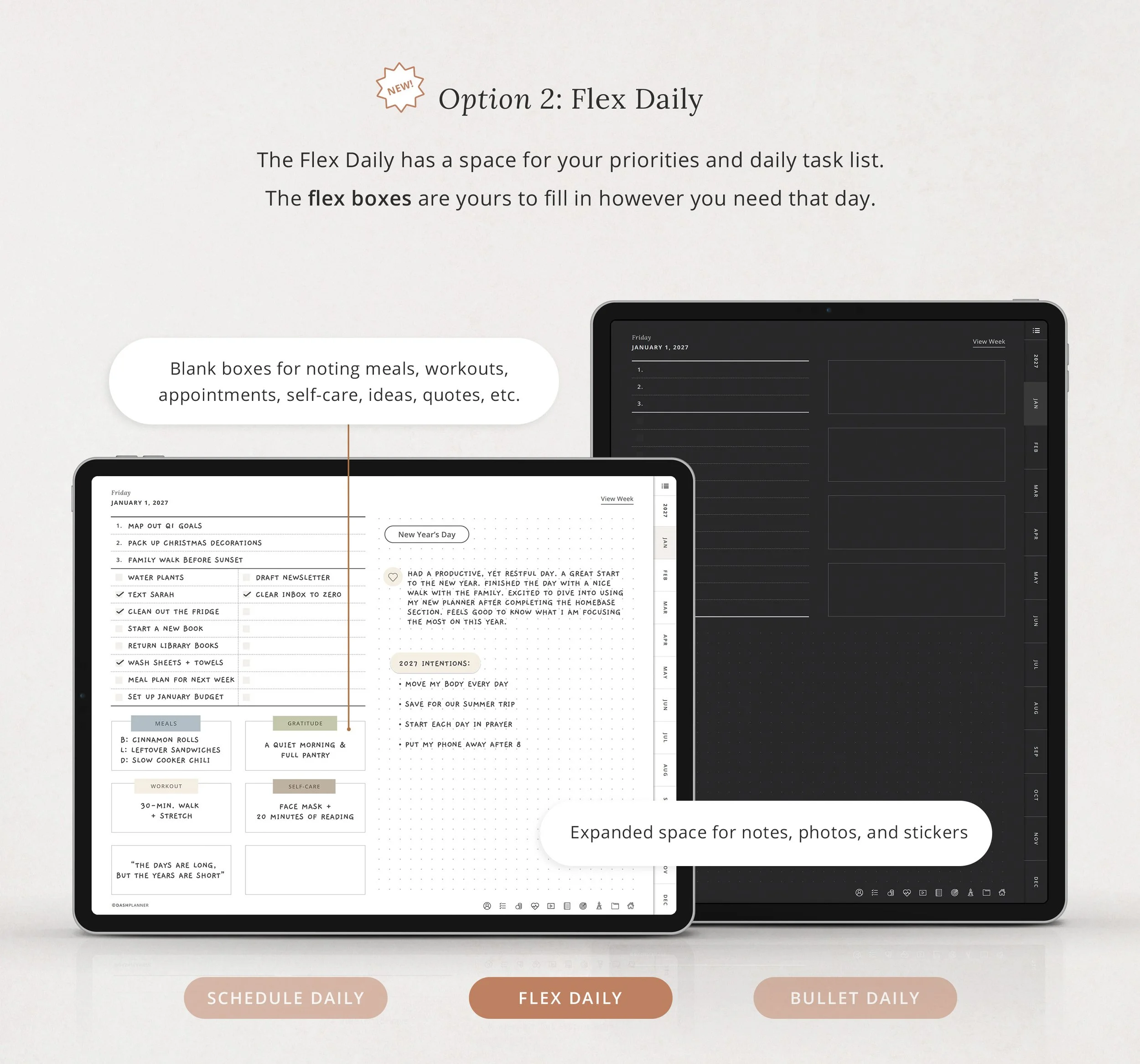
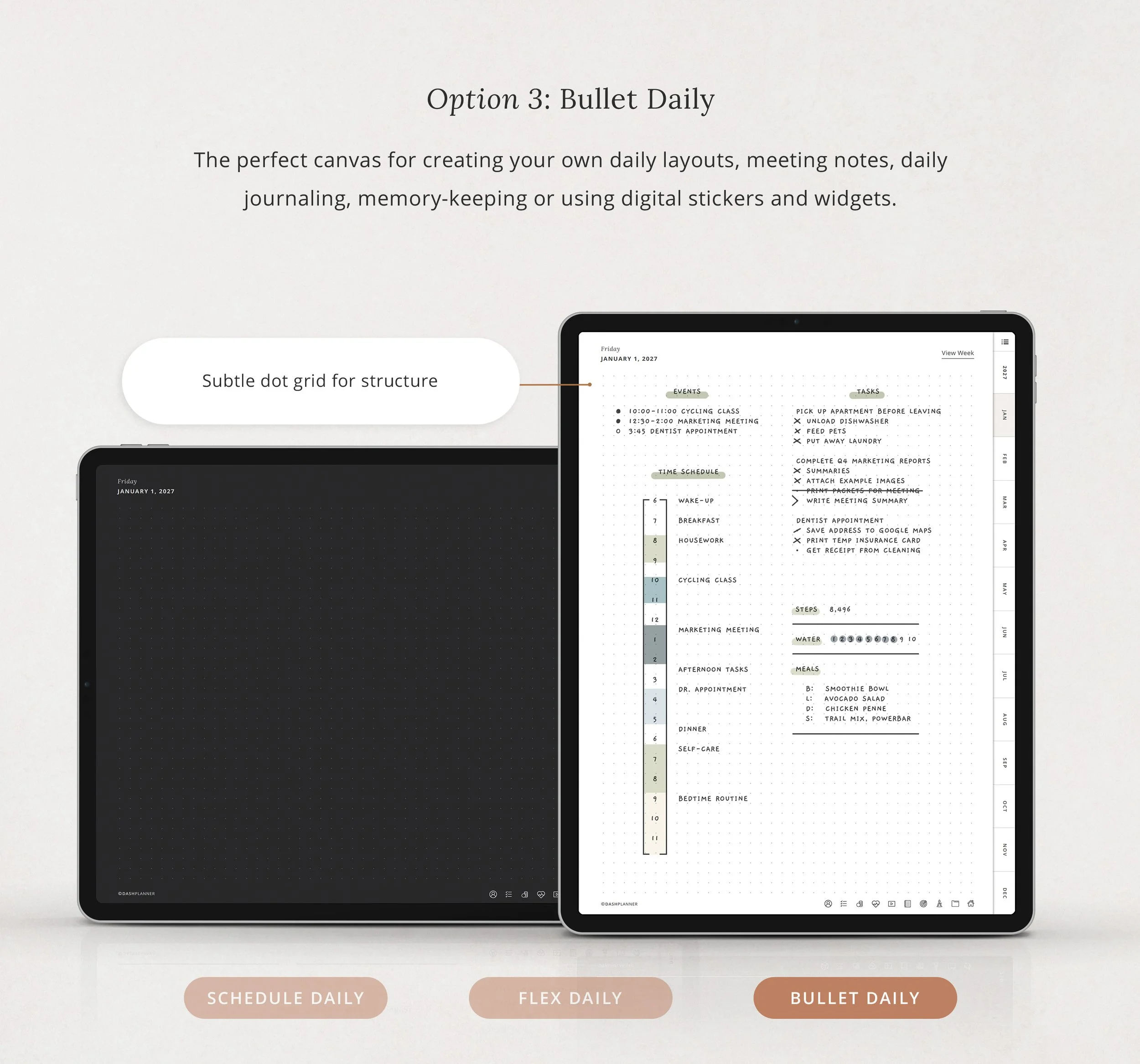
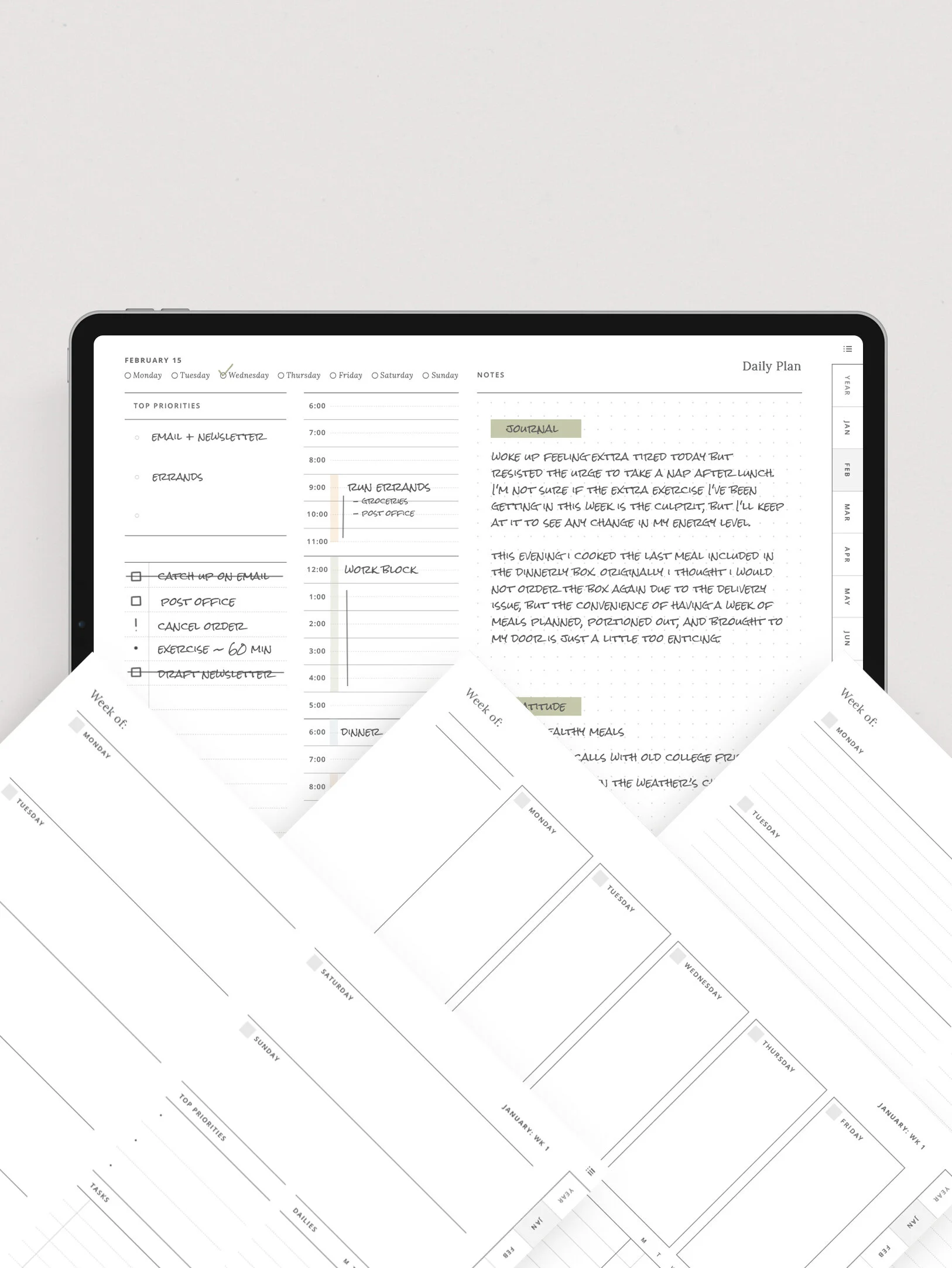
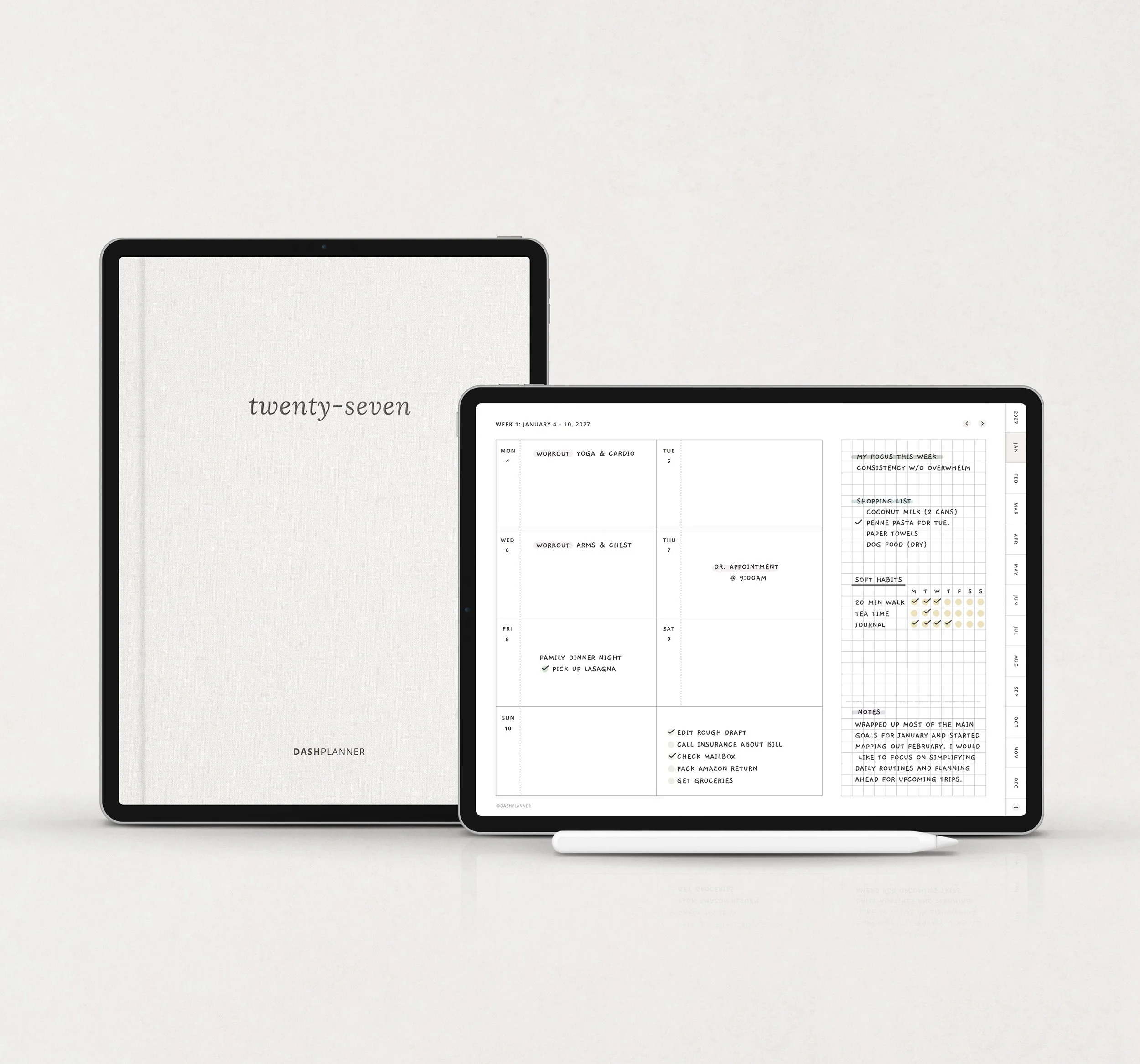
The weekly layout gives you a simple view of your week. Each day has a clear space for events or priorities, paired with a flexible graph section for lists, journaling, or photos. There are no rigid boxes or rules, just room to plan the way you think.
Notes & Extras
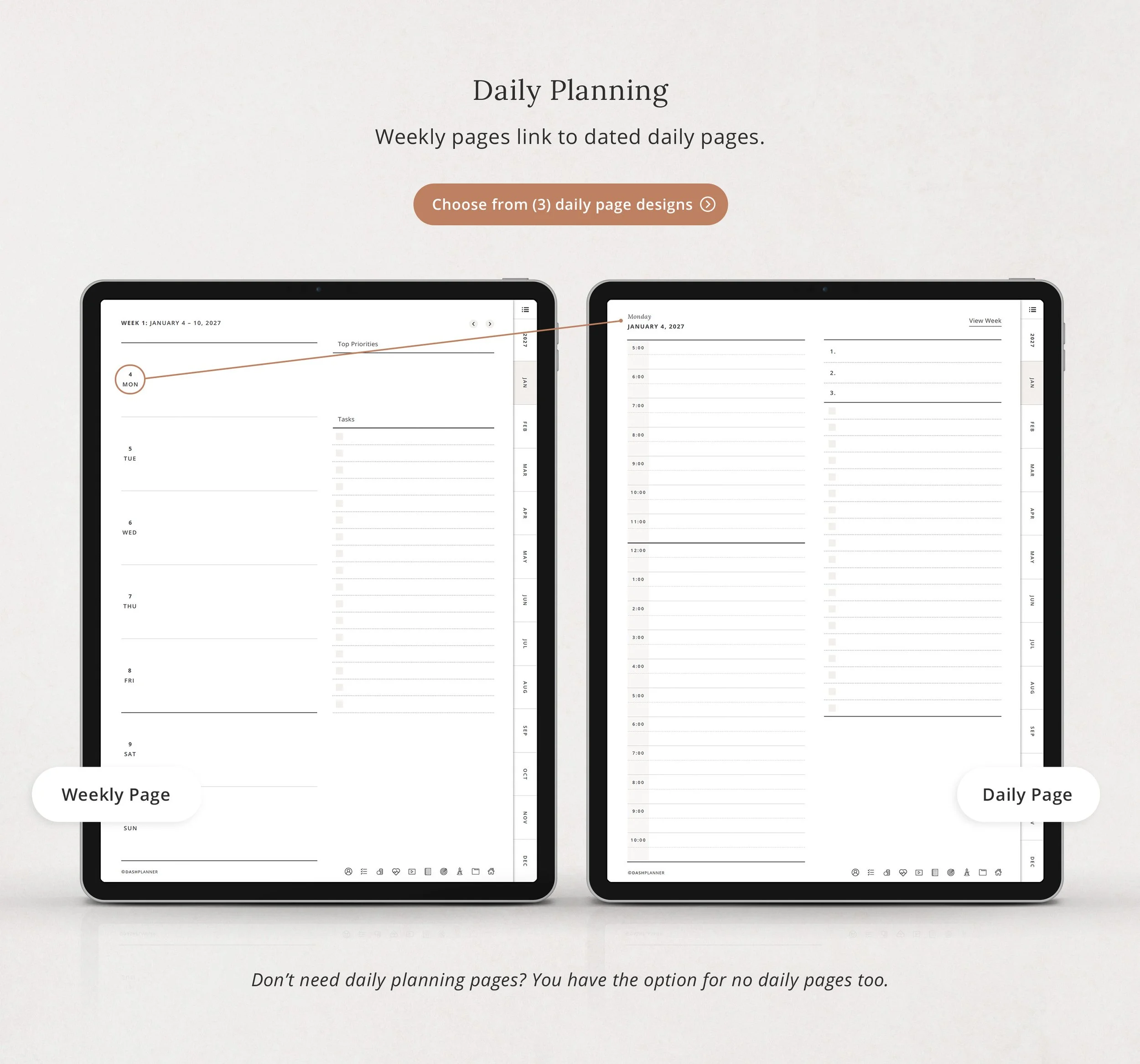
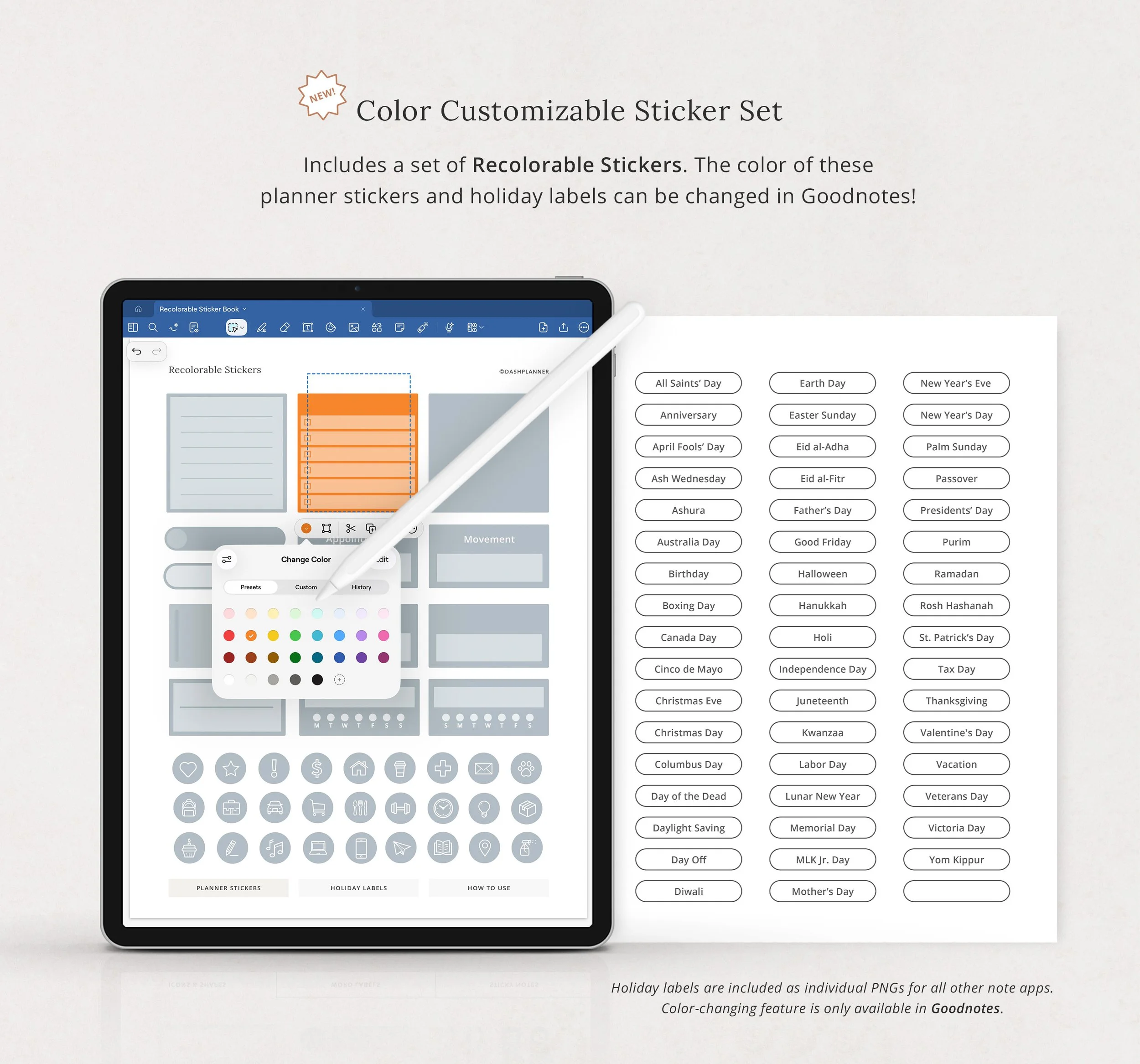
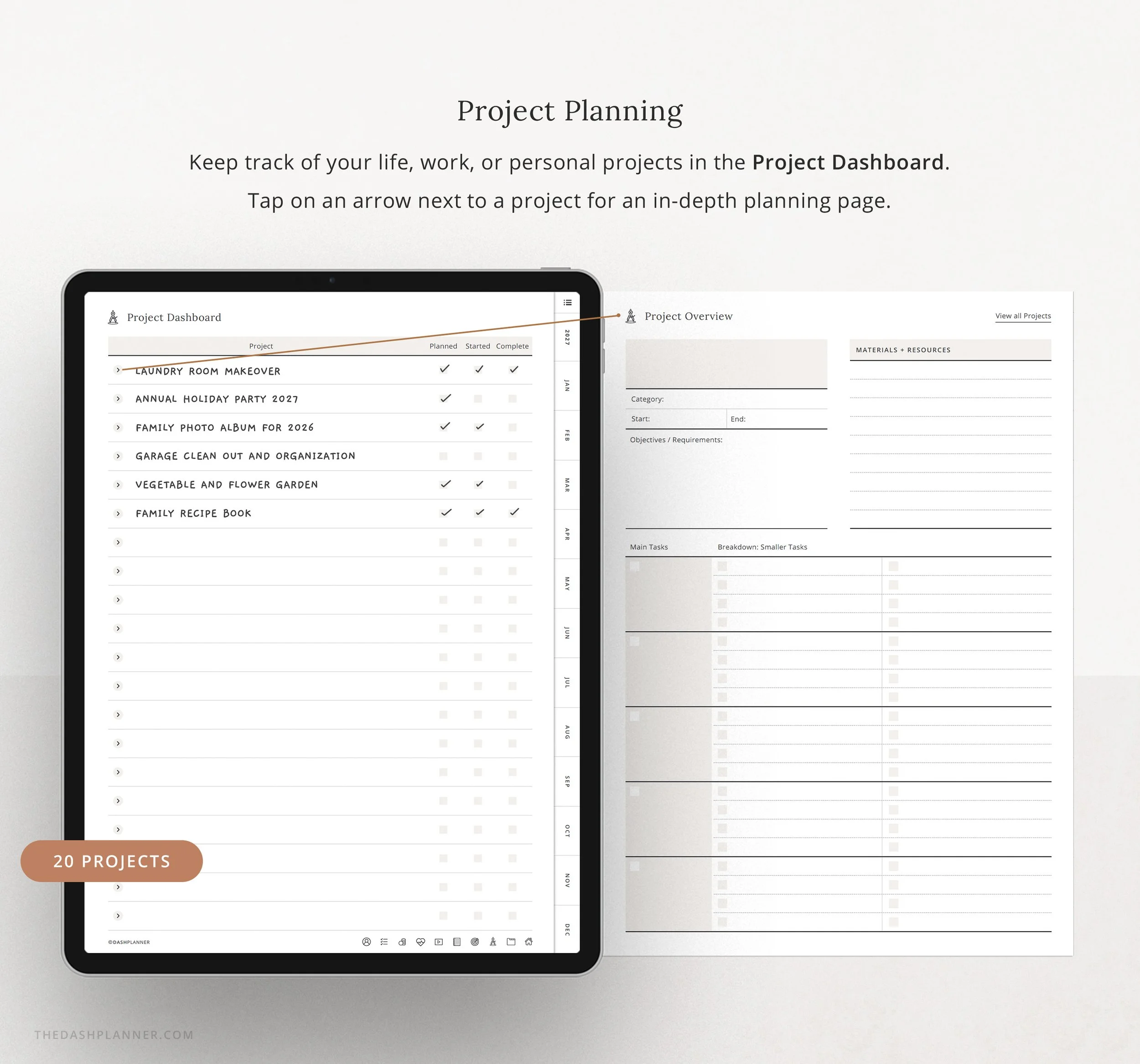
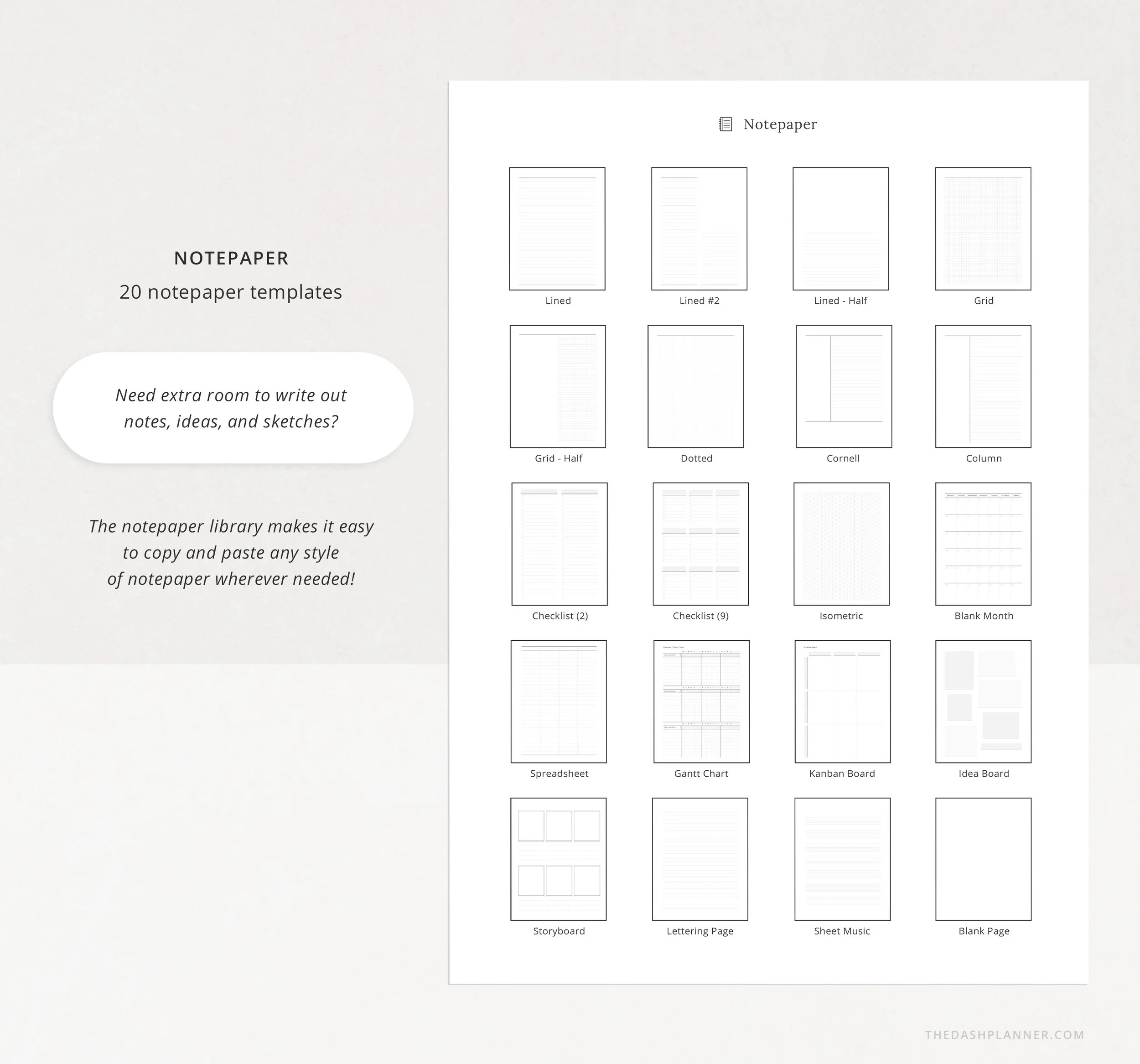
A small collection of favorite pages (notepaper, daily planning, brain dump, and project planning) so you can add a little more structure when you want it.
Who This is For
✓ Anyone new to digital planning
✓ Anyone in a busy season who wants something lighter
✓ Anyone who simply wants planning to feel like a breath of fresh air again
Included Files
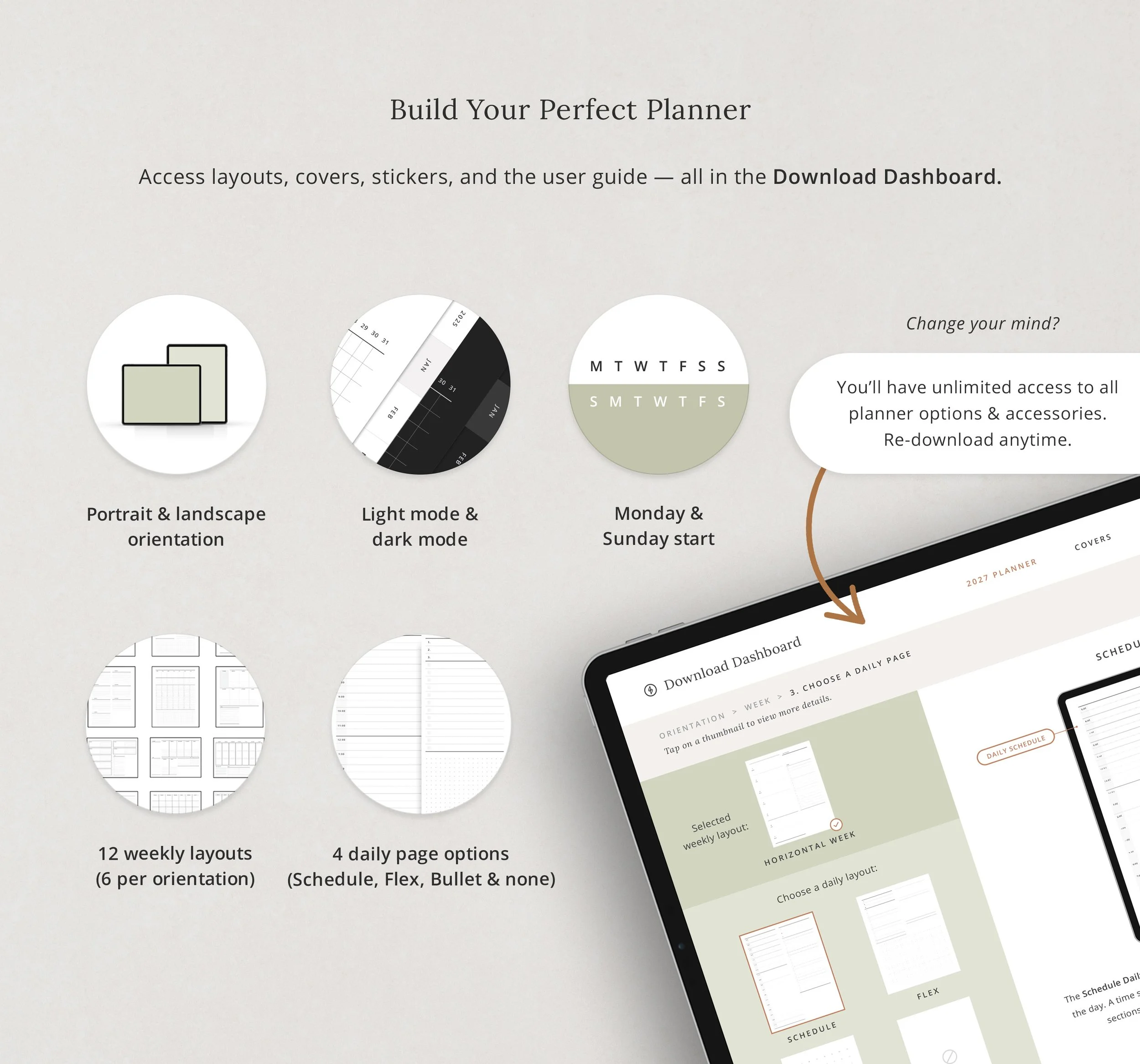
Portrait + Landscape planners
Monday + Sunday start options
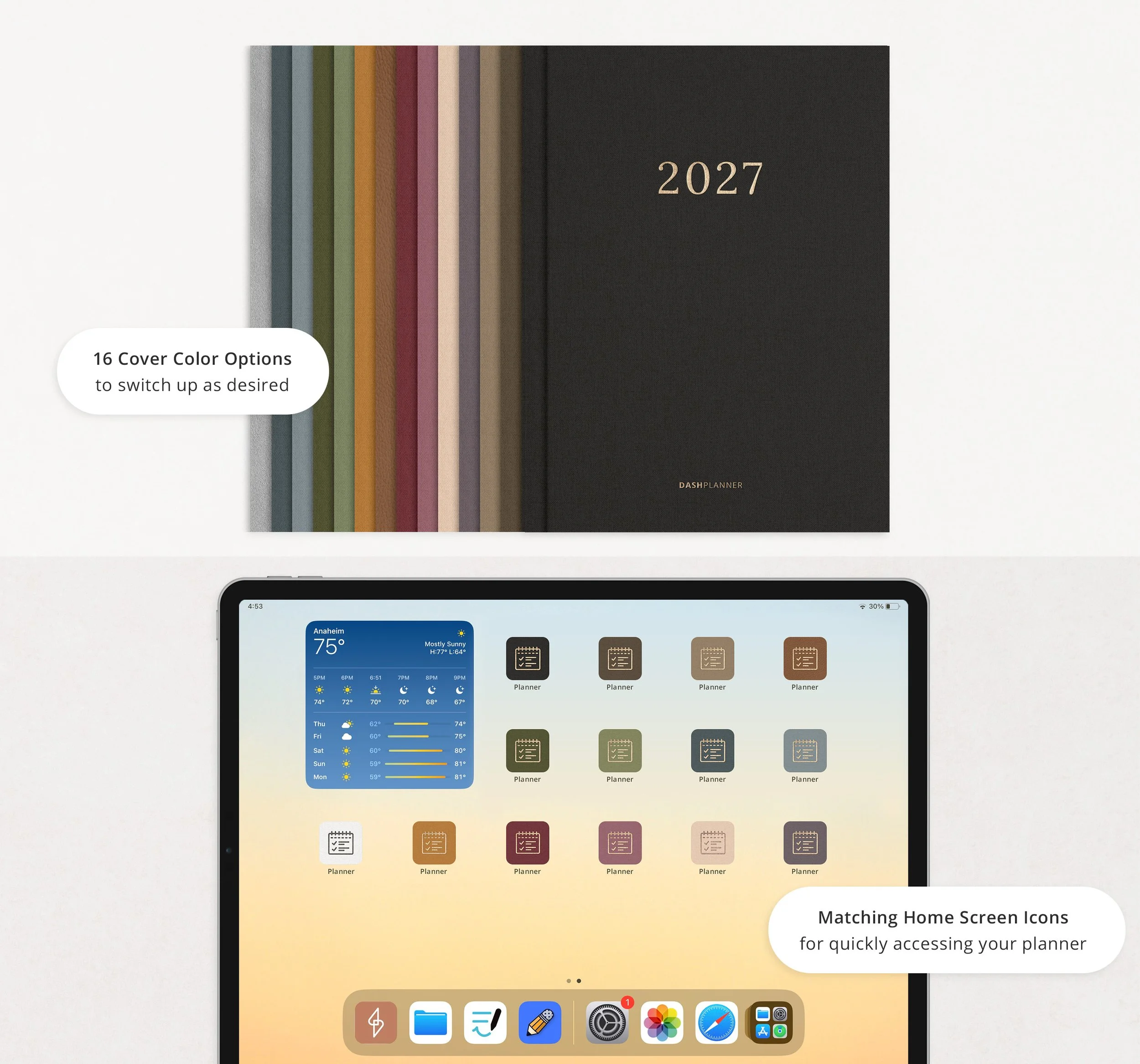
15 interchangeable cover colors
Planner PDF compatible with Goodnotes, Notability, and Noteshelf
To Use
This is a digital planner PDF and requires a note-taking app to work. It will not function as a standalone app.
📲 Recommended Apps
Goodnotes 5 & 6 (iPad)
Notability (iPad)
Noteshelf (iPad + Android)
Xodo (iPad + Android)
Also compatible with CollaNote, Defter Notes, and Noteful (iPad)
iOS Devices
Optimized for iPad + Apple Pencil.
Works on all iPad models and sizes.
Can also be used on MacBook, iMac, or iPhone with the corresponding app version.
Android + PC
Can be used on most Android tablets that support Noteshelf or Xodo.
Due to the wide variety of devices, performance may vary.
If your device runs Noteshelf or Xodo, the planner template should work.
FAQ's
Which apps does the Dash Planner work with?
The Dash Planner works in GoodNotes, Notability, and Noteshelf, plus any note-taking app that supports hyperlinked PDFs.
Does it work on iPad, Mac, or iPhone?
This planner is designed to work best on the iPad and can be used on all versions and sizes. You can also use the planner on an iMac or MacBook via the GoodNotes or Noteshelf desktop apps.
Does it work on Android?
This planner works with most Android tablets. However, because there are so many tablet models, we cannot guarantee it will work on every Android device. If your device supports the Noteshelf or Xodo app, you should be able to use the planner template as well.
How do I download my planner?
After checkout, you will be redirected to a page where you can download your purchase. You will also be emailed your purchased file (note: access to these files will be removed after 24 hours).
What is your return policy?
This is a digital product — no physical item will be shipped. Because this is a digital download, all sales are final. Please review the listing carefully before purchasing. Questions before you buy? Reach us at hello@thedashplanner.com. We’re happy to help!